Connect Copilot Studio to SMS with Dynamics 365 Contact Center
A practical setup for SMS agents using a Power Platform environment, Dynamics 365 Contact Center, Twilio and explicit privacy guardrails.
A practical setup for SMS agents using a Power Platform environment, Dynamics 365 Contact Center, Twilio and explicit privacy guardrails.
The preview MCP server lets AI clients run PnP PowerShell across Microsoft 365 and Power Platform while requiring confirmation for destructive commands.
Inventory classic pages, alerts, scripts, add-ins and ACS dependencies, then modernize or retire them based on business criticality.
A walkthrough for connecting a community Power Platform MCP server to Copilot Studio so an agent can inspect environments and create Power Automate flows or Power Apps after approval.
PnP PowerShell with Copilot turns natural-language requests into tenant operations, making authentication, permissions and review essential safeguards.
A focused PnP PowerShell script disables SharePoint Online Add Shortcut to OneDrive across the tenant using certificate-based authentication.
Claude Code, Dataverse skills and PAC tooling can create environments, solutions, data models and sample data from prompts.
Review anonymous table permissions, Web API settings and custom web roles to prevent accidental Dataverse exposure through Power Pages.
A practical preview tutorial shows how to upload a React single-page application to Power Pages while retaining authentication and table permissions.
A preview feature converts a Power Pages basic form into an agent, with web roles, authentication and Web API field exposure requiring careful review.
A tutorial for hosting React code in Power Pages while configuring Web API exposure, CSRF protection, authentication and Dataverse permissions.
Power Pages can provision, configure and renew a free Microsoft-managed certificate for custom domains, while admins retain DNS and outage planning responsibilities.
Dataverse includes useful capabilities beyond the maker portal, including Outlook integration, Exchange email, diagnostics, field mappings and multi-table lookups.
A Claude Code Power Pages preview built and deployed a site, but missed table permissions, a WebAPI setting and non-Entra authentication steps.
Effective governance begins with four business decisions about enablement, protection, accepted risk and unacceptable risk before technical configuration.
The portfolio outlines assessments, workshops and support for governance, security, DLP, ownership and Copilot readiness.
A PowerShell method changes the governance configuration to Basic and effectively removes Managed Environment status.
Design a governed Maker Environment with aligned DLP, intentional access, Dataverse controls, solutions, monitoring and a clear path to production.
Use Copilot Studio to create explainable AI assistants, document their workflows and decisions, and apply governance rules for fairness and accessibility.
Weekly Power Platform updates cover agent governance, AI spending controls, browser permissions, Work IQ, and the retirement of Dataverse Global Discovery Service APIs.
Rencore recommends matching AI accounts to Entra ID so ownership, permissions, activity and access can be governed across providers.
Use Microsoft Graph through HTTP with Microsoft Entra ID to create private Teams channels with an owner and defined members.
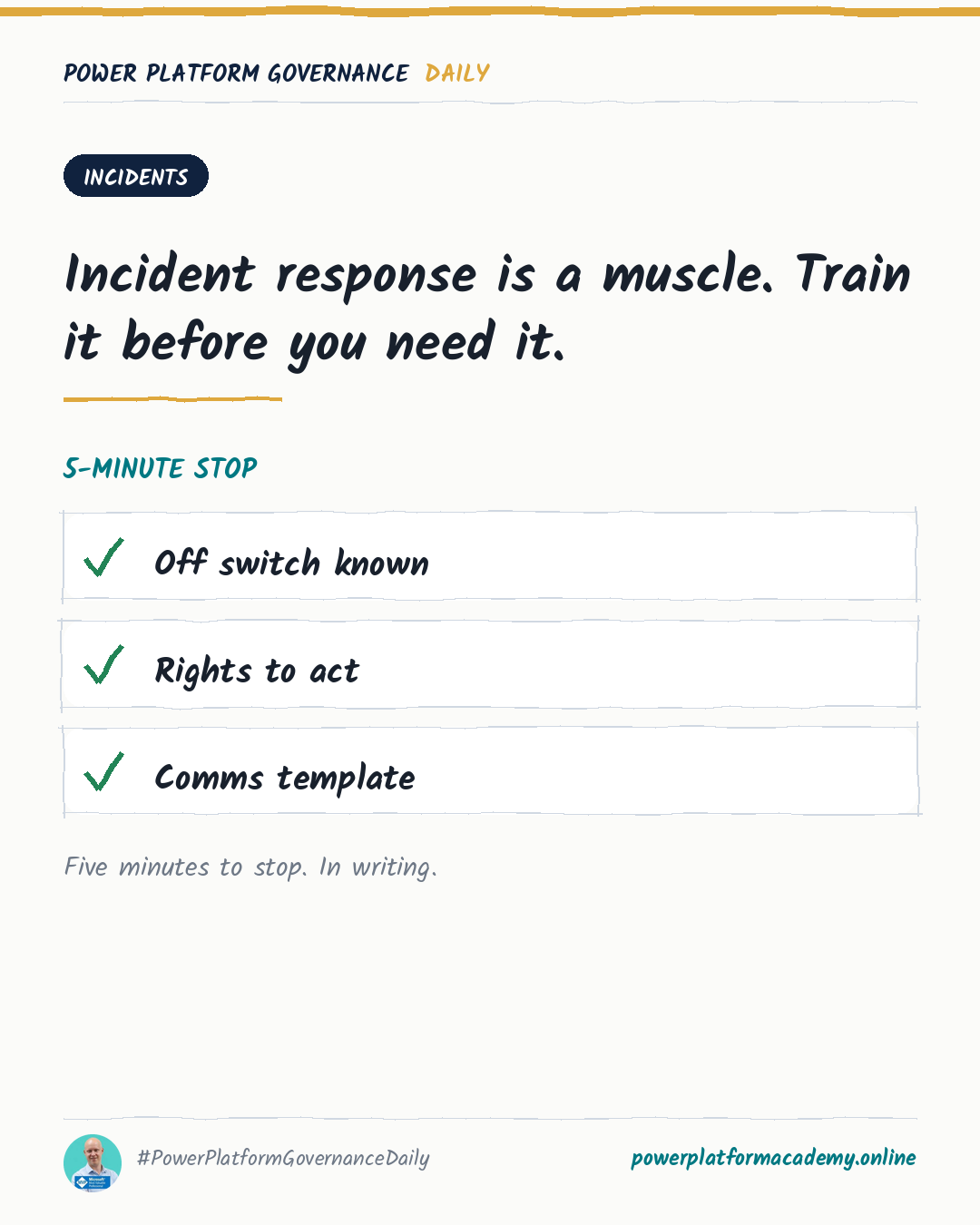
Why a working alert and a heard alert are two different things, why stopping a bad flow needs to be a rehearsed five-minute action instead of an improvised one, and why audit logging has to be switched on before the incident it's meant to explain.
Why a solution's name, its data location, and one paragraph of description are the three things that make it survivable after its maker leaves, and why none of them cost more than a few minutes to get right at build time.
Why demand for a tool doesn't disappear when IT says no, why the business/IT split itself manufactures workarounds, and why a slow yes creates exactly as much shadow IT as a silent no.
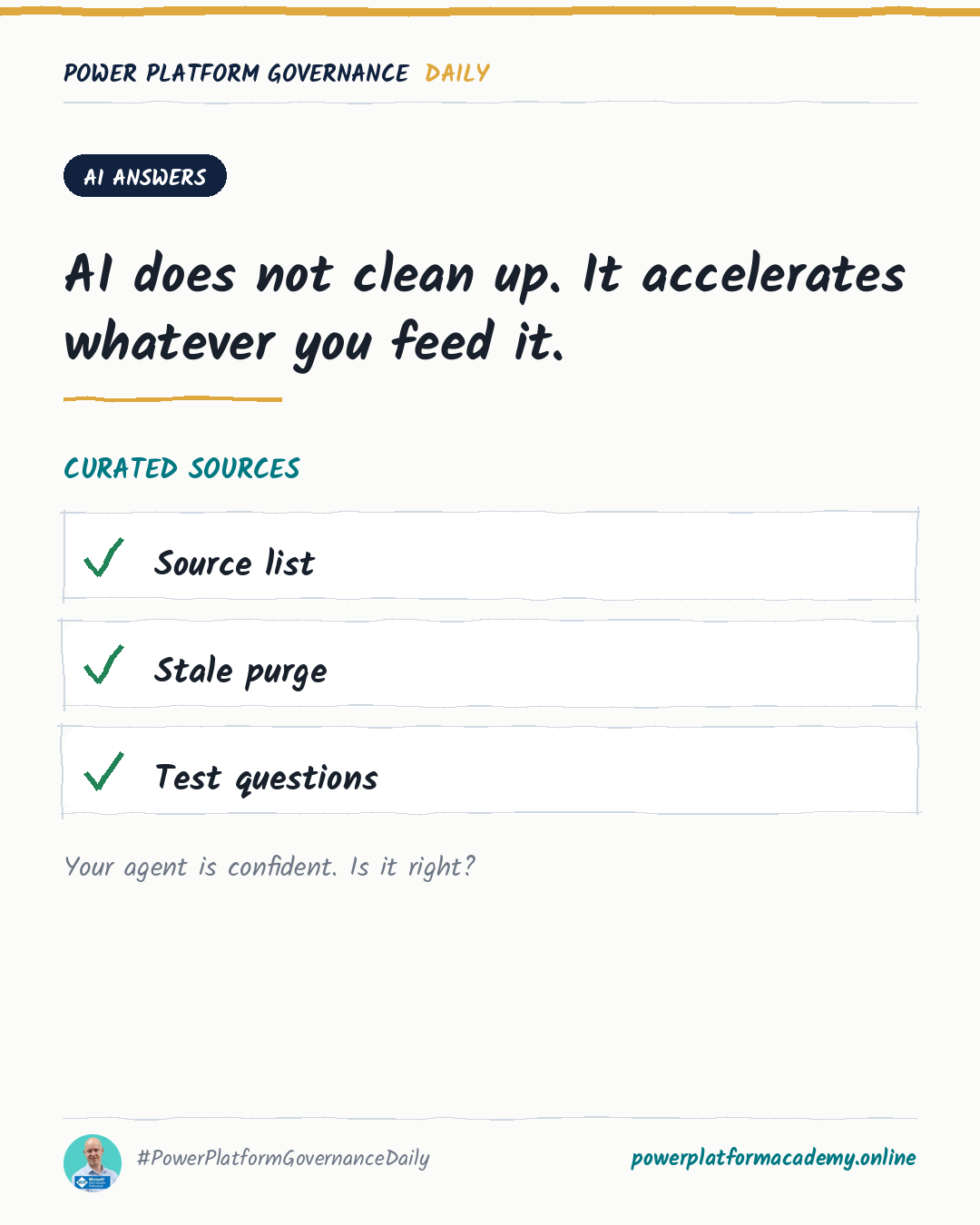
Why agent evaluation proves correctness, not safety, why grounding in permission-scoped data is the actual mitigation for confident-but-wrong output, and why what an agent retains is its own governance decision.
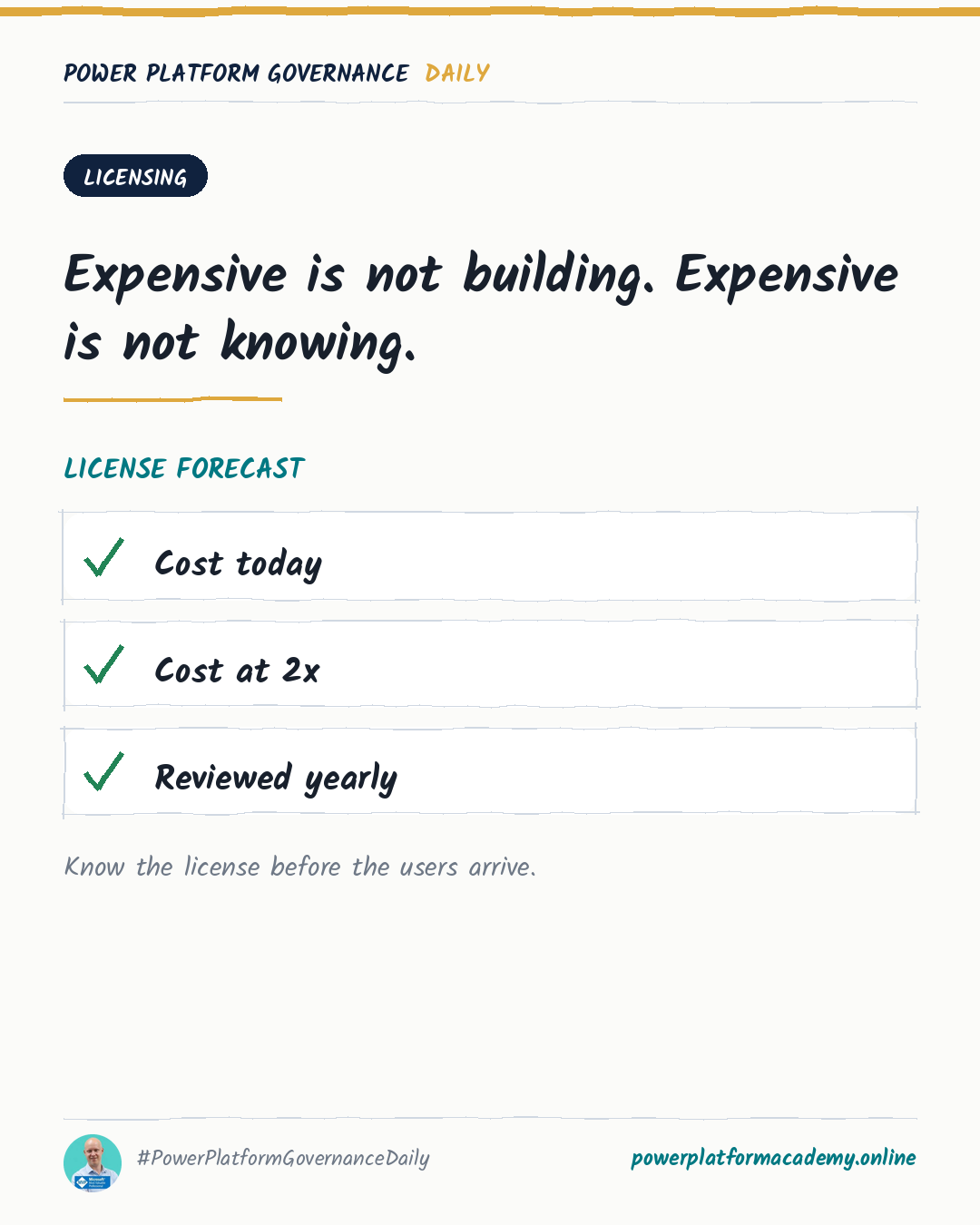
Why Microsoft 365-included rights don't cover as much as people assume, how pay-as-you-go trades procurement friction for a live Azure bill, and why the licensing model itself is a moving target worth reviewing yearly.
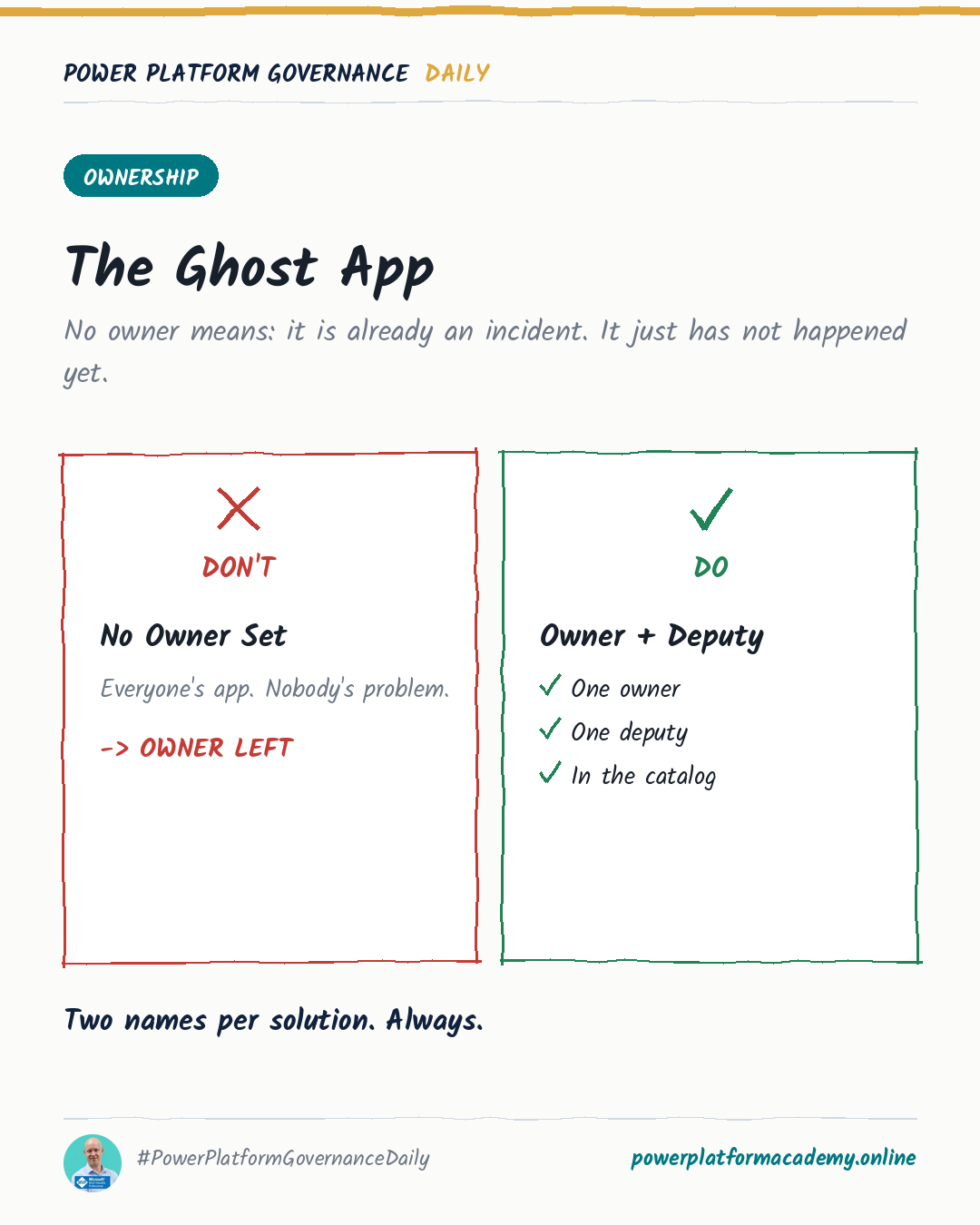
Why Microsoft ships PowerShell cmdlets specifically for orphaned flows, and why offboarding automation only works when it's triggered by the same event HR already generates.
The built-in weekly digest already answers most of what a CoE dashboard project sets out to build: usage, inactive resources, and top apps, flows and makers. Turning it on is a checkbox, not a project.
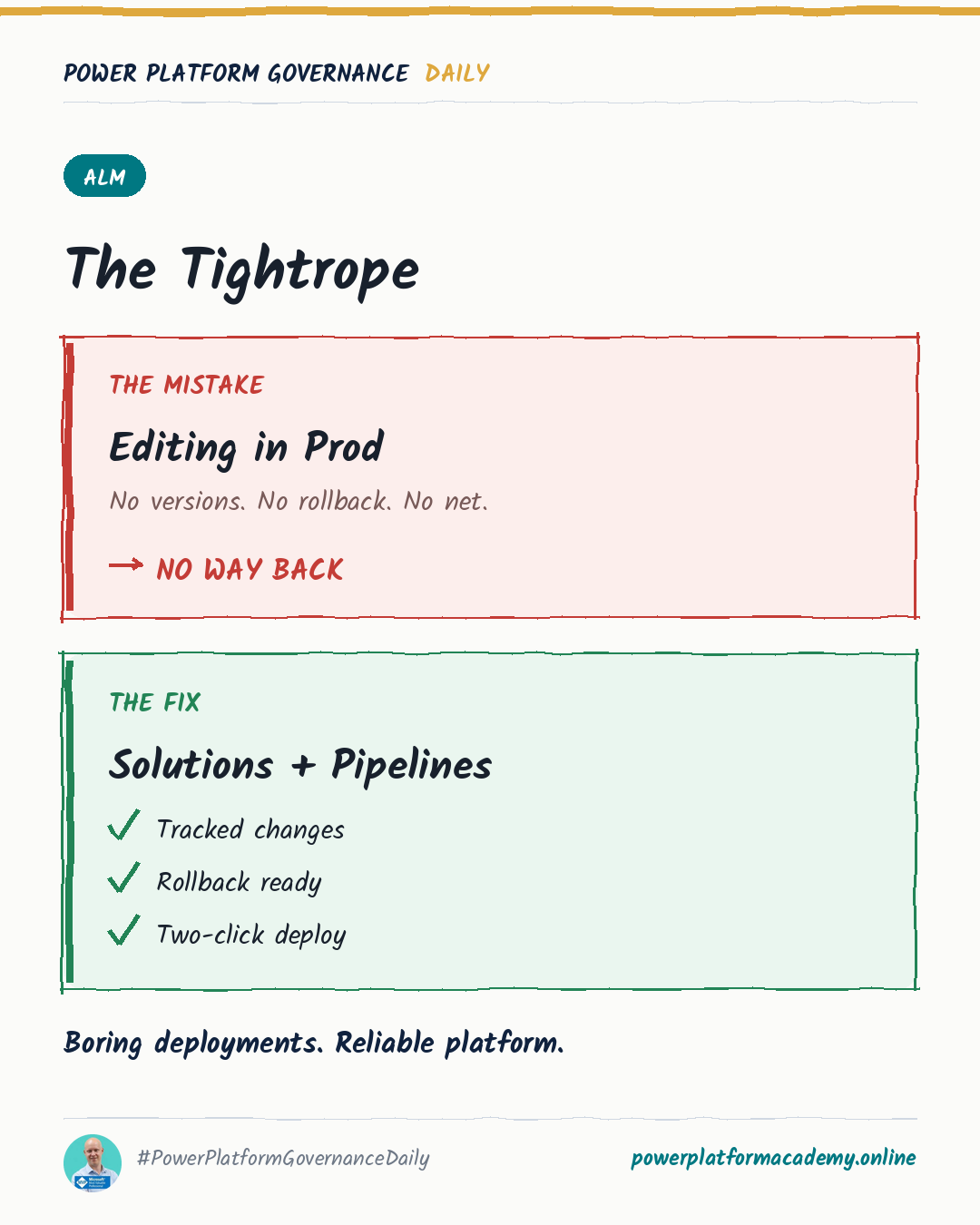
Why every non-development environment should only ever see managed solutions, who should own production flows, and how to stop connection references and environment variables from requiring manual re-entry on every deployment.
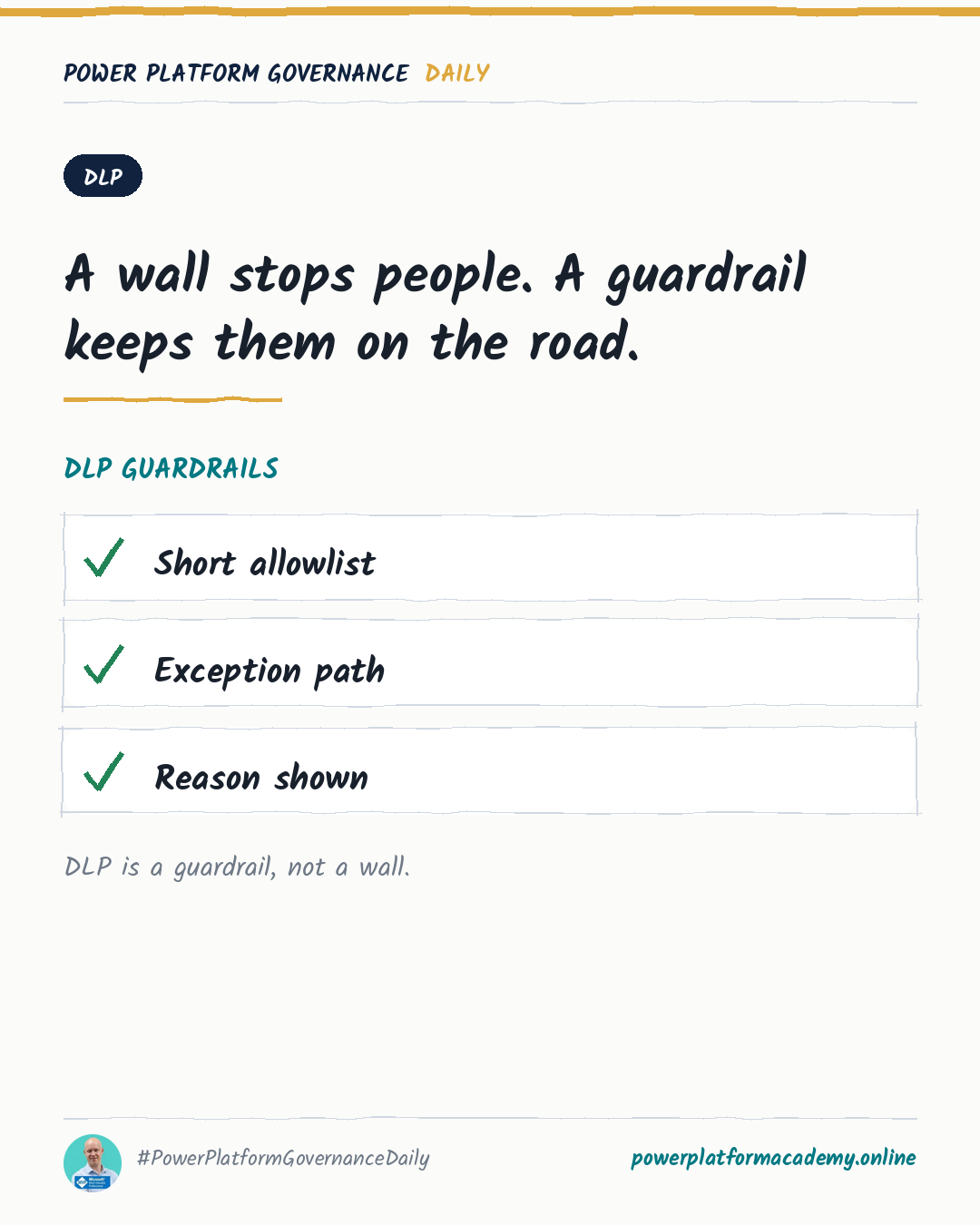
Why the default connector group matters more than it looks, how action-level and endpoint-level control go beyond block/allow, and why cross-tenant isolation is a separate control DLP doesn't cover.
Least-privilege security roles, sharing with groups instead of individuals, and treating every open HTTP endpoint as a decision someone has to actually make.
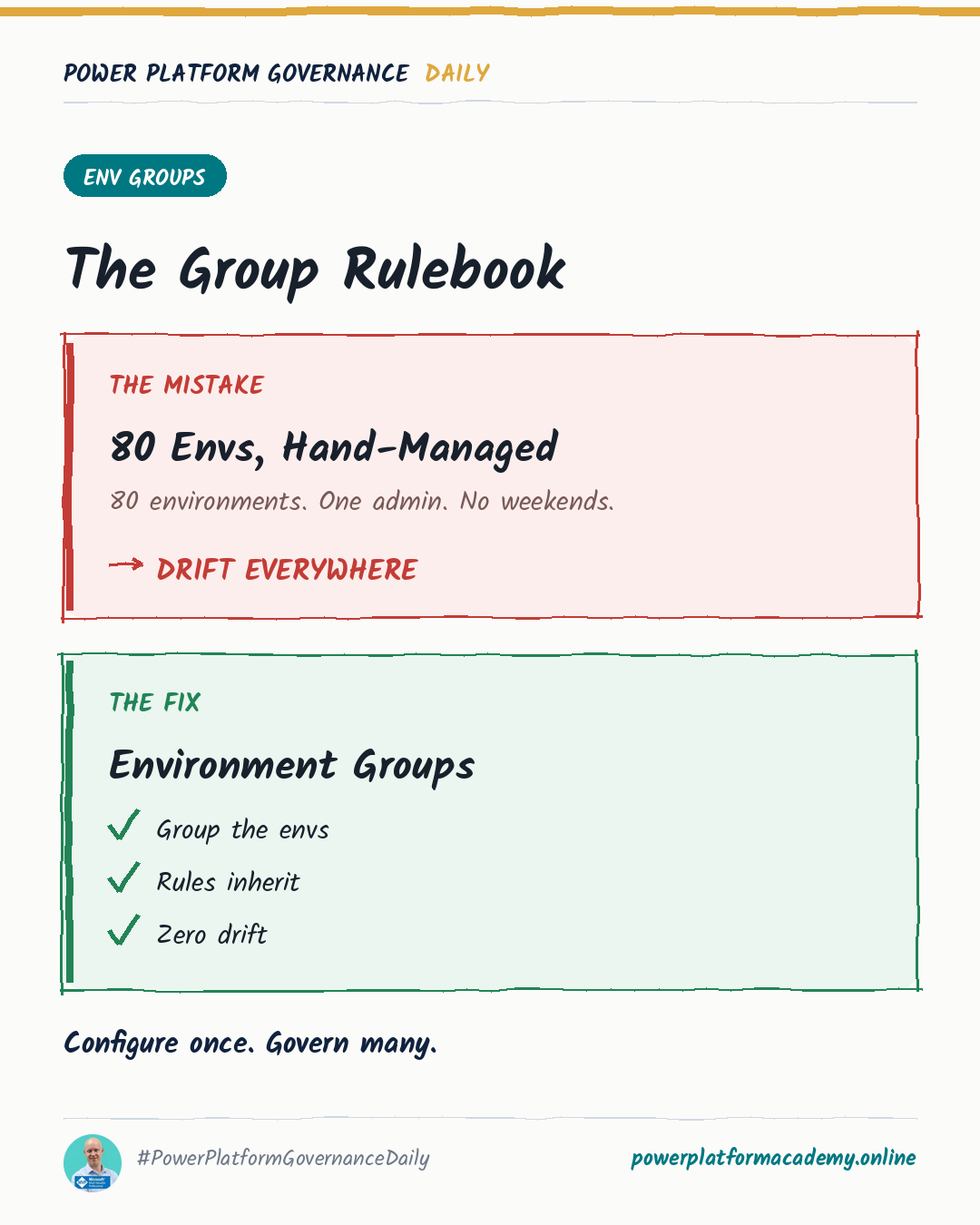
Environment routing, environment groups, and the seven-day recovery window — three Managed Environments features that replace manual per-environment work with a setting configured once.
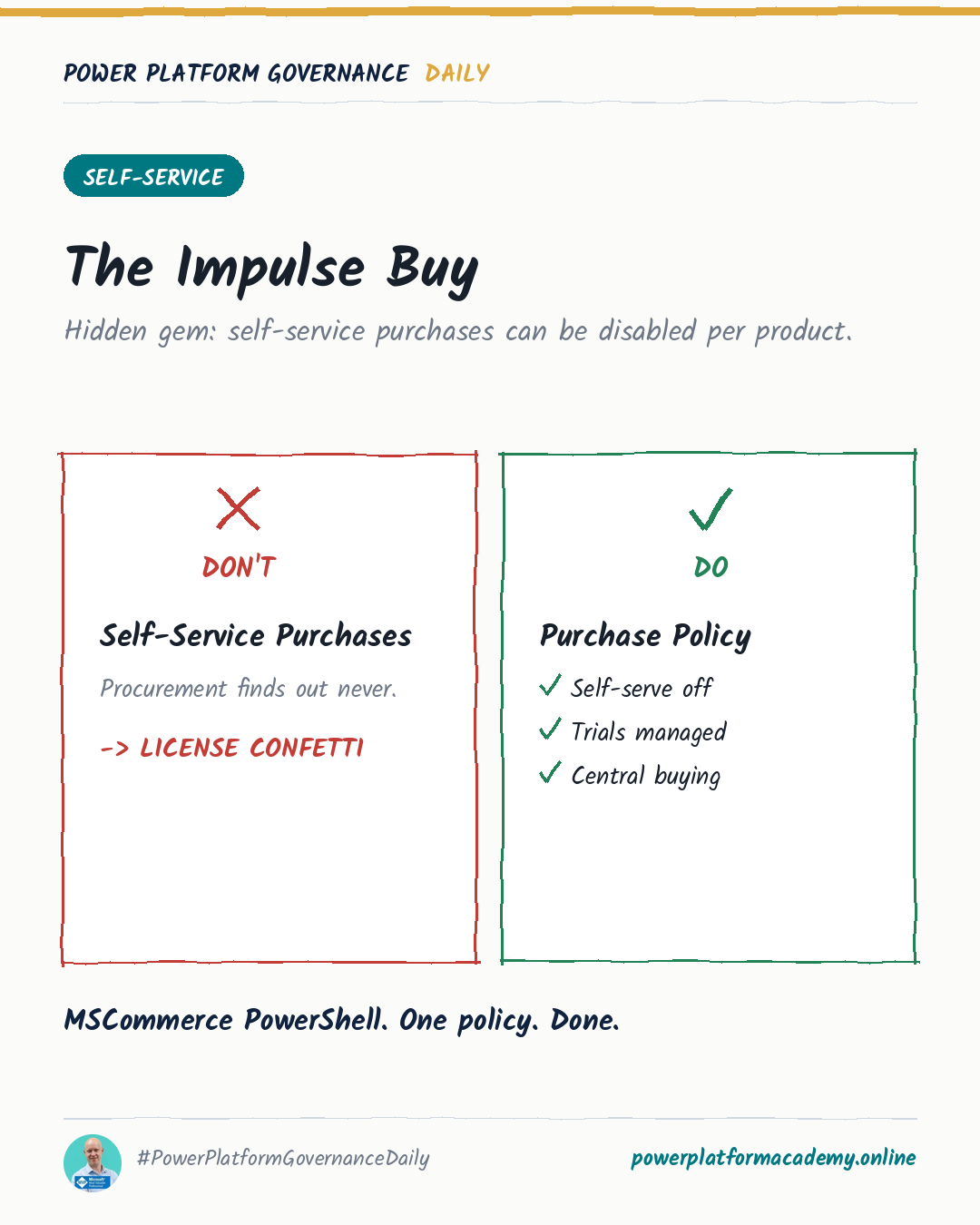
Blocking impulse license purchases per product, quarantining a problem app without deleting it, and greeting new makers with your actual rules instead of Microsoft's defaults.
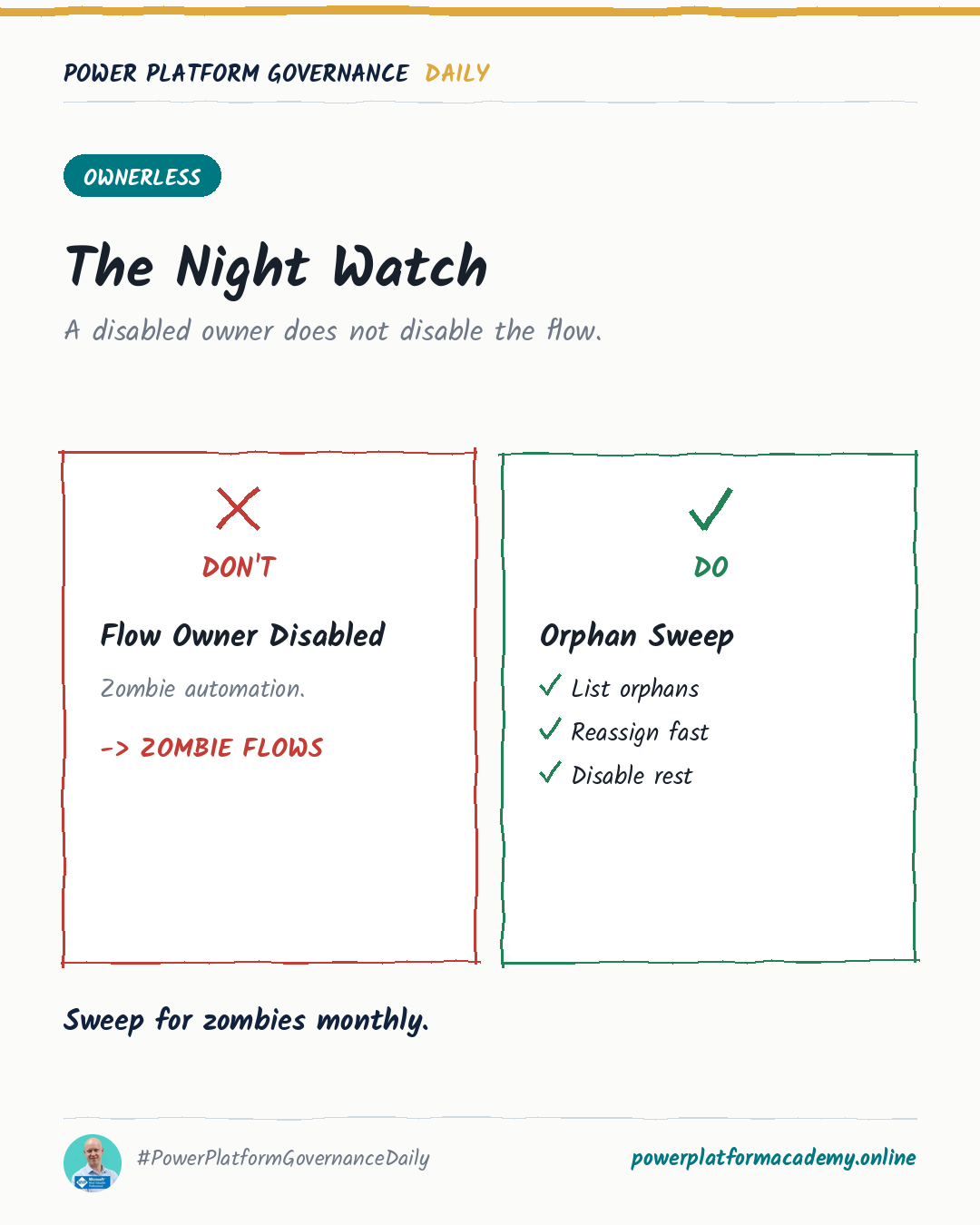
Why a flow keeps existing after its owner leaves the company, what actually breaks first, and why Microsoft recommends service principal ownership for anything critical.
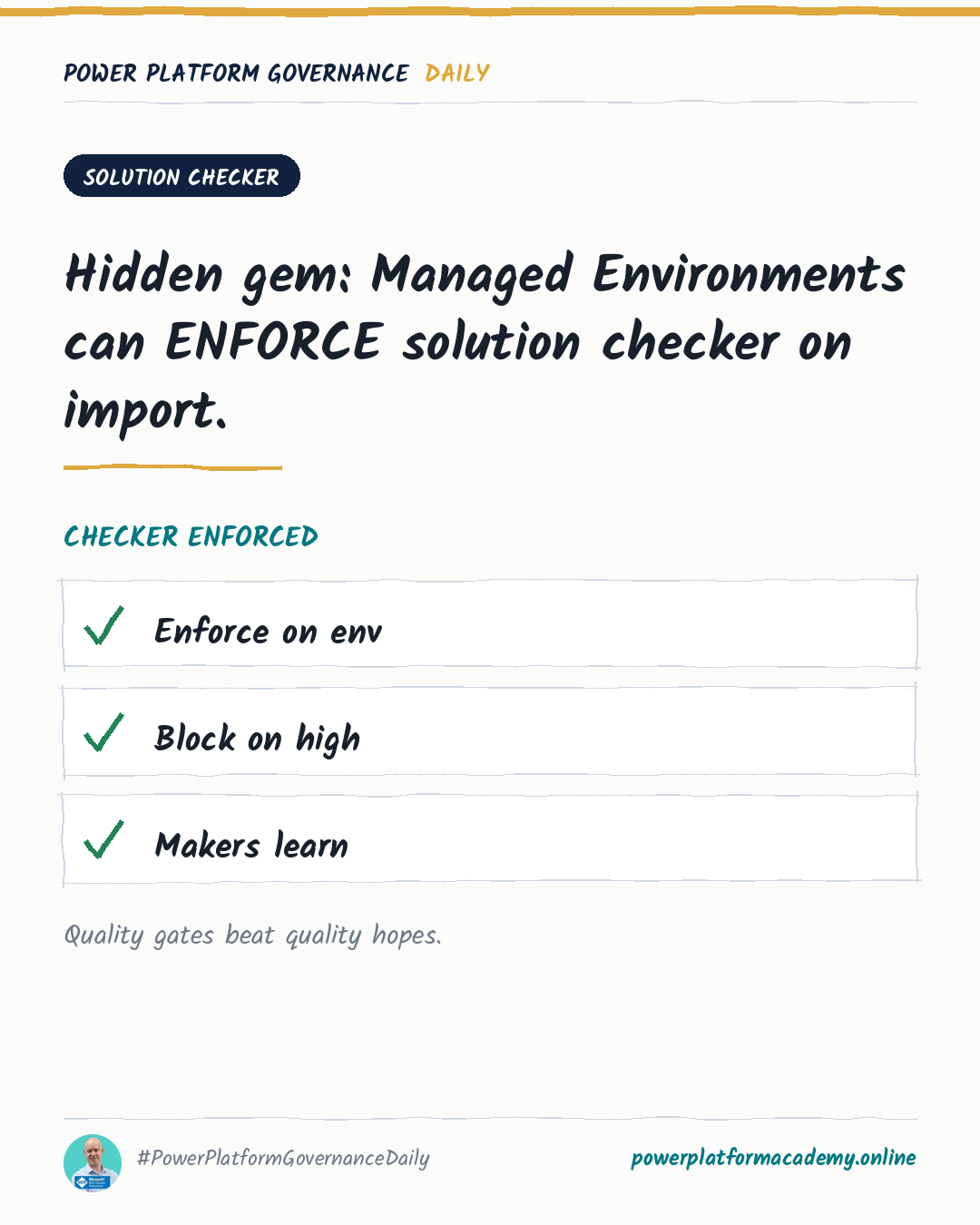
How Managed Environments can block or warn on critical solution issues at import time, the PowerShell to turn it on across environments, and where to set exclusions.
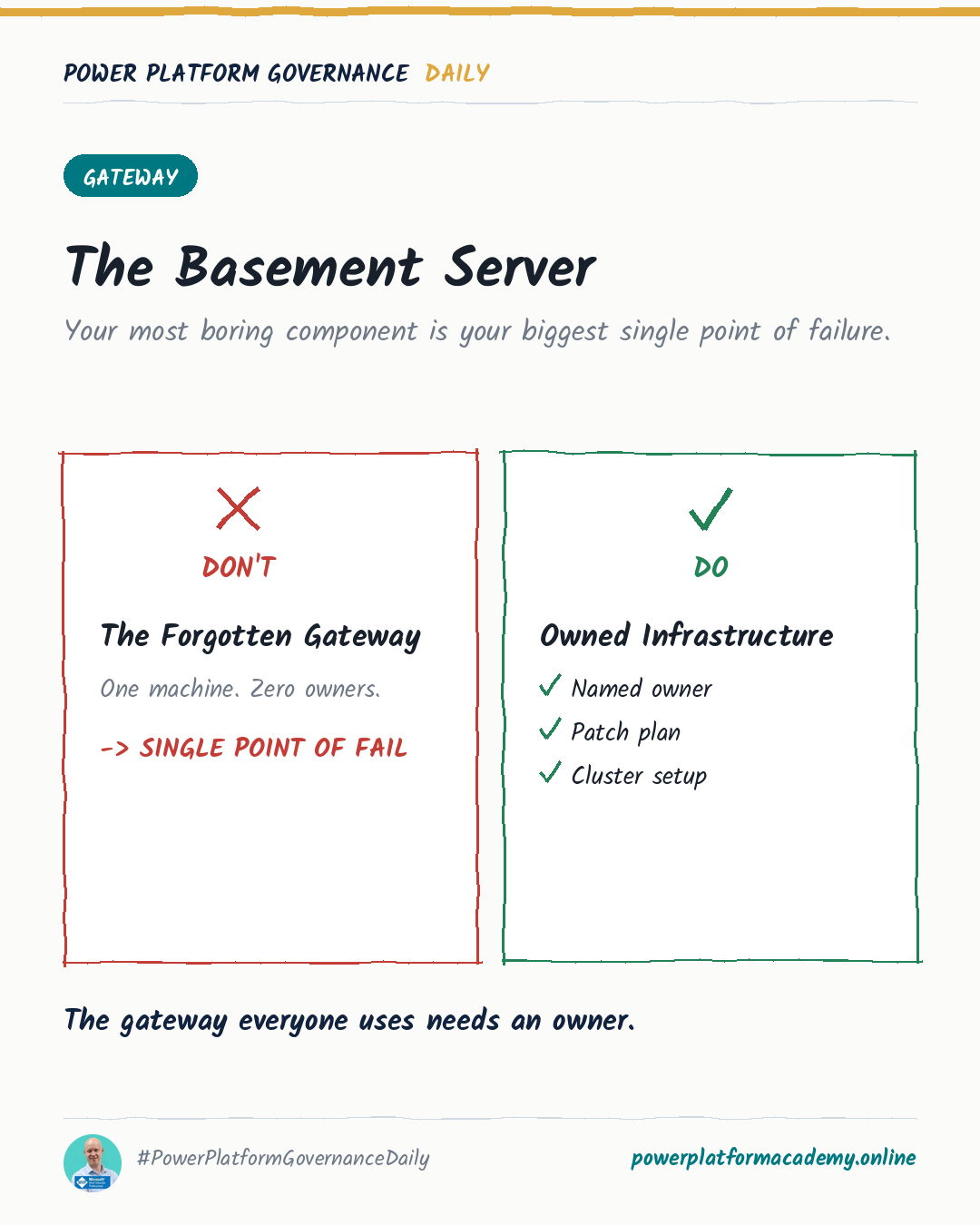
How to move a lone on-premises data gateway into a high-availability cluster, who should own it, and the settings that keep failover actually working.
A Copilot Studio MCP tool may repeatedly request a connection when its credential setting uses end-user credentials; switching to maker-provided credentials resolved the reported issue.
A Dataverse table, Liquid FetchXML and JavaScript provide custom multilingual labels with role- and page-aware selection in Power Pages.
A custom MCP server caused a Copilot Studio agent to answer an unrelated question despite instructions restricting conversation to a training course.
A JavaScript redirect page can preserve trusted company domains and UTM parameters while replacing Customer Insights - Journeys built-in link tracking.
Customer Insights Data and Dataverse integrations can leave invalid Customer Profile lookups on Contact, Opportunity, Lead or Account records.
Use the Customer Insights – Data API testing tool to locate measure and segment dependencies before replacing or removing a datasource.
Explains Dataverse customeraddress and leadaddress storage, two new address-management features, storage implications and backup precautions.
Explains how Work IQ is used in Copilot Studio and custom applications, when Copilot Credits apply, and how Microsoft 365 and Power Platform administrators control consumption.
GitHub Copilot harness agents filter SharePoint files by metadata, pass matching URLs to knowledge search, and preserve SharePoint permission trimming for scoped answers.
Use Agent Review Tool to inspect findings, skill quality, evaluation coverage and configuration relationships before releasing a Copilot Studio agent.
Retrieve daily Copilot Credit consumption, store it in Dataverse, and create governed tenant-wide dashboards for agents and environments.
Explains how XML map files connect solution Plugin DLLs and Webresources to locally built binaries during PAC CLI and Power Platform Build Tools pack, unpack or clone operations.
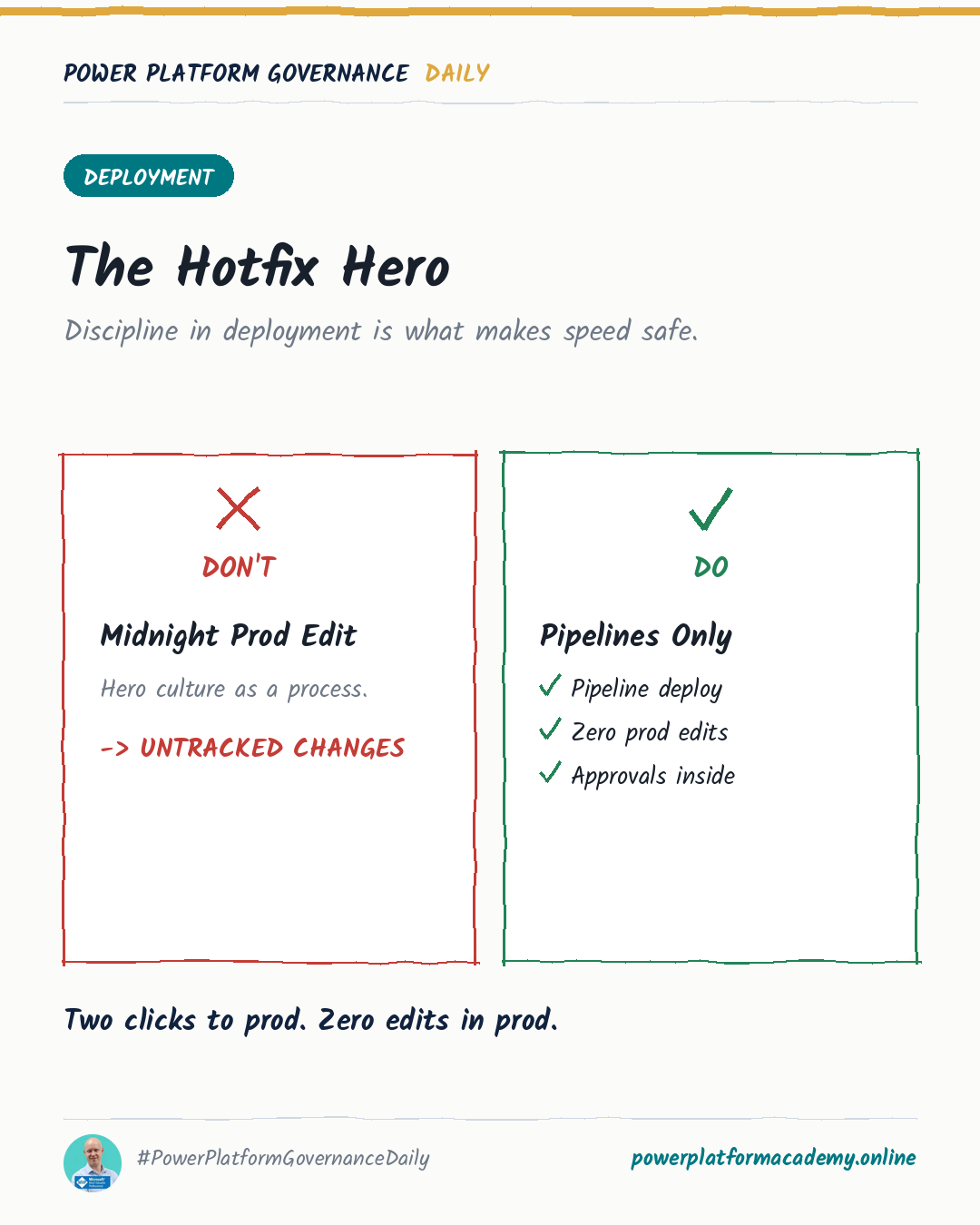
Instructions for converting downstream Power Platform solutions to managed mode through the UI, PAC, Azure DevOps or GitHub Actions.
Use the flow URL’s /export path to reach the hidden package export page after detaching a flow from a solution.
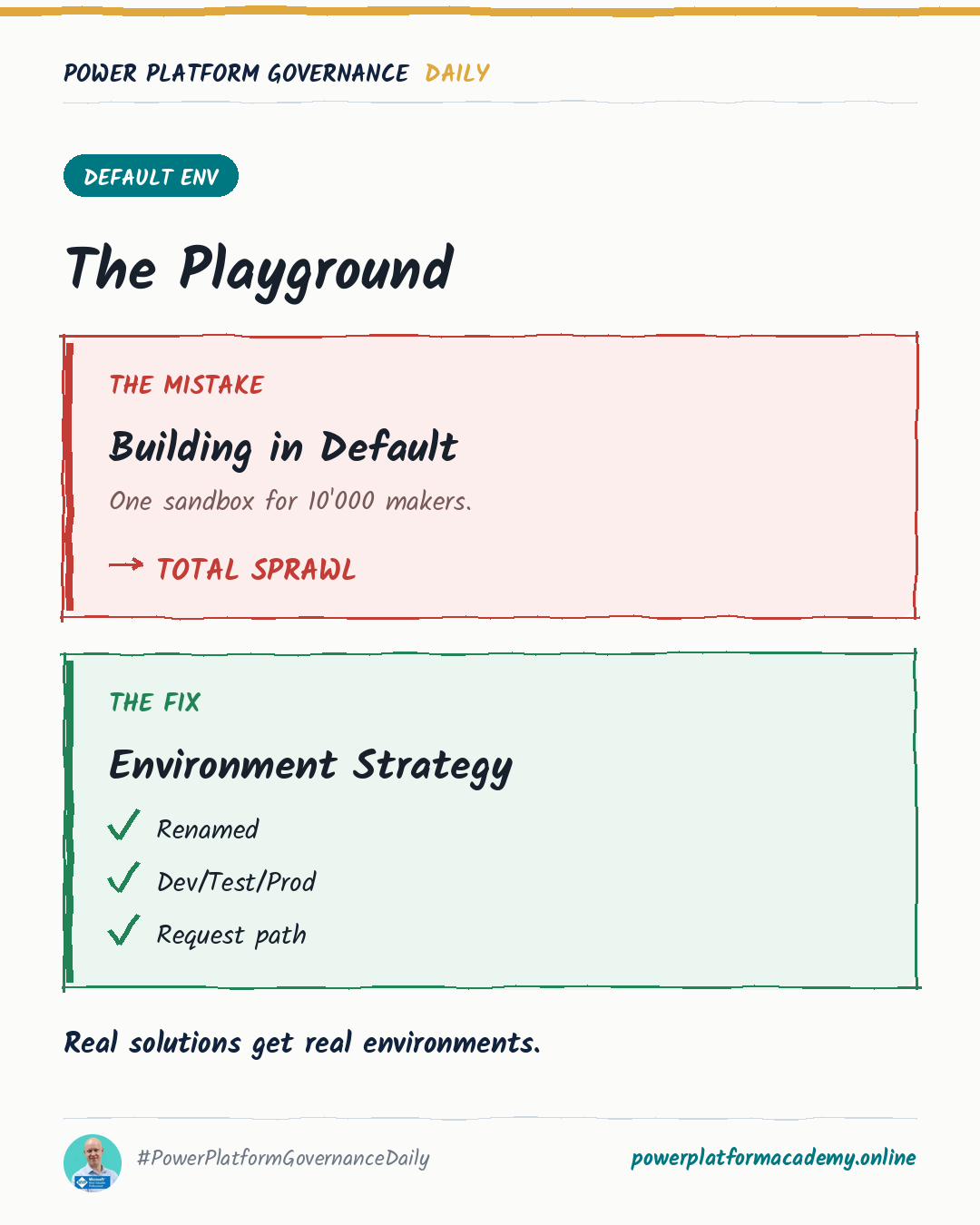
Pick one of three models for the Default Environment - personal productivity only, tolerated but monitored, or locked down - and never blend them.
Dependency checks before decommissioning and automatic inactive-owner detection for flows - two concrete ideas, regardless of which tool you use.
A timeline of the CoE Starter Kit's end of life and nine governance gaps the Power Platform Admin Center doesn't fill.
A per-action toggle in Power Automate that masks credentials and personal data in run history and logs, without changing how the action executes.
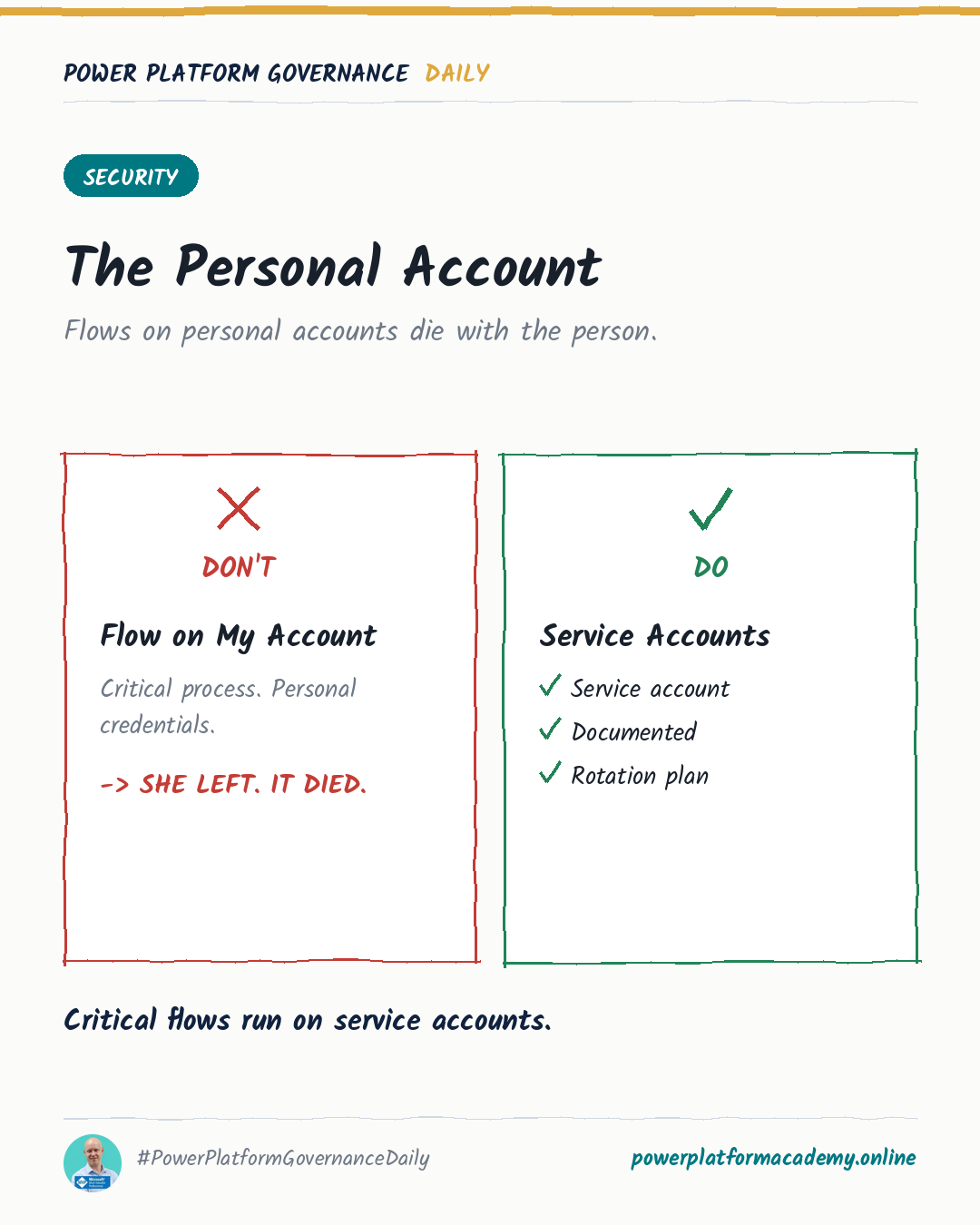
Once a flow runs with a service account's elevated rights, the flow's own input validation becomes the last line of defense — not the caller's permissions.
Make the flow solution-aware and add a co-owner instead of exporting and re-importing — connections and run history stay untouched.
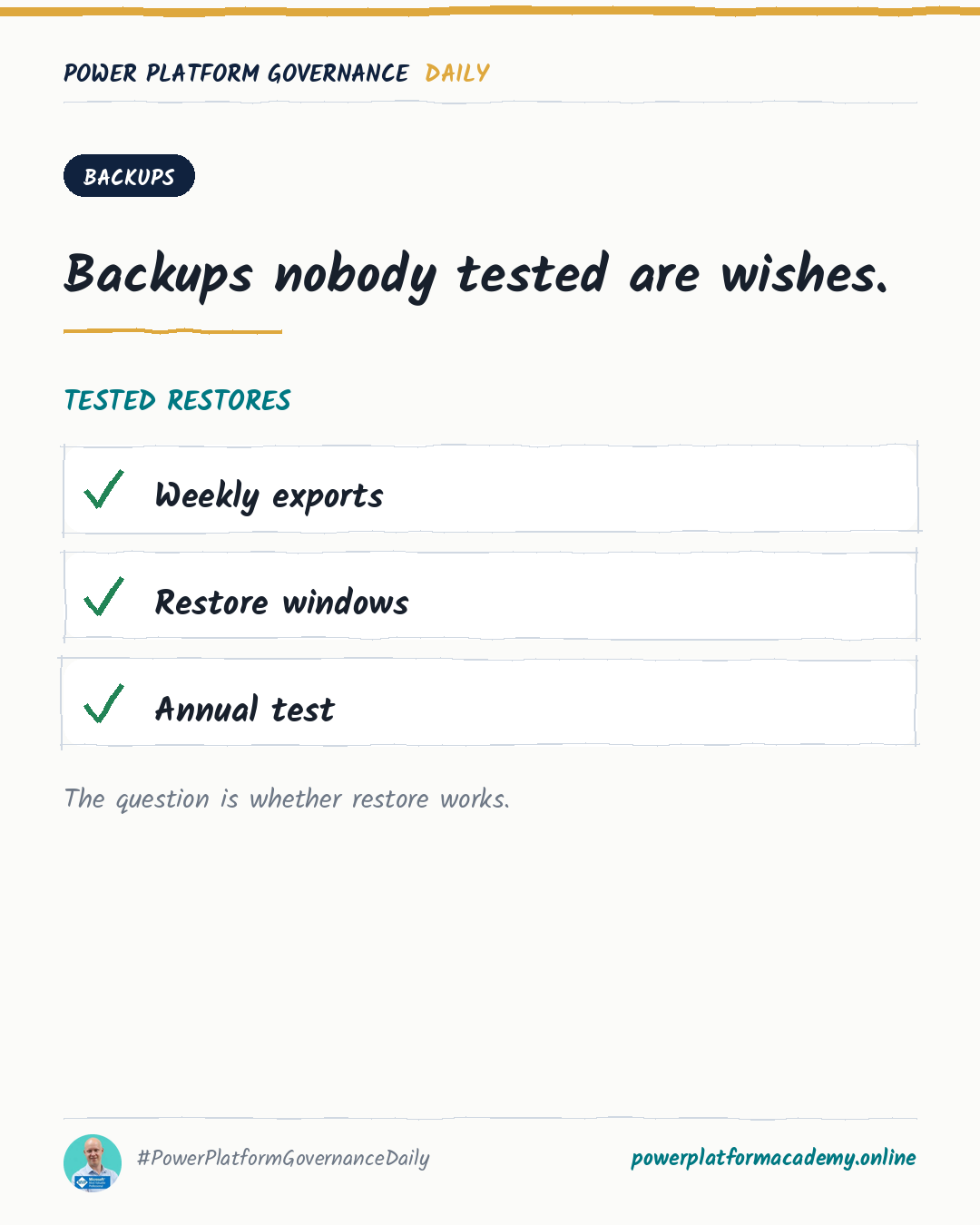
Turn solution backup into a scheduled workflow: automate versioned exports and know exactly how to restore from them.
Two ways to reassign a Power App's owner: the CoE Starter Kit admin app, or Set-AdminPowerAppOwner via PowerShell for scripted bulk transfers.
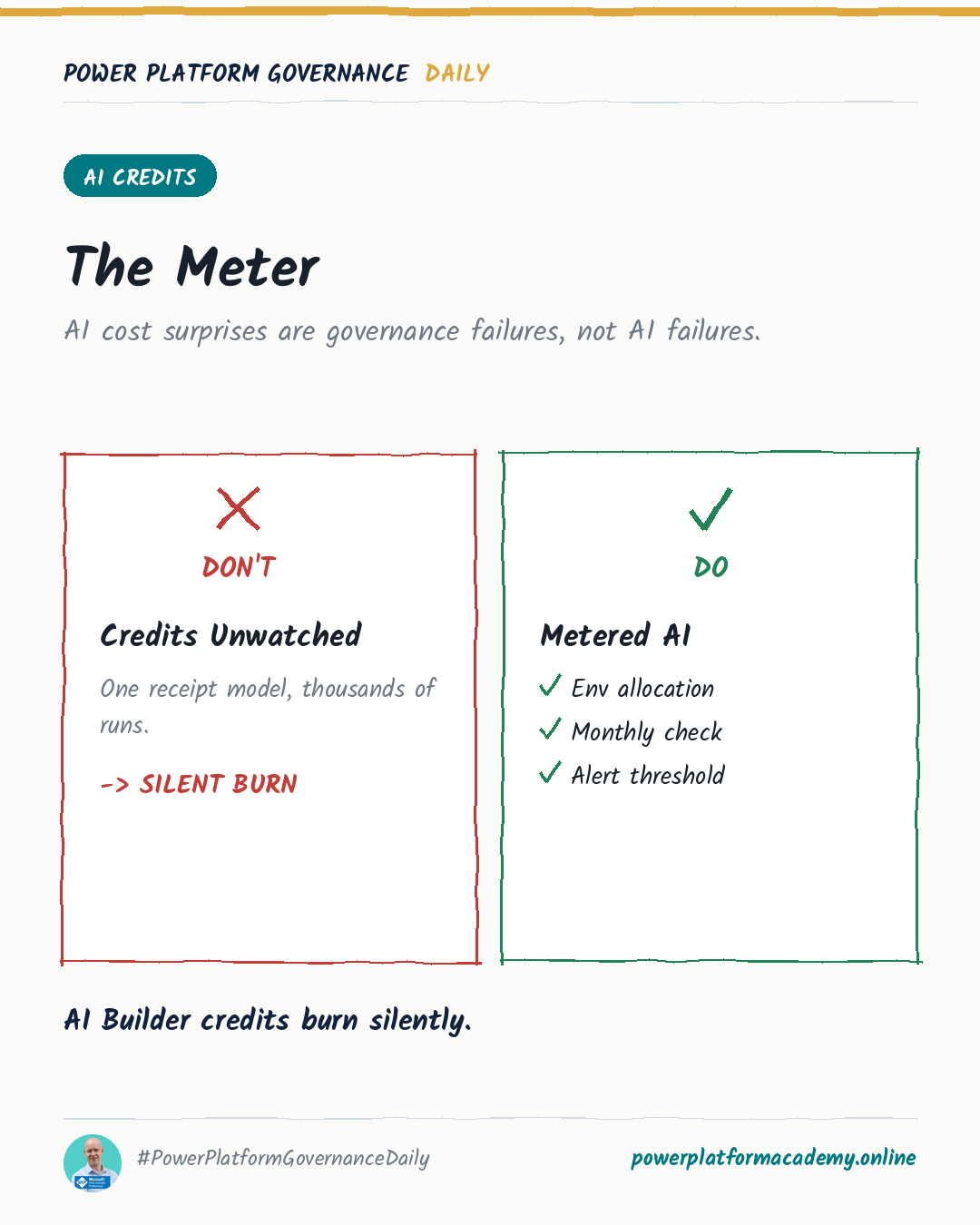
How to find GitHub Copilot harness agents in a tenant and cap their Copilot Credit consumption at the environment and agent level.
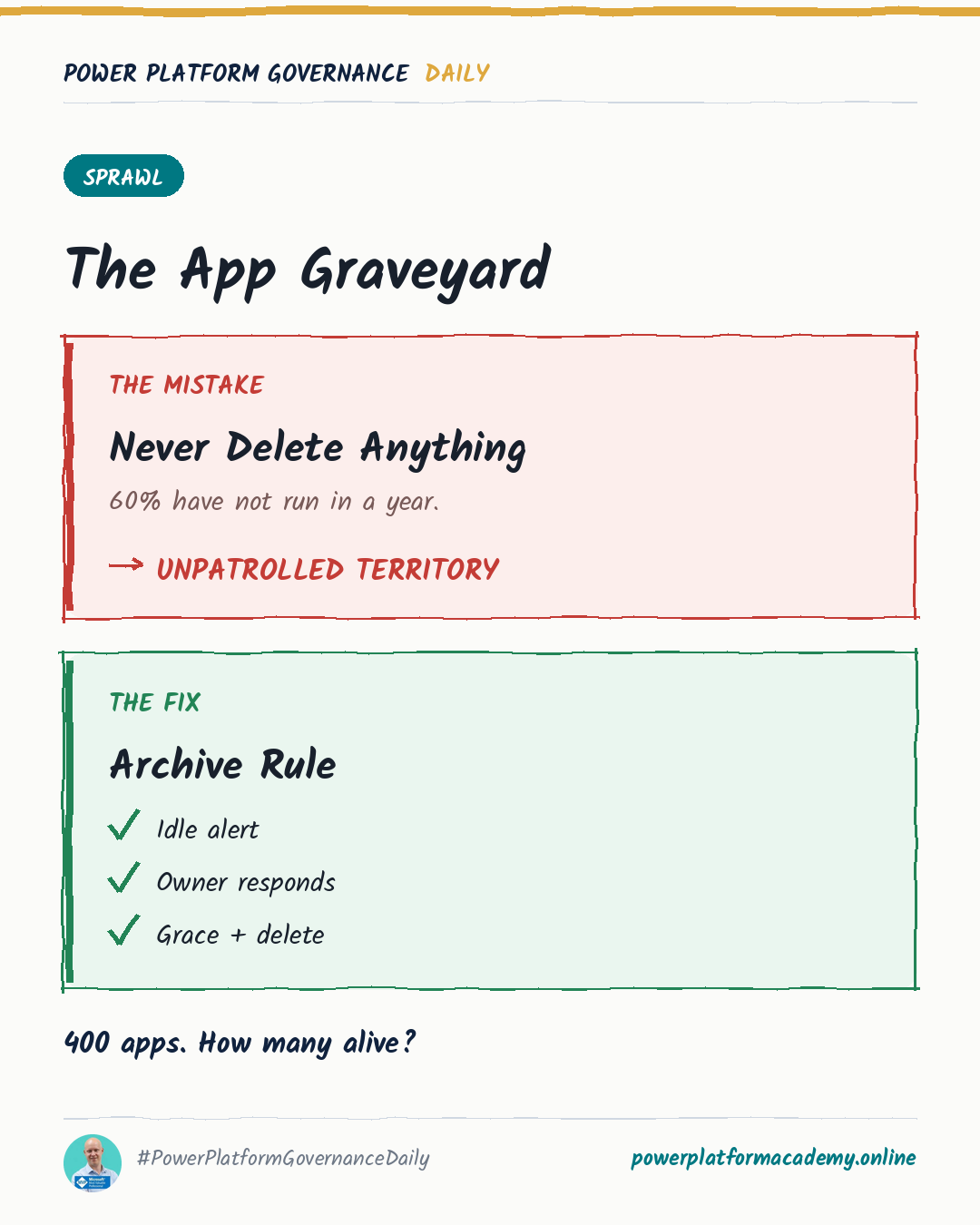
Why self-service site creation trades an IT bottleneck for a retirement problem, and how to pair creation policy with lifecycle reviews from day one.
A PnP PowerShell script cross-checks guest accounts against Entra ID roles, Teams ownership and SharePoint site admin lists in one CSV report.
Josiah Opiyo's five-step starting point for SharePoint governance before Copilot touches that content: ownership, lifecycle, access, oversharing, evidence.
Why bundling five tracking mechanisms behind one toggle forces regulated organisations into an all-or-nothing compliance choice.
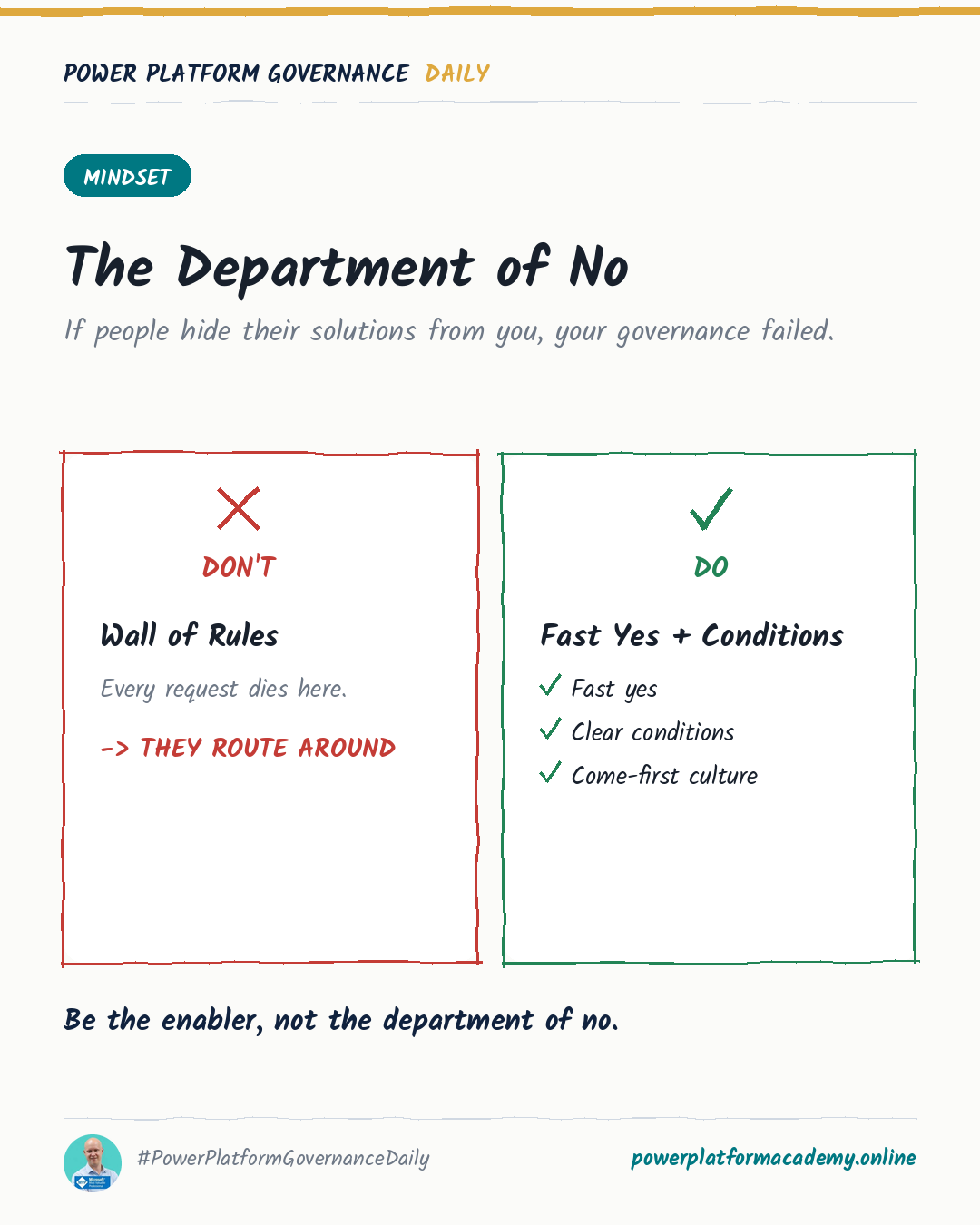
A practical framing of Power Platform governance for communicating with leaders, makers and oneself.
Microsoft and the Power Platform product names (for example Power Apps, Power Automate, Copilot Studio) are trademarks of the Microsoft group of companies. This is an independent website. It is not operated, sponsored or endorsed by Microsoft.