Change a Power Automate Flow Owner Without Breaking It
Diesen Beitrag auf Deutsch lesen
Make the flow solution-aware and add a co-owner instead of exporting and re-importing — connections and run history stay untouched.
Posted 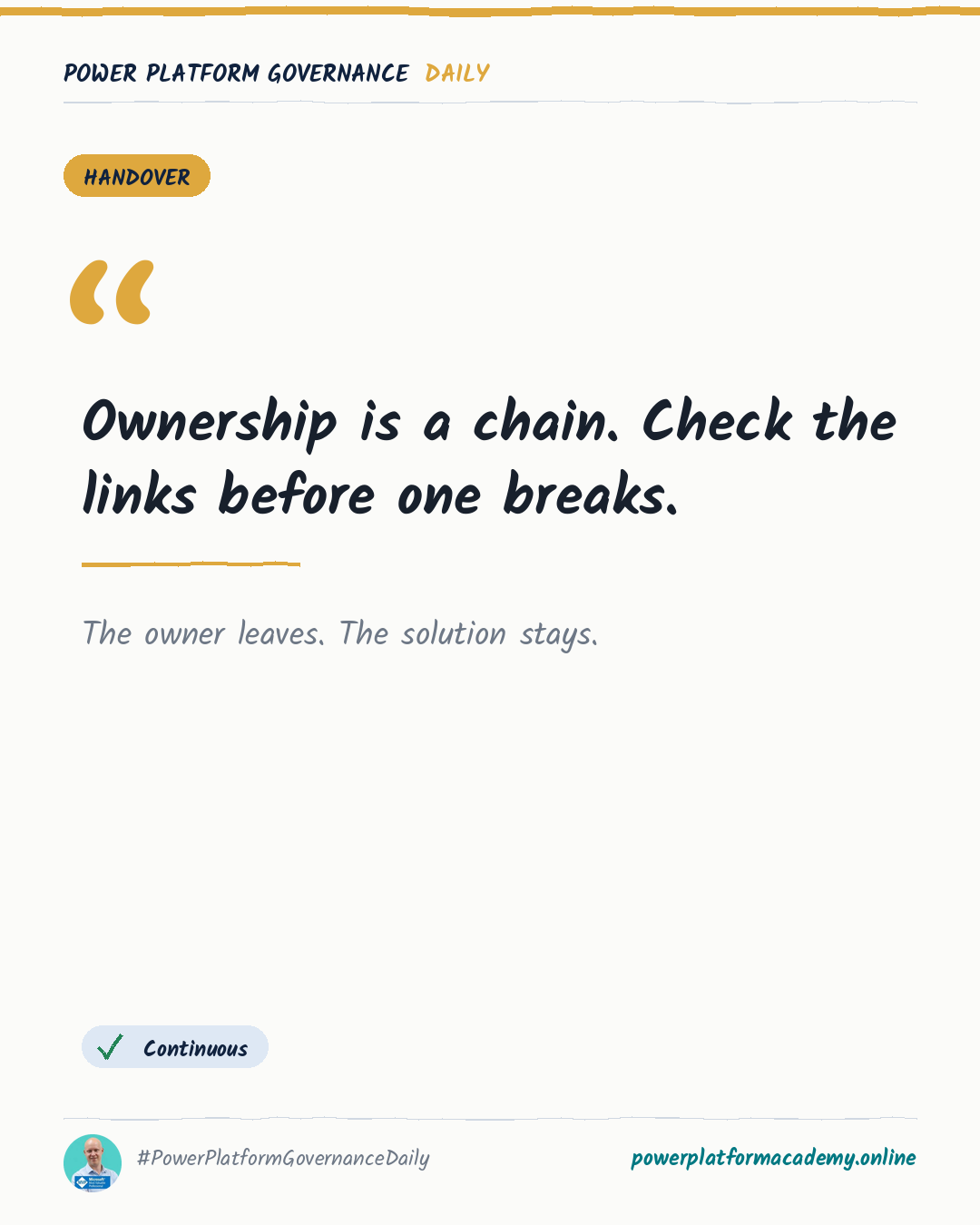
Governance card: The Relay Race — the owner leaves, the solution stays.
By Power Platform Governance
1 min read
TL;DR
Make the flow solution-aware, open its details, and add a new owner — the original and new owner become co-owners so nothing breaks, connection references and run history stay intact, and no export/import is needed. For scheduled flows the new owner’s licence takes effect within about 7 days unless you edit and re-save to apply it immediately.
Original by Marcel Lehmann, on PowerPlatformTip. Read the original
This is our own summary, not a republication or full translation. Both publications are edited by Marcel Lehmann.
Governance takeaway
- Admins/CoE: replace the export/import runbook with this co-owner step during offboarding — it takes seconds and never touches connection references. Turn “does this flow have an active owner” into a field you check, not a chase you run after someone has already left.
- Makers: when you inherit a flow, you keep its full run history instead of starting trust in a fresh copy from zero.
This post is licensed under CC BY 4.0 by the author.