Sensitivity Labels Rollout Playbook: From Pilot to Production
A practical Microsoft Purview rollout path covering label taxonomy, defaults, communication, auto-labeling and adoption measurement.
Source-credited summaries of the Power Platform governance reading worth your time, curated by Marcel Lehmann, Microsoft MVP — every entry links straight back to the original article. See also PowerPlatformTip, Power Platform Academy and free Power Platform tools.
A practical Microsoft Purview rollout path covering label taxonomy, defaults, communication, auto-labeling and adoption measurement.
Power BI gateways connect cloud reports to data sources and must remain available to keep refreshes working.
Copilot Studio hooks run workflows when events such as conversation starts, tool selection, or errors occur.
Compare client secrets, managed identities and workload identity federation for Azure DevOps Power Platform service connections.
SharePoint sites, hubs, content types, metadata, navigation and permissions determine whether Copilot can find, govern and safely surface content.
App Builder and vibe.powerapps.com retire on November 30. Apps can move through an in-product migration tool, while the replacement path remains preview-based.
A guide to Dataverse security building blocks, including environments, roles, business units, teams, record ownership and column-level rules.
Custom SharePoint forms are canvas apps in disguise. A dedicated production environment and the SharePoint Custom Form Maker role improve discovery and control.
SharePoint Hero Links cannot be deleted directly. Resetting an Anyone link invalidates the old URL, creates a restricted replacement and can remove access.
A clear introduction to single sign-on, covering Microsoft Entra, authentication tokens, SAML, OpenID Connect and the security risks of centralised access.
Use Graph status codes to diagnose authentication, permissions and throttling issues, while preventing duplicate records from unsafe Power Automate retries.
Use related Dataverse tables for cases, defects, measurements, affected material, decisions and containment actions.
Fabric capacity units form a shared compute pool. F SKUs, burst limits, smoothing and the Capacity Metrics app shape performance and cost governance.
Cloud flows connect modern services through APIs, while desktop flows automate legacy interfaces. Hybrid designs combine both for resilient automation.
Power Platform supports nonconformance workflows for defect capture, triage, approvals, corrective and preventive actions, reporting, and system integration.
Use a security-group trigger and the Power Platform for Admins Force Sync user action to provision per-app users before access errors occur.
Copilot Studio usage is pooled across the organization, with costs varying by operation and custom agents potentially being disabled after capacity limits are exceeded.
Use delegation, performance and business-logic warning signs to decide when Power Apps needs Azure APIs while retaining its frontend.
Dataflows Gen2 writes to OneLake and Fabric Lakehouse tables, but staging and compute choices can consume shared capacity and affect Power BI reports.
Detect consent Adaptive Cards, present their security details, and return the user's Allow or Cancel choice through the Agents SDK.
Use the OnKnowledgeRequested trigger to call a search endpoint, transform results, and provide Copilot Studio with usable knowledge snippets.
Tenant-to-tenant moves can sever Teams chat history, permissions, Power Automate connections and Power Apps dependencies unless they are rebuilt deliberately.
Canvas components offer fast no-code UI reuse, while PCF supports advanced controls but adds development, performance and governance responsibilities.
Understand how attended and unattended Power Automate Desktop robots differ, including when they run, how they sign in and why their costs differ.
Use Power Automate or Direct Line to trigger Copilot Studio agents, while protecting secrets and secured access.
Configure server-level context for Copilot Studio MCP connectors by editing OpenAPI YAML, refreshing each agent, and adding the header as an input.
Combine regex, supporting keywords, proximity settings and real sample testing to reduce false positives in custom Microsoft Purview sensitive information types.
A centralized Agent Registry, unique identities, least privilege and quarantine workflows help control unmanaged AI workers.
Use scoping, sensitive information types, simulation mode, policy tips and tuning to roll out Microsoft Purview DLP policies and reduce risk.
Power Automate Desktop attended flows need human supervision, while unattended flows require paid capacity, clean machines, stable resolution and standard permissions.
Define stable identities, units, quality codes, timestamps and failure rules before industrial IoT signals reach Power BI.
Agent 365, dynamic permissions, monitoring and sovereignty controls address agent governance, while availability and licensing remain unclear for most features.
SMS MFA is vulnerable to SIM swapping and targeted phishing. Use Authenticator number matching, passkeys or security keys instead.
Copilot Studio enables rapid low-code agents, while Microsoft Foundry adds pro-code control. Both can operate under shared identity, security, DLP and monitoring controls.
Manage persistent Teams sessions, inactivity resets, connector authentication, query visibility, versioning and forced updates for more reliable Copilot Studio agents.
Copilot Studio's built-in Entra ID authentication simplifies employee-facing agents, web chat, and custom API access.
Agent 365 MCP servers connect Copilot Studio agents to Microsoft 365 data and actions through deterministic, auditable tools under existing security and compliance boundaries.
Learn how Power Platform environment types separate personal experiments, risky testing, trials and mission-critical business applications.
Use one-way agent flows, restrictive connector allowlists and repeatable attack tests to reduce Copilot Studio agent risk.
Fictional files reduce privacy exposure and make Copilot accuracy testing measurable through planted errors and an answer key.
Unmanaged Copilots, agents and workflows can create permission, ownership and data leakage risks. Use discovery, risk ranking, CoE intake and least privilege to govern them.
Configure Entra ID OAuth, Azure API Connections and connector security so Copilot Studio users can authenticate without the connection manager.
A video tutorial shows how to connect Microsoft 365 Copilot declarative agents to custom HTTP APIs and MCP servers despite current Agent builder UI limits.
Map NIS2 duties to Microsoft 365 controls, set access baselines, maintain ownership reviews, monitor changes and package audit evidence.
Prepare a Microsoft 365 tenant for Copilot by measuring exposure, fixing oversharing, labelling sensitive sites, retiring stale content and piloting access.
Use one governance routine for Power Apps, Power Automate and Power BI by tracking assets, owners, connectors, access and lifecycle status.
Monitor external sharing, mail redirects, Power Apps and Power Automate connectors around Microsoft Purview DLP, then rank findings and assign owners.
Inventory Microsoft 365 and Power Platform assets, assign owners, review access and retain dated evidence for DORA audits.
Build a current AI inventory from tenant and identity signals, recording ownership, users, data reach and risk for every tool or agent.
Inventory Copilot Studio and SharePoint agents, assign ownership, rank risk and retire stale or exposed agents.
Create one current record for every AI system, covering its purpose, data reach, owner, risk class and last review across vendors.
Use one governance model for every AI service, connecting ownership, risk, access reviews and reporting to Entra ID.
Discover unapproved AI tools, assess their data access, assign ownership, and govern or retire them.
Use Business, Non-Business and Blocked connector groups, scoped environments and monitoring to protect data without driving shadow IT.
A Copilot Studio pattern uses M365 Agents SDK skills and Teams proactive messaging to connect live chat systems while retaining channel control.
Microsoft Purview active glossary terms connect business definitions with data assets, classifications, and policies so governance can scale across an organization.
Preserve deployment errors, validate dependencies and target configuration, then test apps and flows after solution import.
New OneDrive and SharePoint capabilities analyse files, create content and simplify sharing, while administrators gain tools to assess governance and access risks.
The JavaScript and .NET Copilot Studio clients can connect custom apps to standard and GitHub Copilot harnesses with Entra ID.
A practical demo shows how to connect Azure AI Foundry agents to Copilot Studio with Entra ID authentication and traceable calls.
Purview DLP can restrict Copilot web searches, prompts, labeled files and external emails, but it does not fix permissions or inspect uploaded files by content.
Use business concepts, standard tables, explicit relationships, stable identifiers, data ownership, solutions, and separate environments to keep D365 CE data maintainable.
Cloud PC pools give Copilot Studio Computer Use agents Entra ID joined, Intune enrolled Windows 11 environments for enterprise automation.
A dynamic Custom Connector centralizes API authentication, but DLP governs the entire connector rather than individual endpoints.
Set Copilot limits, escalation triggers, ownership and privacy controls so human handoffs are clear, contextual and measurable.
Microsoft’s roadmap connects AI value to business strategy, reliable data, reusable capabilities, organizational change, governance and security.
A maker-only credit view can show environment allocation, monthly consumption, daily use and per-agent billed credits.
Use the M365 Agents SDK, Python DataFrames and Gradio to measure latency, inspect planner activity and visualize Copilot Studio agent execution.
Use the correct debug command to retrieve a Conversation ID from custom or declarative agents and give support teams the details they need.
Three Copilot Studio methods help agents return verbatim knowledge excerpts when summarization could weaken approved policy or benefits content.
Copilot Studio variables can select product, region, language, or environment-specific knowledge URLs while reducing source sprawl and simplifying ALM.
A practical comparison of built-in and custom MCP servers and Power Platform connectors, including maker control, DLP, ACP, portability, complexity and ALM.
Microsoft Copilot for legal work adds contract review and workflow skills, but deployment requires permission, data quality and plugin governance checks.
Protect Power Apps API connections with secure identity, backend controls, DLP, environment boundaries and lifecycle reviews.
A native Service Portal widget connects Copilot Studio through WebChat, MSAL and the M365 Agents SDK without an iframe or Virtual Agent middle layer.
A decision guide compares Teams, hosted and self-hosted WebChat, custom UIs, mobile SDKs, Direct Line, and server-side connectors.
Keep F&O posting blocks while routing vendor invoice approvals through Power Automate and Teams.
Multiple AI providers create separate accounts, IDs and audit trails. Matching them to Entra ID creates a unified governance view of access, ownership and activity.
Copilot Studio Kit extends agent development with cross-environment inventory, automated testing, compliance policies, analytics and governance workflows.
Updated integration guidance adds Apex samples, Named Credentials, permission setup and scripts for connecting Salesforce Einstein Bot with Copilot Studio.
The experimental Skills for Copilot Studio plugin lets teams author, test, troubleshoot and push agent YAML through Claude Code or GitHub Copilot CLI.
New Microsoft 365 Copilot Business purchases may create a default pay-as-you-go spending policy, with group-wide scope and unclear limits.
Use Foundry for multi-agent systems, bespoke logic, custom models, fine-grained private-data retrieval, production requirements and engineering ownership.
Use Copilot Studio topics to surface orchestrator steps or capture conversation history, while controlling credit use and protecting sensitive transcript data.
Use Dataverse searchQuery with maker credentials, tightly scoped tables and columns, and a read-only application user for public-facing agents.
Use test pane snapshots, Application Insights and Dataverse transcripts to trace routing, tools, knowledge sources, latency and outcomes.
Copilot Studio hooks add context, redact prompts and check tool calls, but failures can let execution continue unless backends enforce the rule.
Hero links may exist without unique permissions, so SharePoint inventories must check permission inheritance before treating every link as deliberate sharing.
Enterprise workflows should measure real outcomes, limit access, handle failure safely, preserve audit trails and assign clear ownership before scaling.
The Copilot Agent Kit helps organizations discover, monitor, debug and optimize Copilot Studio agents while managing governance risks and compliance.
A Copilot Studio plugin now automates editing, pushing, publishing, testing and refining agents from test feedback.
Copilot Studio MCP and A2A connections create custom connectors, so Power Platform admins should block them by default and allow only approved URL patterns.
Eight Copilot Studio patterns address Teams reinstalls, persistent conversations, stale context, resets, errors, diagnostics, and suggested prompts.
Compare direct install, maker submission and admin-led deployment, including environment differentiation, manifest customization, Setup Policies and M365 Copilot distribution.
A decision guide compares Knowledge, MCP Server, List Rows, Search Query, and Prompt Tool for structured Dataverse data.
Dynamics 365, Copilot and autonomous agents are moving CRM work into Teams and Microsoft 365, making permissions, approvals and traceability essential.
Copilot Studio and Power Apps business skills package organisational processes, resources and boundaries so agents can execute specific jobs reliably.
Copilot Studio erstellt für MCP-Server benutzerdefinierte Connectoren und Verbindungsreferenzen. Beim Umzug zwischen Umgebungen muss die tatsächliche Verbindung separat eingerichtet werden.
Practical controls for agent flows covering visibility, 100-second timeouts, schema refreshes, maker credentials, co-ownership and agent handoffs.
Compare deterministic Power Automate RPA with Computer Use Agents, including Dataverse retrieval, machine setup, environment requirements and preview risks.
Hero Links use secure defaults, but legacy links remain active and existing expiration policies do not govern the new primary link.
A Copilot Studio renewal workflow separates read-only advice, quote creation and email drafting into specialist agents.
Treat AI agents as potential insider risks, limit their permissions, and separate model intelligence from authorization, auditing, observability, and interruption controls.
The ChatControl PCF component replaces the deprecated Canvas Apps Copilot control and adds SSO, custom styling and two-way agent communication.
Use the Copilot Studio Evaluation API and Azure DevOps to test draft agents from source and block pull requests when quality drops.
Copilot Chat users can access Copilot Studio agents through Copilot Credits, while admins govern deployment, capacity allocation and channel behavior.
An eight-step process for creating traceable, honest Power Platform bids with compliance matrices, security details, governance, licensing and delivery assumptions.
Configure a Copilot Studio connector tool with dynamic OData filters to query SharePoint lists and other structured data from natural-language requests.
A Dataverse, SharePoint, Power Automate, Copilot Studio, and Power BI architecture validates document-processing agents across large real-world file sets.
HTML pages could expand SharePoint publishing, but organisations must define ownership, review, accessibility, security and administrative controls first.
Use the right F&O exchange pattern, validate data, secure identities and payloads, and monitor business outcomes so failures can be recovered safely.
A changed Conditional Access evaluation can block Teams Android devices from signing in. Check Entra sign-in logs and blocked resources before making targeted policy changes.
Use a PowerShell script for bulk assignment and an Azure Budget, Automation, and Power Automate chain to unlink environments when spending breaches a threshold.
A webhook action lets Copilot Studio workflows pause for human input, resume through a custom UI, and protect callback URLs with production controls.
Use Dynamic discovery, enable Atlassian prerequisites, create the environment connection, verify with JQL, and publish the agent.
Design Business Central integrations with supported interfaces, least privilege, safe retries, monitoring, and explicit ownership.
A practical setup for Snowflake-managed MCP in Copilot Studio, covering Cortex Agent, Entra delegated OAuth, custom connector redirects, roles and end-user testing.
Use environments, solutions, publishers, pipelines, configuration and evaluations to move Copilot Studio agents safely from development to production.
Create interactive slides in Copilot for PowerPoint can model governance choices, risk states and architecture decisions, but preview limits require careful testing.
The new environment-level control forces integrated Microsoft authentication, blocking unauthenticated Direct Line content while preserving the M365 Agents SDK path.
Copilot Studio Skills load scenario-specific instructions and resources on demand, improving manageability while requiring precise routing descriptions and trust review.
The Copilot Studio plugin migrates classic agents to modern orchestration by analyzing capabilities, proposing architecture, and generating Skills and tools for review.
E3 and E5 can include classic Copilot Studio agent creation through Power Virtual Agents for Office 365. Disable that service plan per user or by group.
Use risk tiers, fixed workflow rules, qualified approvers, validation, audit trails and measured pilots to make AI-assisted approvals safer.
Copilot Studio stores agent memories per user, lets makers enable Memory, and requires testing for stale recall, hallucination and appropriate abstention.
Copilot Studio agents run code in a temporary sandbox with no network egress. Knowledge and configured Tools are the only external paths.
Move API keys from text environment variables to Azure Key Vault and retrieve them securely in Power Automate.
Use a pilot card to set a named owner, success metric, 60-day timeframe, data guardrails and a decision gate before scaling an agent.
Hooks can deny or modify tool calls, but failed, timed-out or unreadable hook workflows let the agent continue.
AI coding agents can generate and test Copilot Studio changes, but humans must retain control of requirements, architecture, security review and deployment.
Use PAC CLI inventory APIs, versioned governance rules and repeatable capture to track Power Platform tenant risks.
Persist long-running work in Dataverse, use guarded agent-flow transitions, and route uncertain cases to people instead of relying on chat memory.
Use the Microsoft 365 admin center registry to review, block, scope and govern Copilot agents across the tenant.
Use agent settings to limit users, publishers, sharing and individual agents while checking oversharing before rollout.
Copilot Studio moved to usage-based Copilot Credits on 3 August 2026, with legacy agents moving by 1 September.
Enable Copilot Cowork through usage-based billing, then limit access to a security-group pilot with monthly credit caps and alerts.
The GitHub Copilot harness changes Copilot Studio billing, testing costs and agent portability. The stated September 2026 pricing transition has passed.
Disable default web search, require source-based answers, test with credits in Preview, and roll out a Teams agent gradually.
Copilot Managed Runtime applies tenant controls, Entra authentication, DLP, connector policies and inventory visibility to Microsoft 365 business apps.
A governed Copilot Studio design uses a curated SharePoint library, named owners, Power Automate lifecycle controls, and repeated evaluations.
Choose PCF controls or JavaScript by matching the user experience, app context, maintainability and security needs.
AI pilots often stall because organisations cannot show what they reach, who owns them or what happens when access goes wrong.
Jouni Heikniemi argues that enterprise AI requires data and process maturity, governance, evolving AI and human leadership, not just enthusiastic champions.
Use Copilot Studio and SharePoint to route unmatched loan purposes to a human reviewer through Outlook or Teams, then record the decision and rationale.
Agent Builder makes experimentation easy, but unmanaged agents create inventory problems. Agent 365, Graph API and Power Automate can support lightweight follow-up.
Separate Power Apps and Power Automate features into focused modules, using Dataverse queues and proportional governance to improve testing, maintenance and scale.
Audit SharePoint permissions, apply Purview labels, archive stale content, and enforce Power Automate DLP before deploying Copilot.
Use field-level thresholds, business validation, Dataverse audit history and Power Apps review screens to prevent unreliable document data from moving forward.
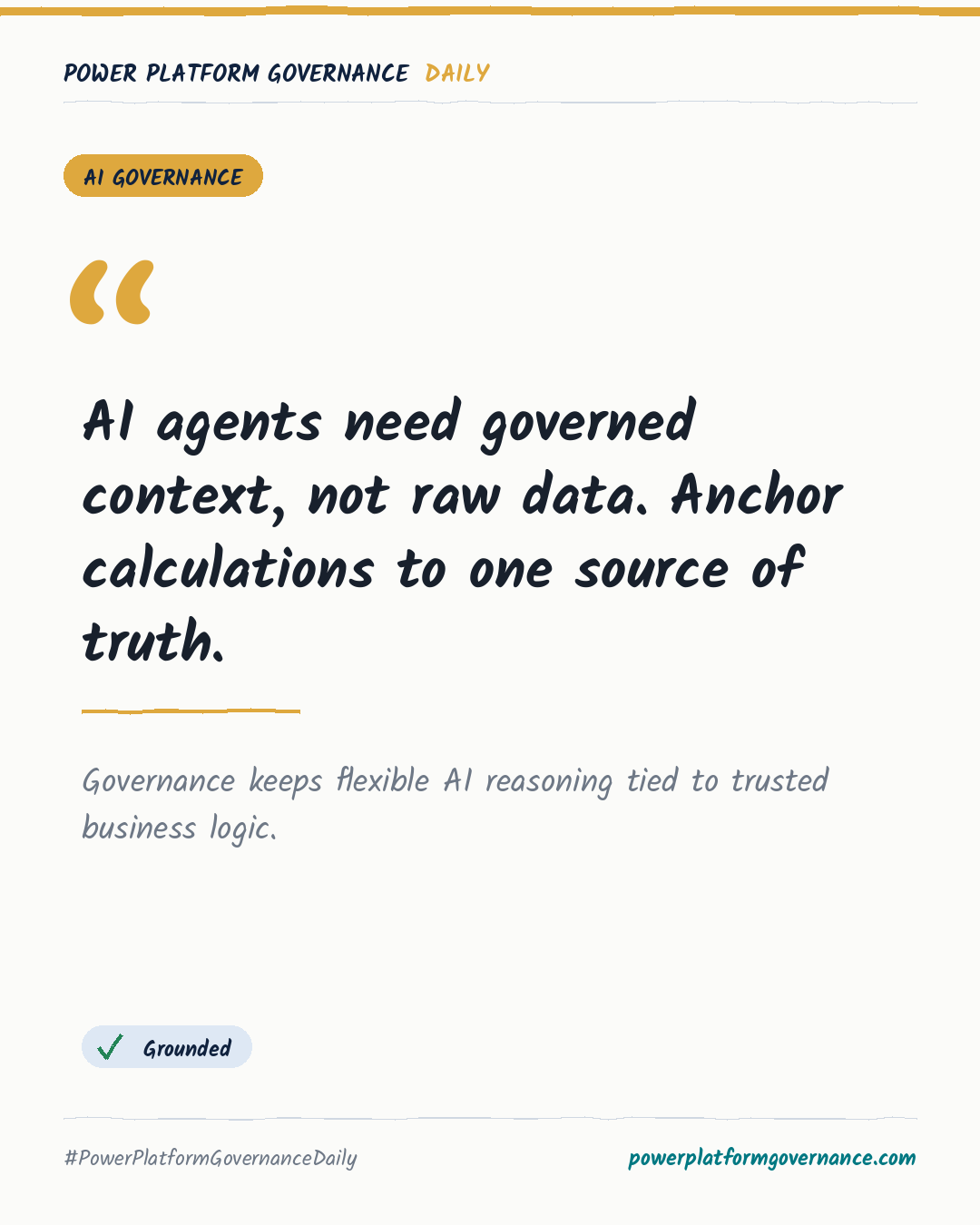
Use Power BI semantic models as the governed calculation layer for AI agents, with Fabric data, Copilot Studio reasoning and explicit security boundaries.
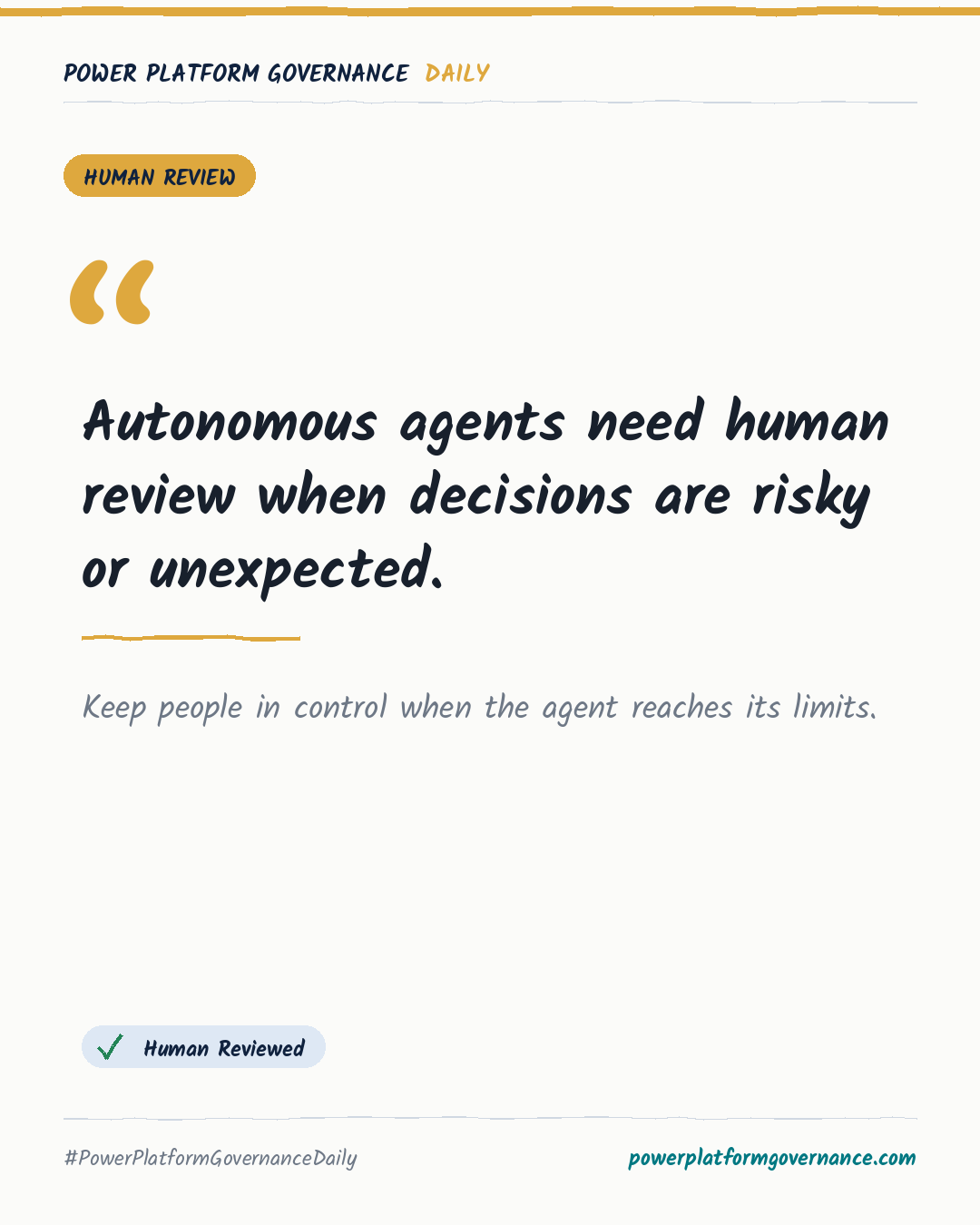
Use Teams or email to collect a human decision and steer a Copilot Studio agent when a situation is unexpected or too risky for autonomous action.
Microsoft and the Power Platform product names (for example Power Apps, Power Automate, Copilot Studio) are trademarks of the Microsoft group of companies. This is an independent website. It is not operated, sponsored or endorsed by Microsoft.