Build a controlled HR agent in the new Copilot Studio
Diesen Beitrag auf Deutsch lesen
Disable default web search, require source-based answers, test with credits in Preview, and roll out a Teams agent gradually.
Posted 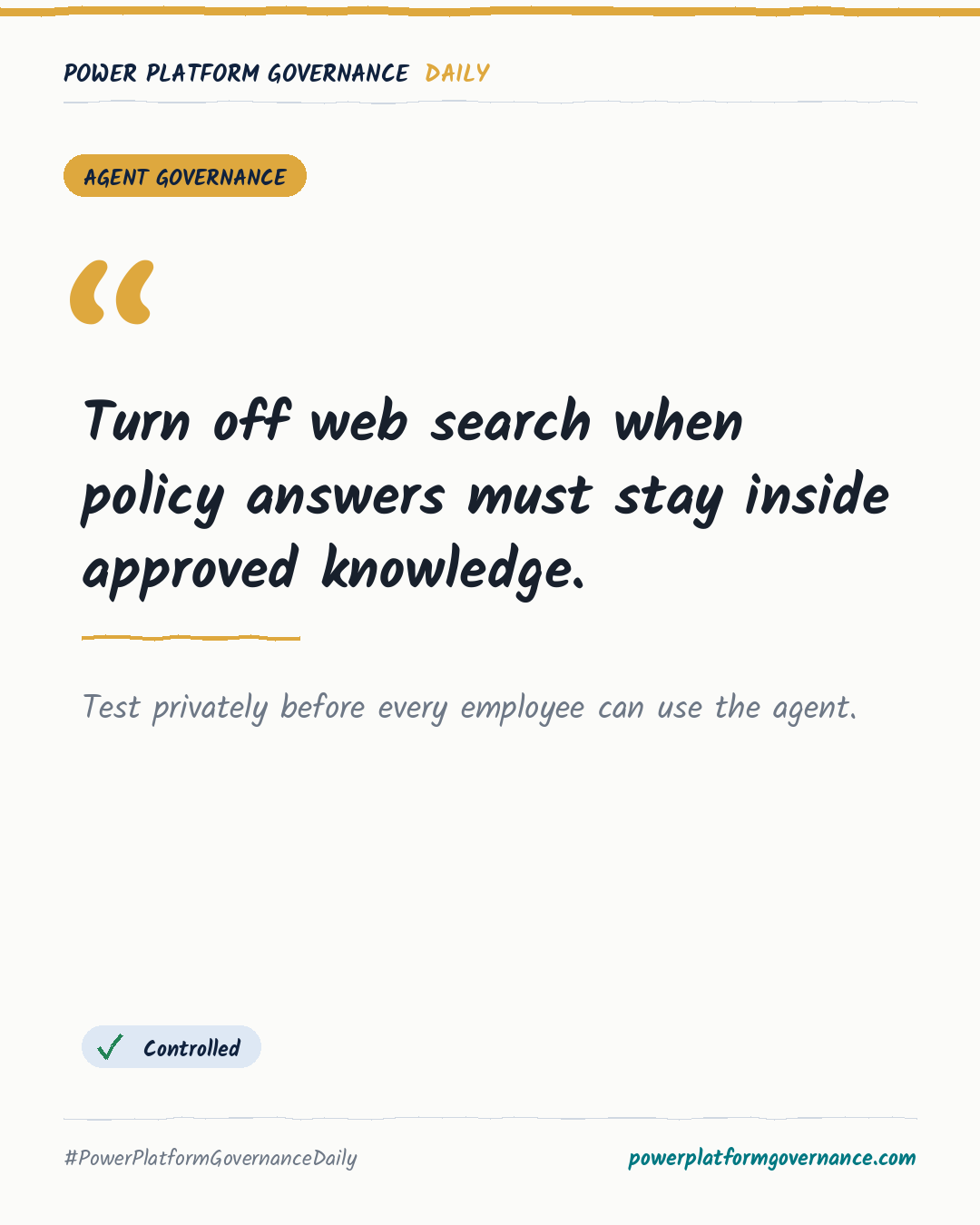
Governance card: Turn off web search when policy answers must stay inside approved knowledge.
By Power Platform Governance
1 min read
TL;DR
For an HR agent in the new Copilot Studio, upload the approved handbook under Knowledge and remove the default Search all websites source. Set instructions to cite handbook chapters, never guess, and route gaps to the correct contact. Preview test chats consume credits before publication, so use a development environment with a small credit allocation and publish privately in Teams before sharing broadly.
Original by Anders Jensen, on andersjensenorg. Read the original
This is our own summary, not a republication or full translation.
Governance takeaway
- Makers: Remove Search all websites and instruct the agent to cite the handbook, never guess, and ask for missing values so policy responses stay verifiable.
- Admins/CoE: Use a development environment with a small credit allocation because Preview test chats consume credits before publication.
- Leadership/Business: Keep the Teams agent private initially, test it in the user channel, then share it with the organisation to limit the impact of instruction errors.
This post is licensed under CC BY 4.0 by the author.