Governance as code after the CoE Starter Kit
Diesen Beitrag auf Deutsch lesen
Use PAC CLI inventory APIs, versioned governance rules and repeatable capture to track Power Platform tenant risks.
Posted 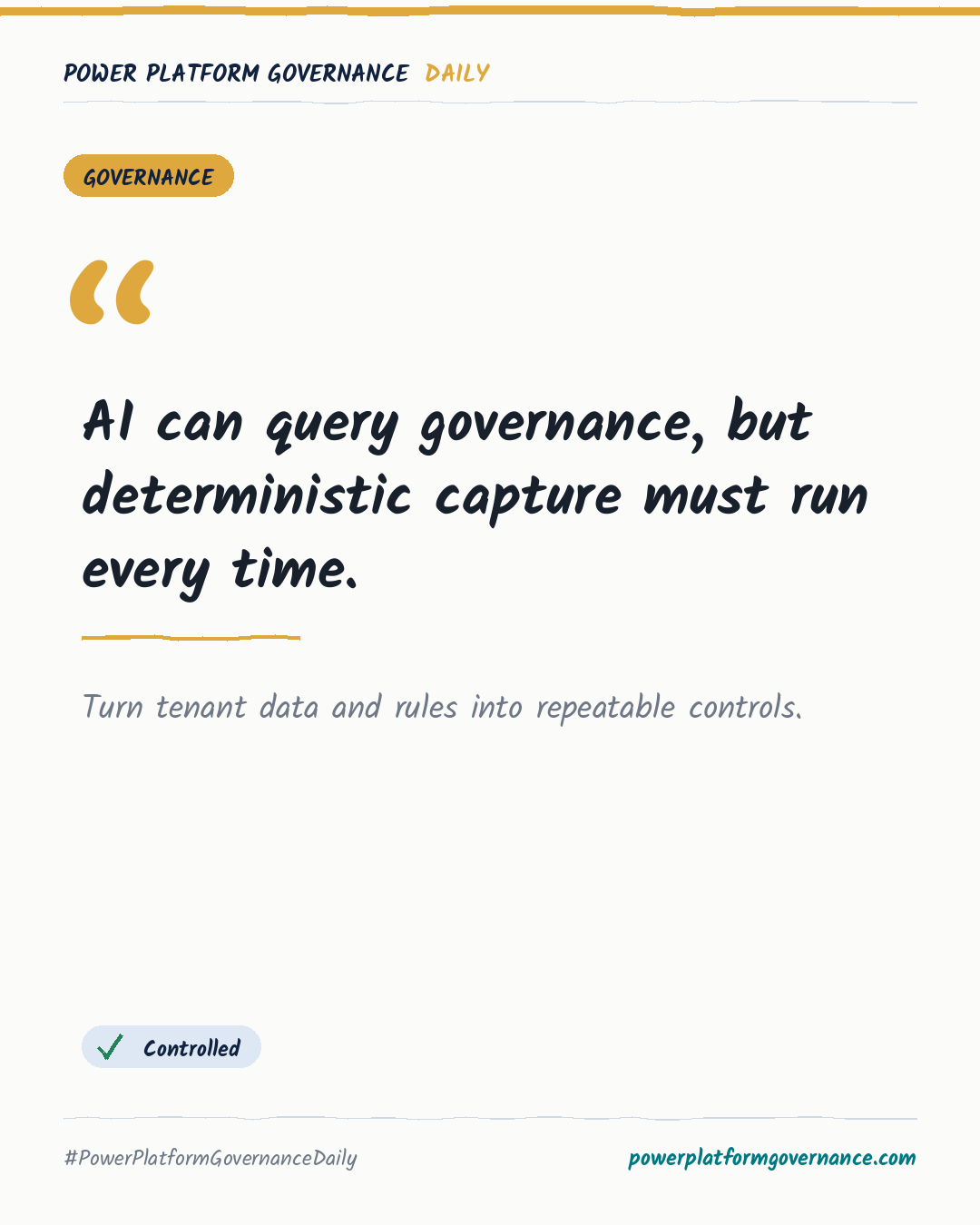
Governance card: AI can query governance, but deterministic capture must run every time.
By Power Platform Governance
1 min read
TL;DR
PAC CLI inventory APIs can show apps, flows and agents by environment within minutes, without the CoE Starter Kit database and nightly sync flows. Keep PAC CLI updated, verify the active authentication profile, and validate community code in a sandbox before any production use. Store environment zones, governance rules and captured tenant state in versioned, repeatable controls.
Original by Karl-Johan Spiik, on Karl-Johan Spiik, Microsoft MVP. Read the original
This is our own summary, not a republication or full translation.
Governance takeaway
- Admins/CoE: Use PAC CLI inventory data to identify environment sprawl and keep the active authentication profile under review.
- Admins/CoE: Turn on Managed Environments, but do not rely on weekly digests as a complete operations tool.
- Security/Compliance: Validate third-party packages and community dashboards in a sandbox before connecting them to production.
- Leadership/Business: Define clear, non-contradictory governance rules and retain human decisions for actions affecting tenant solutions.
This post is licensed under CC BY 4.0 by the author.