Power Automate Desktop: Attended vs Unattended Automation
Diesen Beitrag auf Deutsch lesen
Understand how attended and unattended Power Automate Desktop robots differ, including when they run, how they sign in and why their costs differ.
TL;DR
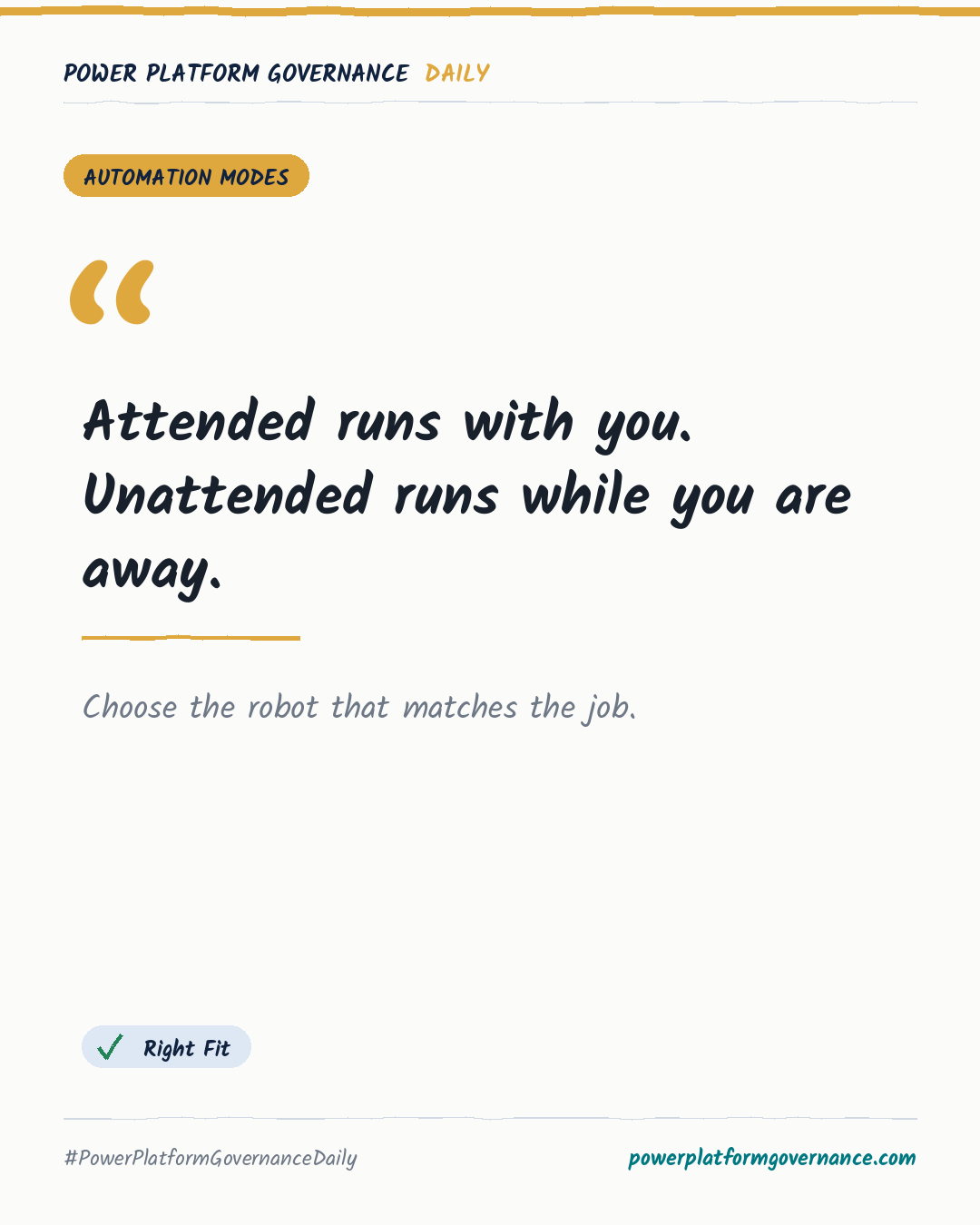
Power Automate Desktop offers attended automation that runs while you watch and unattended automation that runs while you are away. The episode explains how unattended robots sign in, how to choose between the two modes, why their costs differ and where beginners commonly get the choice wrong.
Original by Mirko Peters, on M365.FM. Read the original · suggested by Mirko Peters
This is our own summary, not a republication or full translation.
Governance takeaway
- Makers: Decide whether the automation needs you at the desk or must run while you are away, because that determines the suitable robot type.
- Admins/CoE: Compare attended and unattended operation before standardising a desktop automation, including how the unattended robot signs in and runs alone.
- Leadership/Business: Check the cost difference between the two robot types before selecting an approach, since the episode warns that they do not cost the same.
Frequently asked questions
When should I use attended automation in Power Automate Desktop?
Use attended automation when the robot works at your desk while you watch it. It is the mode for work that stays with you.
How does an unattended Power Automate Desktop robot run?
An unattended robot runs while you are away and signs in to operate alone. The episode explains this as the key difference from attended automation.
Why do attended and unattended Power Automate Desktop robots cost differently?
The two robot types do not cost the same. The episode highlights cost as a key factor when choosing the right mode for a job.