Handle Low Confidence Scores in Document AI and Power Platform
Diesen Beitrag auf Deutsch lesen
Use field-level thresholds, business validation, Dataverse audit history and Power Apps review screens to prevent unreliable document data from moving forward.
Posted 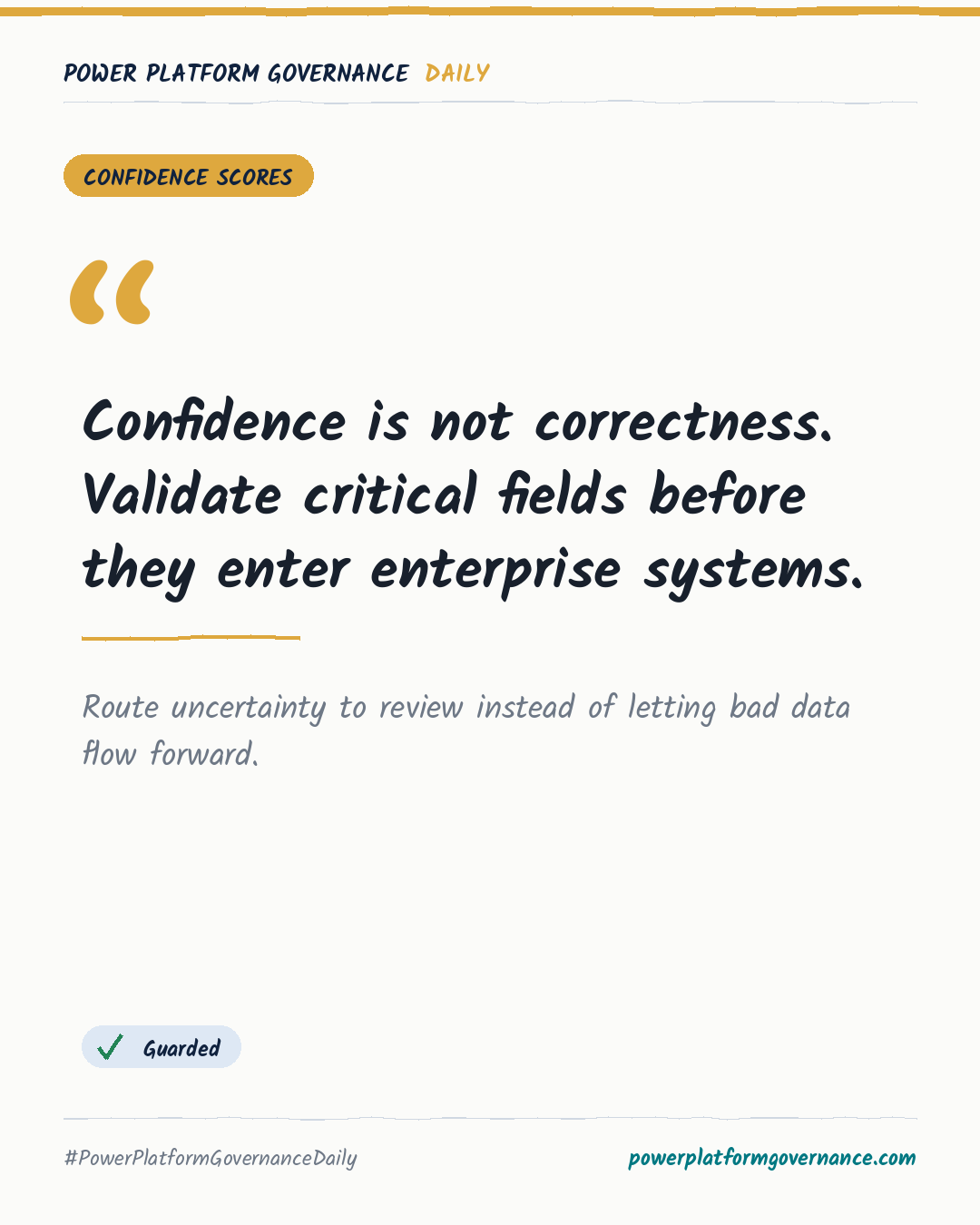
Governance card: Confidence is not correctness. Validate critical fields before they enter enterprise systems.
By Power Platform Governance
1 min read
TL;DR
Microsoft Content Understanding and AI Builder confidence scores apply to individual fields, not whole documents. Power Automate should compare critical fields with business thresholds, pause record creation when validation fails, and route exceptions to human review. Dataverse records extraction and correction history, while Power Apps supports side-by-side verification.
Original on M365 FM. Read the original · suggested by Mirko Peters
This is our own summary, not a republication or full translation.
Governance takeaway
- Makers: Build Power Apps review screens that show the source document beside extracted fields so reviewers can correct exceptions efficiently.
- Admins/CoE: Define field-level thresholds and route failed validations through Power Automate instead of forcing automatic record creation.
- Security/Compliance: Store extraction scores, model runs, reviews and corrections in Dataverse to preserve auditability.
- Leadership/Business: Require business validation for critical values such as invoice totals and approved suppliers because high AI confidence does not prove business correctness.
This post is licensed under CC BY 4.0 by the author.