How to prepare Microsoft 365 for a Copilot rollout
Diesen Beitrag auf Deutsch lesen
Prepare a Microsoft 365 tenant for Copilot by measuring exposure, fixing oversharing, labelling sensitive sites, retiring stale content and piloting access.
TL;DR
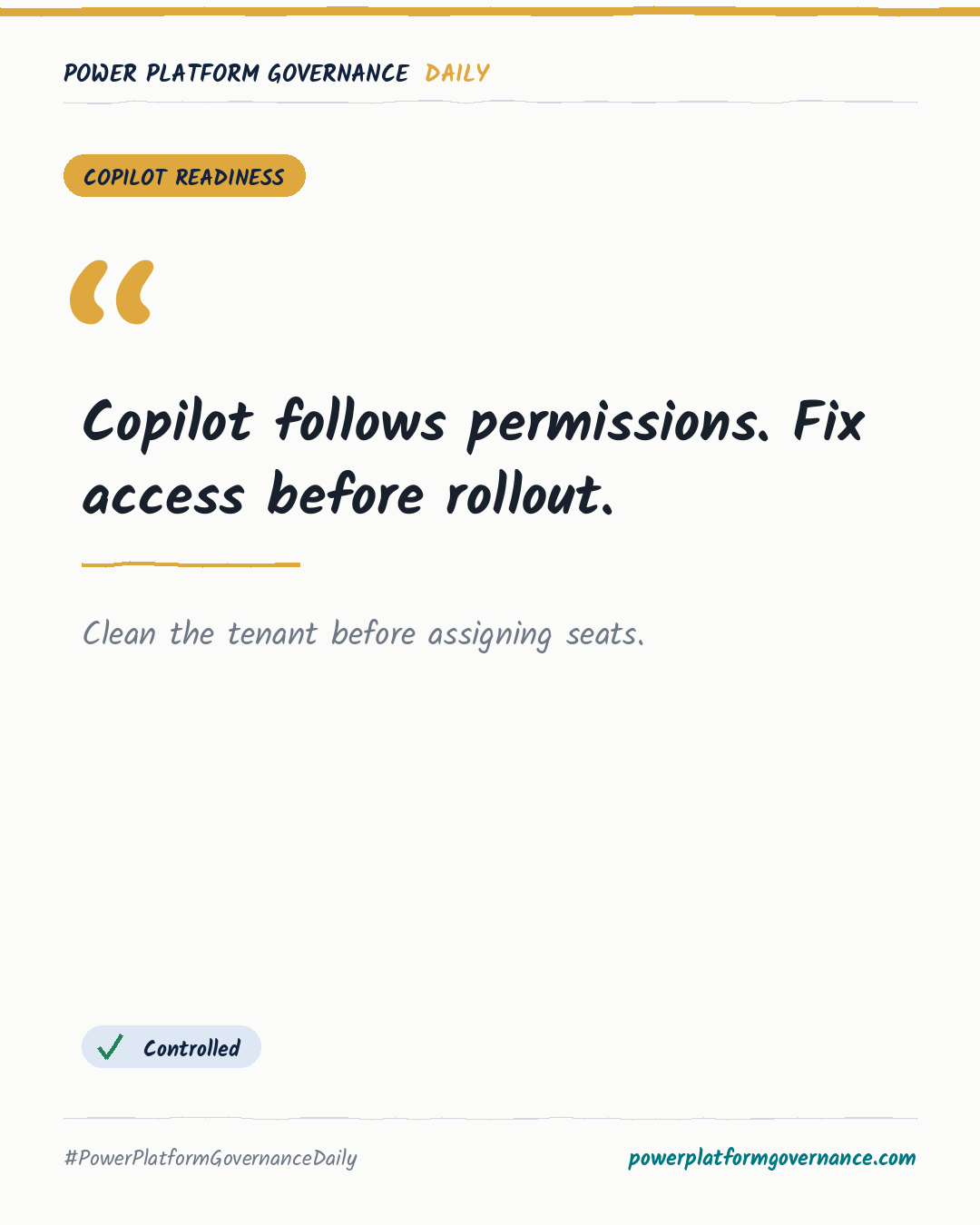
Microsoft 365 Copilot uses each user's existing permissions. Before assigning seats, measure sharing exposure across SharePoint, OneDrive and Teams, remove broad access, label sensitive sites, retire stale content, and validate a pilot group's access before expanding the rollout.
Original by Rencore, on Rencore. Read the original
This is our own summary, not a republication or full translation.
Governance takeaway
- Admins/CoE: Measure external sharing, broken inheritance, external ownership and missing owners across SharePoint, OneDrive and Teams to establish the tenant's risk baseline.
- Security/Compliance: Fix broad links, inactive guests and unlabelled sensitive sites because Copilot can surface any content the requesting user can already open.
- Leadership/Business: Start with a pilot, check actual user access and expand only when thresholds hold, while keeping readiness checks running as permissions change.
Frequently asked questions
How does Microsoft 365 Copilot use SharePoint, OneDrive and Teams permissions?
Microsoft 365 Copilot uses the requesting user's existing permissions and can draw on content that person can already open. Oversharing therefore increases exposure.
What should administrators check before assigning Microsoft 365 Copilot seats?
Administrators should measure external sharing, broken inheritance, external ownership and sites without owners before assigning seats. This baseline identifies where access risk sits.
How should a Microsoft 365 Copilot pilot be validated before expansion?
Validate a pilot group by checking what sample users can reach and whether readiness thresholds hold. Expand when the access picture is stable.