Why SMS MFA Is No Longer Secure for Microsoft 365
Diesen Beitrag auf Deutsch lesen
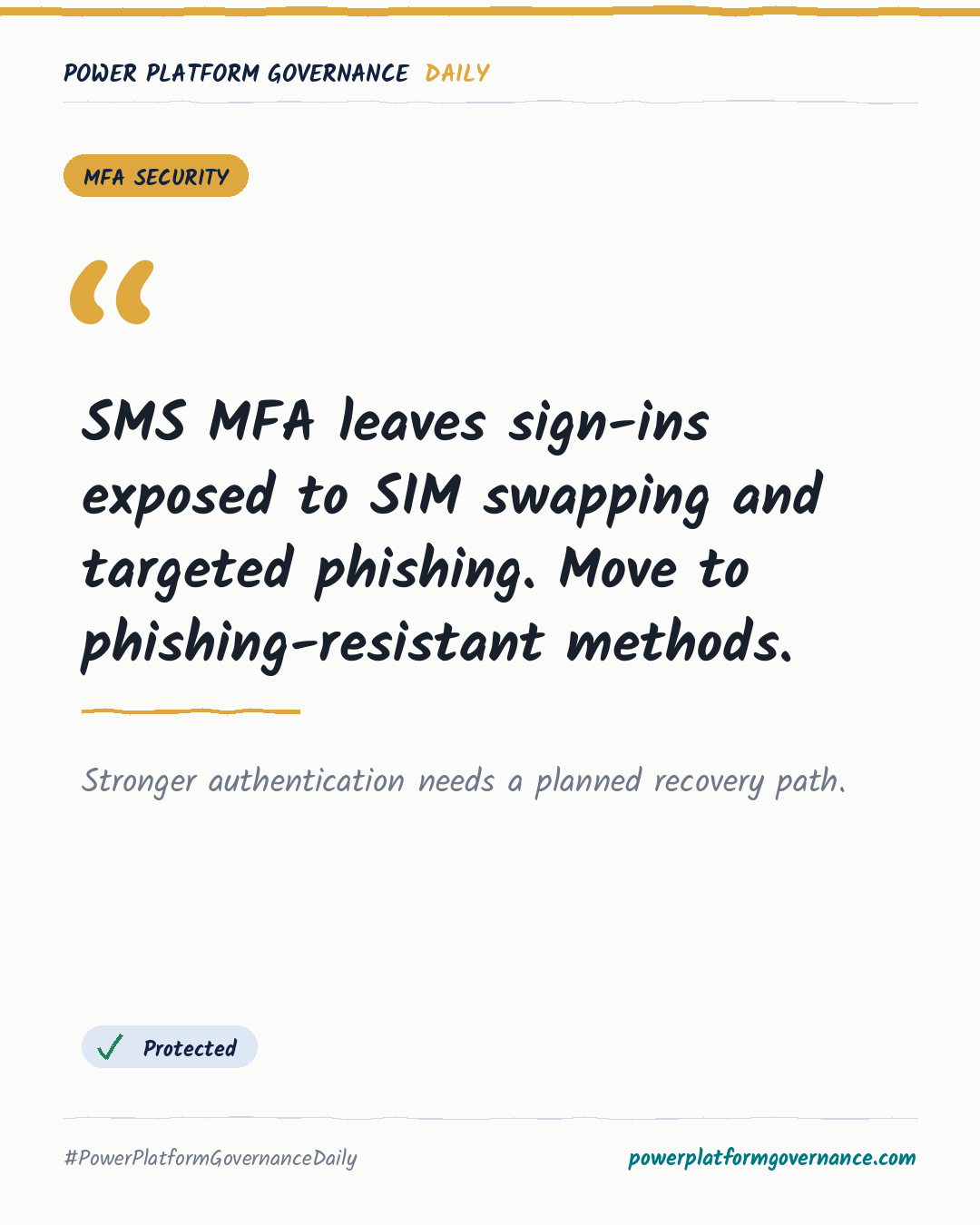
SMS MFA is vulnerable to SIM swapping and targeted phishing. Use Authenticator number matching, passkeys or security keys instead.
TL;DR
SMS MFA uses the public telecom network, exposing Microsoft 365 sign-ins to SIM swapping and adversary-in-the-middle phishing. The guidance recommends moving users to Microsoft Authenticator with number matching, passkeys or FIDO2 security keys, while keeping two valid verification methods and tested recovery paths during rollout.
Original on M365 FM Podcast. Read the original · suggested by Mirko Peters
This is our own summary, not a republication or full translation.
Governance takeaway
- Admins/CoE: Prioritize global administrators, finance personnel and critical infrastructure users when replacing SMS, because these accounts face higher consequences from compromise.
- Security/Compliance: Restrict SMS and voice verification through Entra ID authentication methods policies, because typed codes can be intercepted, redirected or captured through fake login portals.
- Leadership/Business: Fund a staged transition with two verification methods and tested recovery paths, because abrupt enforcement can create lockouts and helpdesk pressure.
Frequently asked questions
How does SIM swapping compromise Microsoft 365 SMS MFA?
Attackers can persuade a mobile carrier to transfer a phone number to their SIM, redirecting Microsoft 365 authentication codes to themselves.
Can Entra ID administrators disable SMS and voice authentication?
Yes, Entra ID authentication methods policies can restrict or disable SMS and voice options, directing users to Authenticator or FIDO2 keys.
How does Microsoft Authenticator number matching reduce MFA phishing risk?
Number matching makes users enter the number shown on the sign-in screen, helping prevent blind approvals during prompt bombing or adversary-in-the-middle attacks.