Preventing Agent Sprawl in Microsoft 365
Diesen Beitrag auf Deutsch lesen
A centralized Agent Registry, unique identities, least privilege and quarantine workflows help control unmanaged AI workers.
TL;DR
Low-code tools can create unmanaged AI agents that access email, files and business systems. The source recommends an Agent Registry covering native, partner, sanctioned internal and locally shared agents, plus unique identities, least-privilege permissions and quarantine workflows for risky automation.
Original on M365 FM Podcast. Read the original · suggested by Mirko Peters
This is our own summary, not a republication or full translation.
Governance takeaway
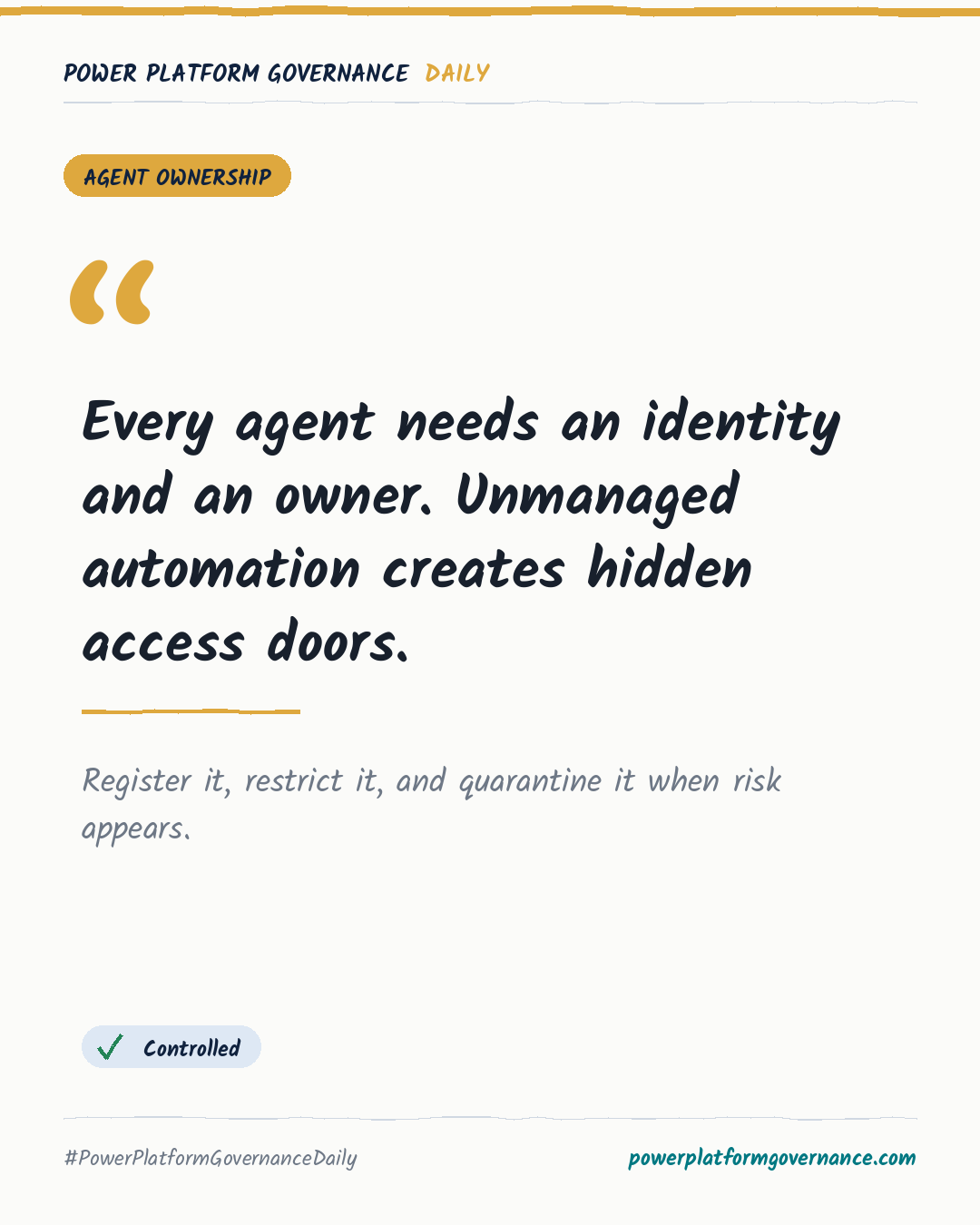
- Admins/CoE: Create one Agent Registry for native, partner, sanctioned internal and locally shared agents, so orphaned and shadow agents become visible.
- Security/Compliance: Give every agent a unique identity and least-privilege permissions, then quarantine risky agents while investigations continue without disrupting surrounding workflows.
- Leadership/Business: Avoid blanket AI bans because employees may bypass them; support centralized controls that preserve automation while protecting enterprise data.
Frequently asked questions
How should an Agent Registry track Microsoft 365 AI agents?
An Agent Registry should inventory native, partner, sanctioned internal and locally shared agents in one management pane. It can expose active, orphaned and shadow agents.
Why should Microsoft 365 AI agents use separate identities?
Separate identities let administrators recognize each bot, apply scoped permissions and revoke access when anomalous behavior suggests compromise. Creator logins are treated as an insecure shadow proxy model.
What does quarantining a risky AI agent do?
Quarantine blocks the agent from discovering company resources or communicating with other bots. Surrounding business workflows can continue while security teams investigate.