Copilot Studio: Prefer Authenticate with Microsoft over manual OAuth
Diesen Beitrag auf Deutsch lesen
Copilot Studio's built-in Entra ID authentication simplifies employee-facing agents, web chat, and custom API access.
TL;DR
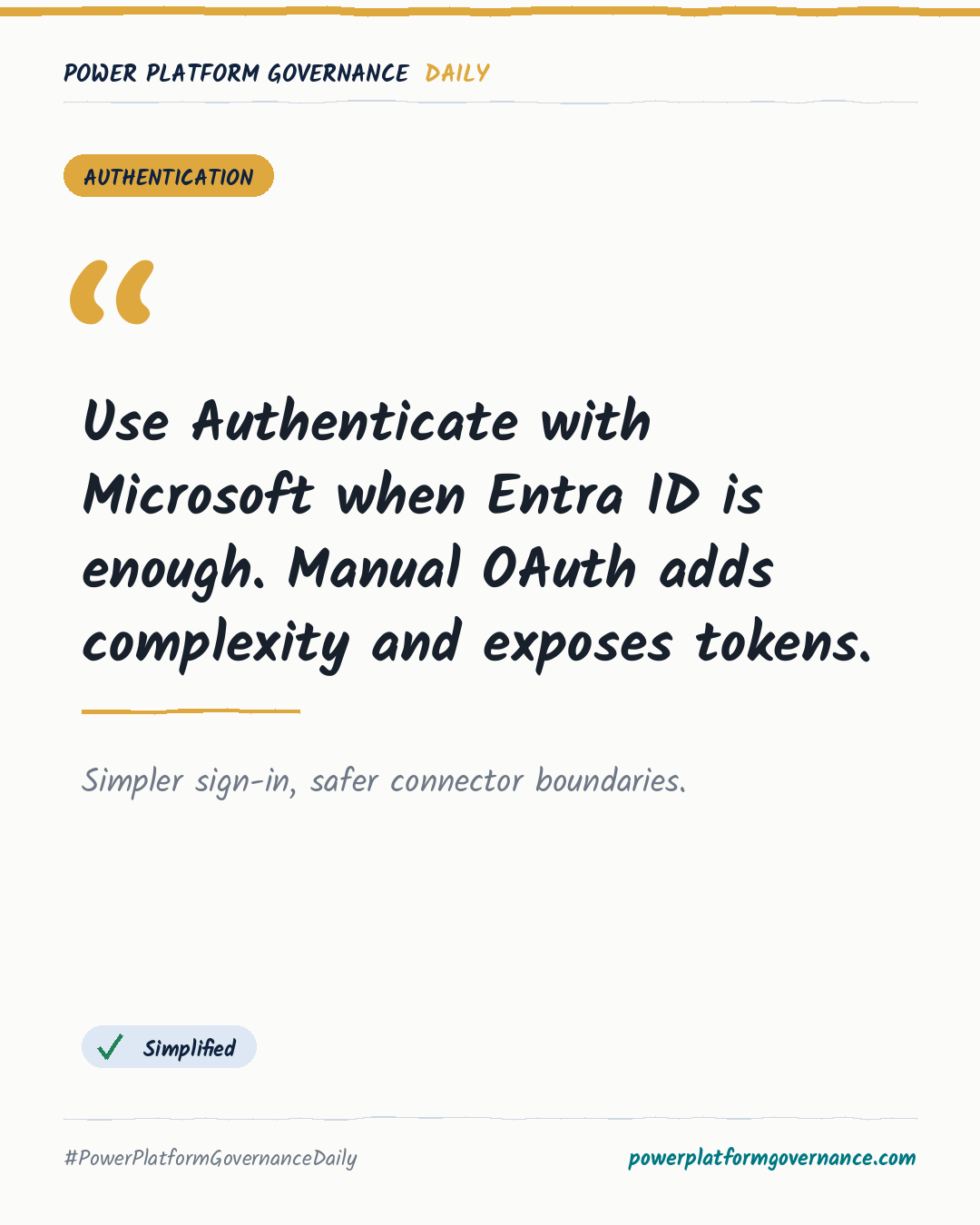
For Entra ID scenarios, Copilot Studio's Authenticate with Microsoft option avoids manual OAuth complexity. Teams, Microsoft 365 Copilot, and SharePoint need no configuration, while web apps need one SPA app registration and the CopilotStudio.Copilots.Invoke permission. Custom connector SSO keeps tokens out of makers' hands and supports separate OAuth resources.
Original by Adi Leibowitz, on The Custom Engine. Read the original
This is our own summary, not a republication or full translation.
Governance takeaway
- Makers: Use Authenticate with Microsoft for Entra ID agents and web chat, because official samples show authenticated conversations without dual app registrations.
- Admins/CoE: Prefer custom connector SSO for custom APIs, because the connector handles consent, delegated tokens, and refresh without exposing tokens to makers.
- Security/Compliance: Reserve manual authentication for non-Entra providers and assess its single-resource limitation and System.User.AccessToken exposure.
Frequently asked questions
How does Authenticate with Microsoft work for Copilot Studio web chat?
It uses Entra ID sign-in, token exchange, and authenticated WebChat. A web app needs one single-page application registration and the CopilotStudio.Copilots.Invoke permission.
What does manual authentication require in Copilot Studio?
Manual authentication requires two app registrations, complex settings such as Token Exchange URL, and manual updates because the setup is not solution-aware for ALM.
How do Copilot Studio custom connectors avoid exposing user access tokens?
Custom connector SSO obtains tokens for the user, calls the configured API, and refreshes tokens within the connector framework, so makers do not see them.