Power Automate and F&O invoice approval controls
Diesen Beitrag auf Deutsch lesen
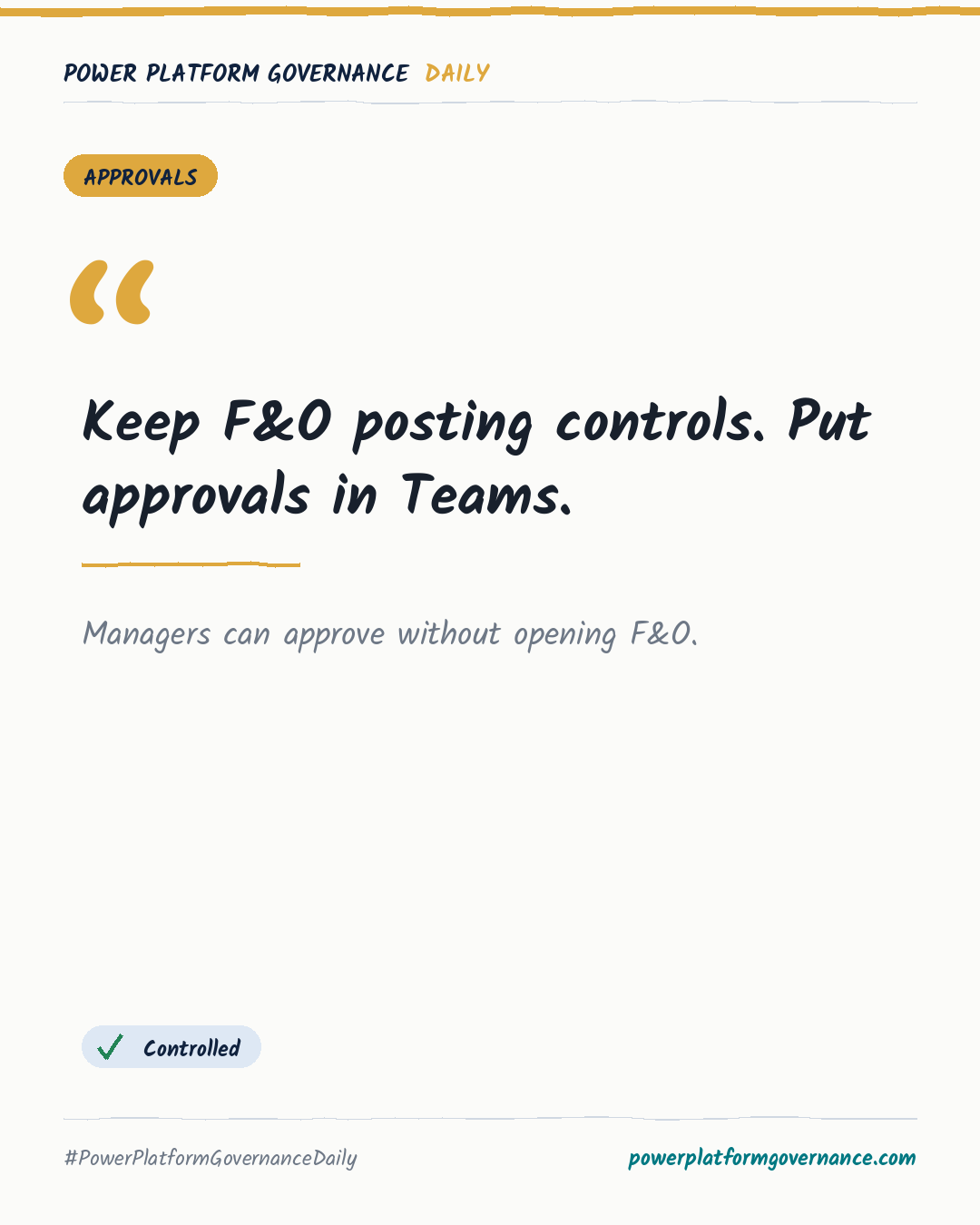
Keep F&O posting blocks while routing vendor invoice approvals through Power Automate and Teams.
TL;DR
For vendor invoices, keep the F&O workflow to prevent posting until approval, trigger Power Automate from its business event, and send the decision to Teams. Virtual Dataverse tables can retrieve vendor details without copying data. Ensure approvals run in the actual approver's context, respect F&O licensing, and plan for the 30-day approval limit.
Original by Karl-Johan Spiik, on Karl-Johan Spiik, Microsoft MVP. Read the original
This is our own summary, not a republication or full translation.
Governance takeaway
- Admins/CoE: Keep the F&O workflow in place when using Power Automate, because it enforces the posting block and preserves F&O workflow history.
- Security/Compliance: Ensure the flow approves in the actual approver's context, or the approval trail creates an auditing problem.
- Leadership/Business: Account for F&O team member licensing when managers approve in Teams, because licensing follows the data accessed.
Frequently asked questions
How does the F&O workflow and Power Automate business event pattern handle vendor invoice approval?
It uses the when a business event occurs trigger while the F&O workflow retains posting control.
Why must a Power Automate approval use the actual approver's context for an F&O vendor invoice?
The approval record can otherwise create an auditing problem, even though F&O retains its own workflow history.
What is the Power Automate approval limit described for vendor invoice decisions?
Power Automate approvals stop after 30 days, so long-running decisions may need a new approval started on day 29.