Same score can hide opposite Copilot Studio outcomes
Diesen Beitrag auf Deutsch lesen
A governed Copilot Studio design uses a curated SharePoint library, named owners, Power Automate lifecycle controls, and repeated evaluations.
Posted 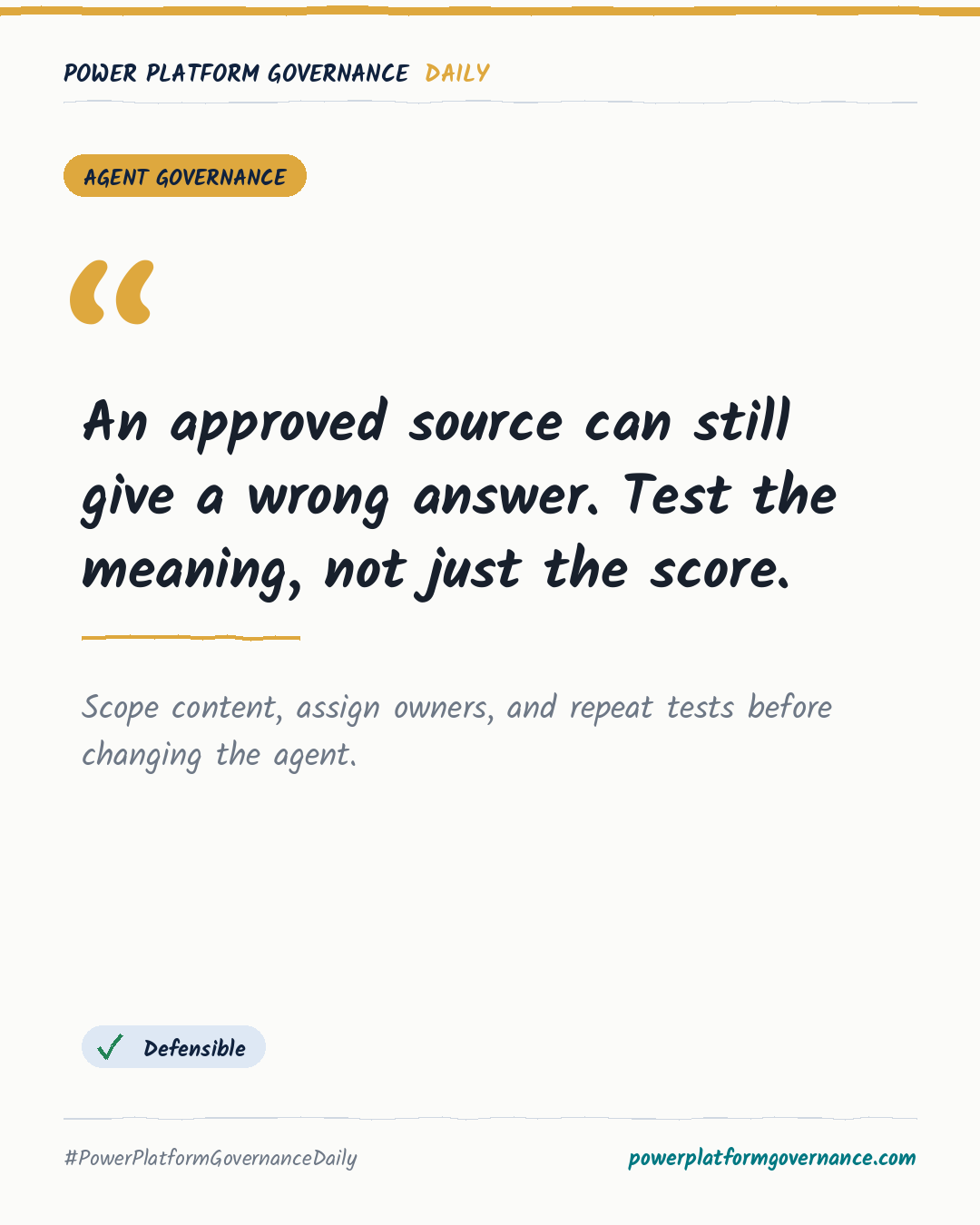
Governance card: An approved source can still give a wrong answer. Test the meaning, not just the score.
By Power Platform Governance
1 min read
TL;DR
Use two SharePoint libraries so a Copilot Studio agent can read only approved files in the Curated Library. A named owner controls a Yes/No approval field, while Power Automate copies or removes files and monthly audits flag outdated, orphaned, and departed-owner content. Repeat evaluations because one unchanged agent moved from 24 to 31 passes out of 43.
Original by Karl-Johan Spiik, on Karl-Johan Spiik, Microsoft MVP. Read the original
This is our own summary, not a republication or full translation.
Governance takeaway
- Makers: Keep the agent limited to the Curated Library and treat refusal as the correct response when an approved source cannot support an answer.
- Admins/CoE: Use the owned Yes/No approval field, Power Automate boundary flow, and monthly Teams audit cards to identify stale, orphaned, and departed-owner content.
- Security/Compliance: Require named accountability and content lifecycle checks because approval alone can still admit superseded, draft, or contradictory material.
- Leadership/Business: Review which questions pass, not only the overall score, because equal scores can represent opposite quality outcomes.
This post is licensed under CC BY 4.0 by the author.