Dataflows Gen1 vs Gen2: Storage, staging and Fabric capacity choices
Diesen Beitrag auf Deutsch lesen
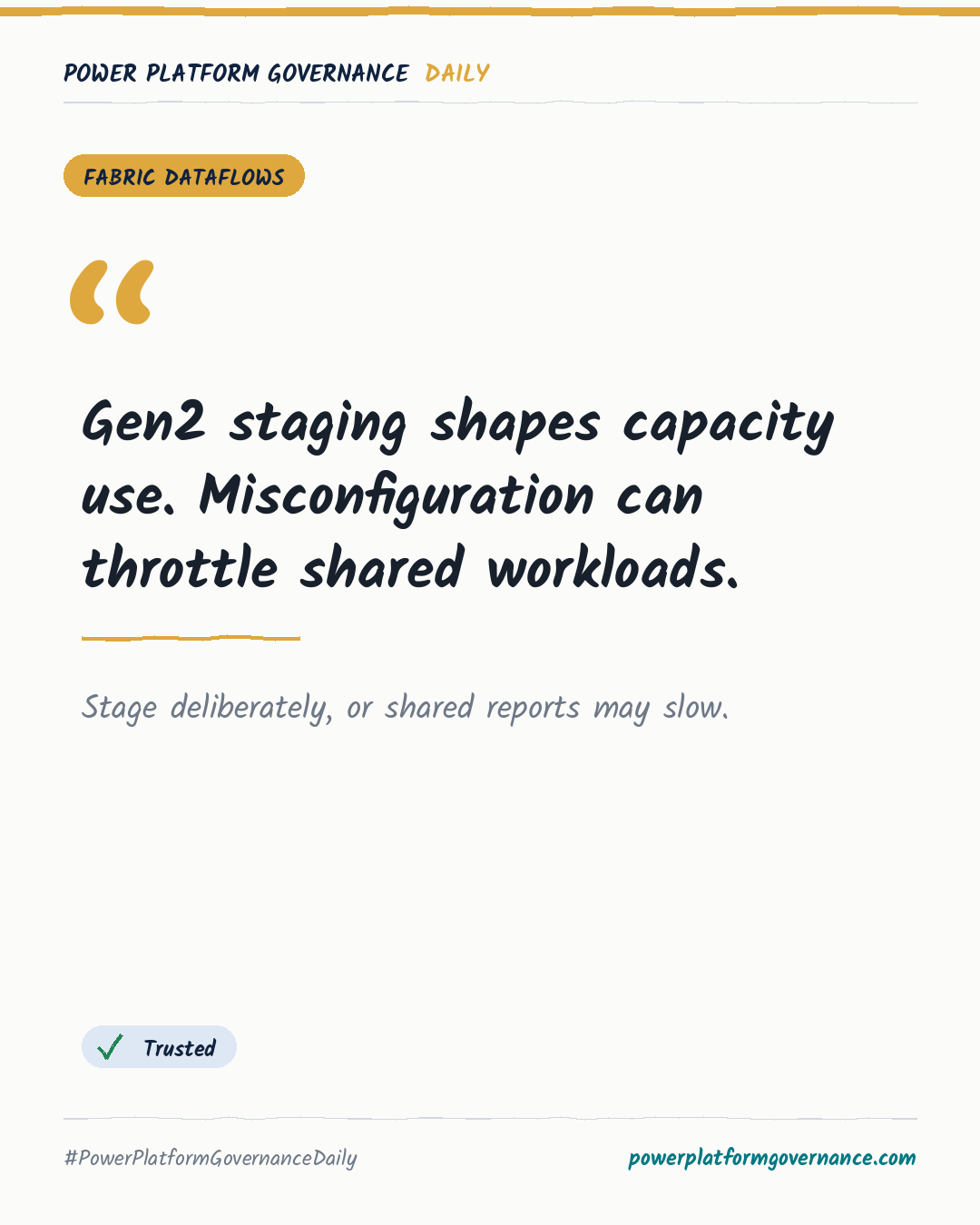
Dataflows Gen2 writes to OneLake and Fabric Lakehouse tables, but staging and compute choices can consume shared capacity and affect Power BI reports.
TL;DR
Dataflows Gen1 stores transformed data within internal Power BI storage, while Dataflows Gen2 writes Delta Parquet tables to a Fabric Lakehouse through OneLake. Gen2 staging and transformation work consumes Fabric Capacity Units, so repeated processing or peak-hour refreshes can throttle other workloads and affect report rendering.
Original on M365 FM Podcast. Read the original · suggested by Mirko Peters
This is our own summary, not a republication or full translation.
Governance takeaway
- Makers: Configure staging and transformations carefully because repeated processing can create unnecessary compute overhead.
- Admins/CoE: Monitor Fabric Capacity Units and isolate heavy ETL in suitable workspaces or off-peak schedules to protect shared workloads.
- Leadership/Business: Standardize cleaned data in Lakehouse tables to reduce conflicting numbers and improve trust in dashboards.
Frequently asked questions
How does Dataflows Gen2 store cleaned data in Microsoft Fabric?
Dataflows Gen2 writes cleaned data to Delta Parquet tables in a Fabric Lakehouse through OneLake, making it available to downstream Fabric workloads.
What can misconfigured Dataflows Gen2 staging do to Fabric capacity?
Misconfigured staging can repeatedly pull large datasets into memory, increasing compute overhead and consuming Fabric capacity faster than expected.
How should teams schedule heavy Dataflows Gen2 refreshes?
Teams should isolate heavy ETL in dedicated workspaces with suitable capacity or schedule refreshes outside peak business hours to reduce workload impact.