Your Data Gateway Is a Single Point of Failure Until You Cluster It
Diesen Beitrag auf Deutsch lesen
How to move a lone on-premises data gateway into a high-availability cluster, who should own it, and the settings that keep failover actually working.
TL;DR
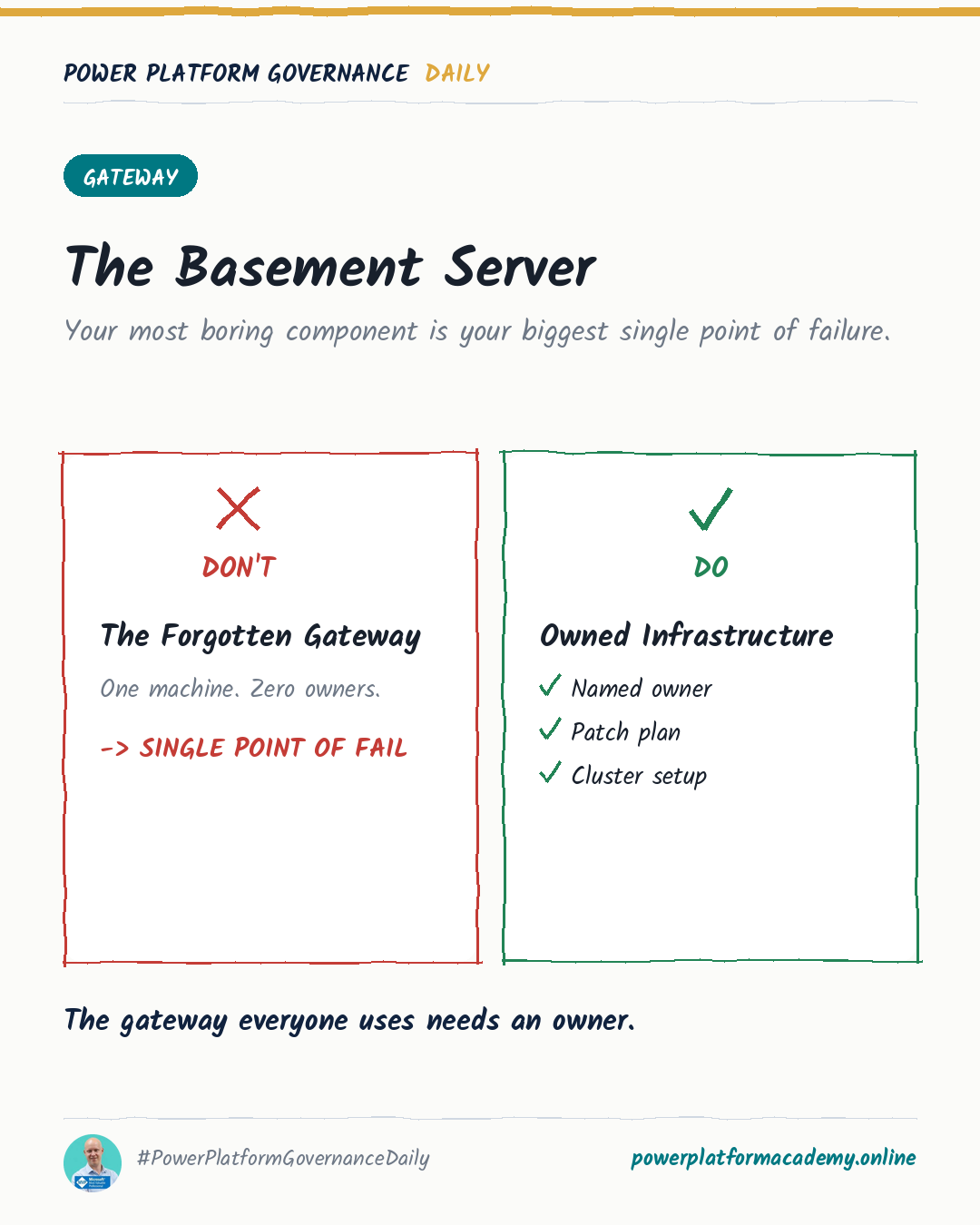
A single on-premises data gateway is a silent single point of failure: every flow, app, and report that touches on-premises data depends on that one machine staying up. Microsoft’s fix is a gateway cluster — install a second (and up to ten) gateway on a separate machine, register it against the same recovery key, and the service automatically fails over to the next available member if the primary goes offline. Clustering costs a spare VM and twenty minutes; not clustering costs an outage the day someone reboots the wrong server.
The failure nobody notices until it happens
Most tenants end up with exactly one on-premises data gateway because that’s what the setup wizard hands you: install the software, sign in, done. It works, so nobody revisits it. The gateway quietly becomes the one thing every SharePoint-on-prem connection, SQL Server flow, and Power BI refresh routes through — without anyone deciding that on purpose.
The failure mode is boring and total: the machine reboots for Windows updates, someone decommissions “an old server nobody uses,” or a network change cuts it off, and every single flow and report that depends on on-premises data stops at once. There’s no partial degradation to notice ahead of time — it works until the moment it doesn’t.
How gateway clustering actually works
A cluster is just multiple gateway installations pointed at the same identity. Cloud services always route to the primary gateway in the cluster; if that gateway becomes unavailable, the request automatically goes to the next member instead, and so on. A cluster supports up to ten members, and all of them need to run the same gateway version — mixed versions can cause failures that are hard to trace back to “one node was outdated.”
By default, all traffic still goes to the primary until it’s down. There’s a separate setting, Distribute requests across all active gateways in this cluster, that spreads load across every active member instead of concentrating it on one — worth turning on once you have more than two nodes, since otherwise the second and third gateways sit idle until an outage.
One genuine gotcha: if you’re gatewaying SAP via the NCo 3.1 connector, leave load balancing off. That connector keeps internal connection state on whichever gateway handled the first call, so bouncing between cluster members mid-session breaks it — Microsoft’s own SAP setup guide calls this out explicitly.
Setting it up
- Install the gateway on a different machine than the primary — you can only run one standard gateway per computer, and the entire point is redundancy.
- During setup, choose Add to an existing cluster, select the primary gateway from the list, and supply its recovery key.
- In the Power Platform admin center, go to Manage → Data → On-premises data gateways, select the cluster, open Settings, and decide on Distribute requests across all active gateways in this cluster based on your traffic pattern (and the SAP exception above).
- Keep the recovery key somewhere your team can actually find it — it’s also what you’ll need to migrate, restore, or take over a gateway later, not just to join the cluster.
Who this matters to
- Admins/CoE: cluster the gateway now, not after the first outage — installing a second gateway on a separate machine and registering it against the primary’s recovery key is what turns “one server reboot” from a tenant-wide incident into a non-event.
- Security/Compliance: gateway admin rights come in separate tiers for Power BI versus Power Apps/Power Automate, and each tier can add other admins or delete the gateway outright — check who actually holds Admin on the cluster, since that list rarely gets reviewed once it’s set.
- Leadership/Business: budget for a second small VM before an incident forces the conversation — it’s a modest one-time cost next to every on-premises-connected automation in the tenant going dark at the same moment.