Agent Builder experiments need ownership and lifecycle governance
Diesen Beitrag auf Deutsch lesen
Agent Builder makes experimentation easy, but unmanaged agents create inventory problems. Agent 365, Graph API and Power Automate can support lightweight follow-up.
Posted 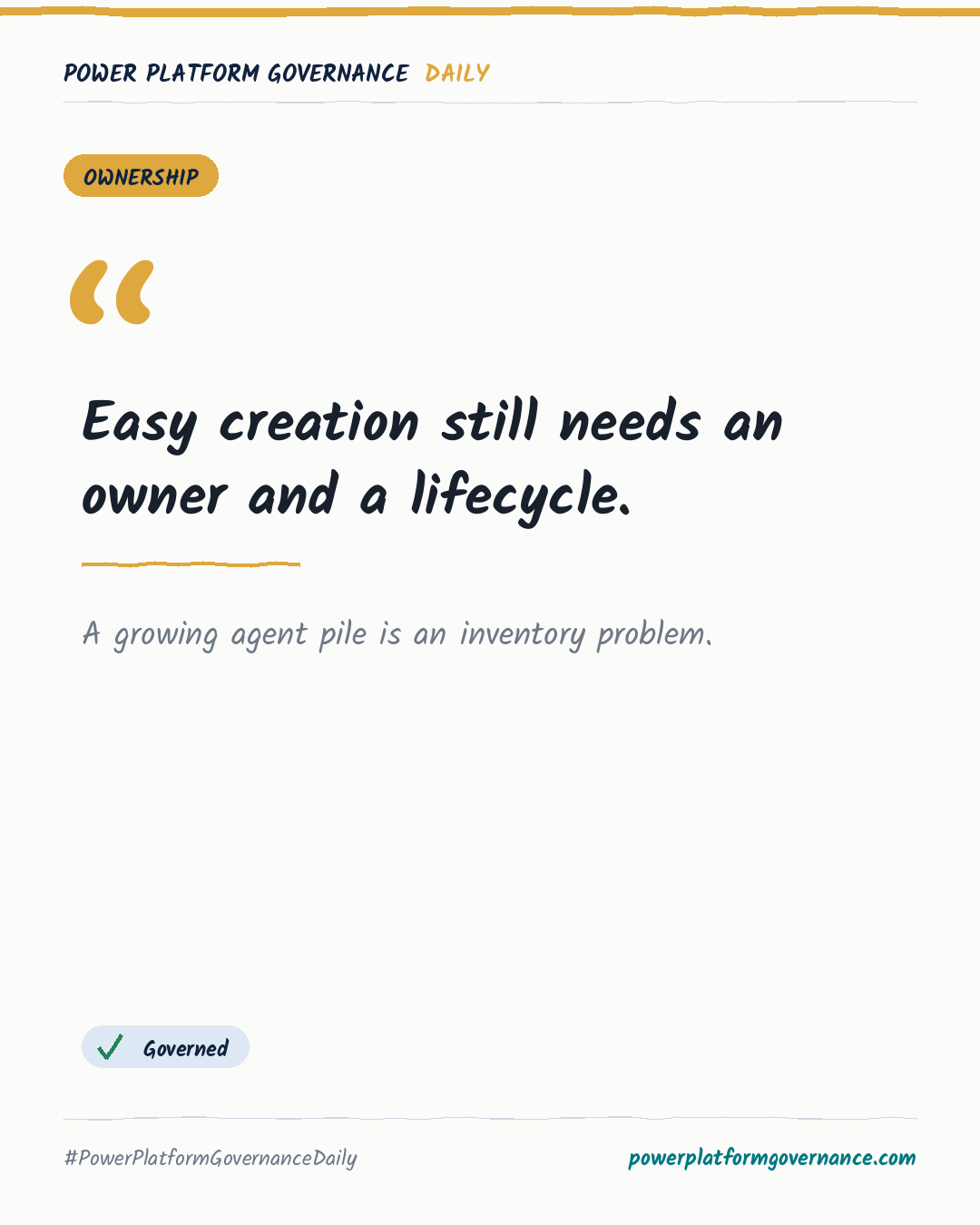
Governance card: Easy creation still needs an owner and a lifecycle.
By Power Platform Governance
1 min read
TL;DR
Microsoft 365 Copilot Agent Builder lets licensed users create agents quickly, but hundreds can accumulate before admins see them. Agent 365 improves visibility, while a Graph API, SharePoint list, Power Automate and Teams card workflow can ask owners to document agents and delete unused ones after 60 days.
Original by Karl-Johan Spiik, on karlex.fi. Read the original
This is our own summary, not a republication or full translation.
Governance takeaway
- Makers: Give each agent a clear purpose, owner and sharing context, then review whether it still earns its place. The source says agents have a lifecycle and that deleting unused work is part of the job.
- Admins/CoE: Build an inventory with Agent 365 visibility or a lightweight Graph API, SharePoint, Power Automate and Teams workflow. Prompt owners about ground rules and flag agents unused for 60 days.
- Leadership/Business: Direct larger use cases to the right tool instead of letting Agent Builder stretch beyond its limits. A solution advisor can help distinguish Microsoft 365, Power Automate, Copilot or agent scenarios.
This post is licensed under CC BY 4.0 by the author.