If You Can't Roll Back, You're Not Deploying — You're Gambling
Diesen Beitrag auf Deutsch lesen
Why every non-development environment should only ever see managed solutions, who should own production flows, and how to stop connection references and environment variables from requiring manual re-entry on every deployment.
TL;DR
Managed solutions aren’t a formality — they’re what makes a deployment reversible at all, since a managed solution can be uninstalled cleanly while an unmanaged one leaves its customizations behind permanently. Three practices turn “moving things to production” from a risky manual ritual into a boring, repeatable one: only ever import managed solutions outside development, put production flows under service-principal ownership instead of a person’s, and pre-populate connection references and environment variables so nobody has to remember the right values by hand during every import.
Managed solutions are what makes rollback possible
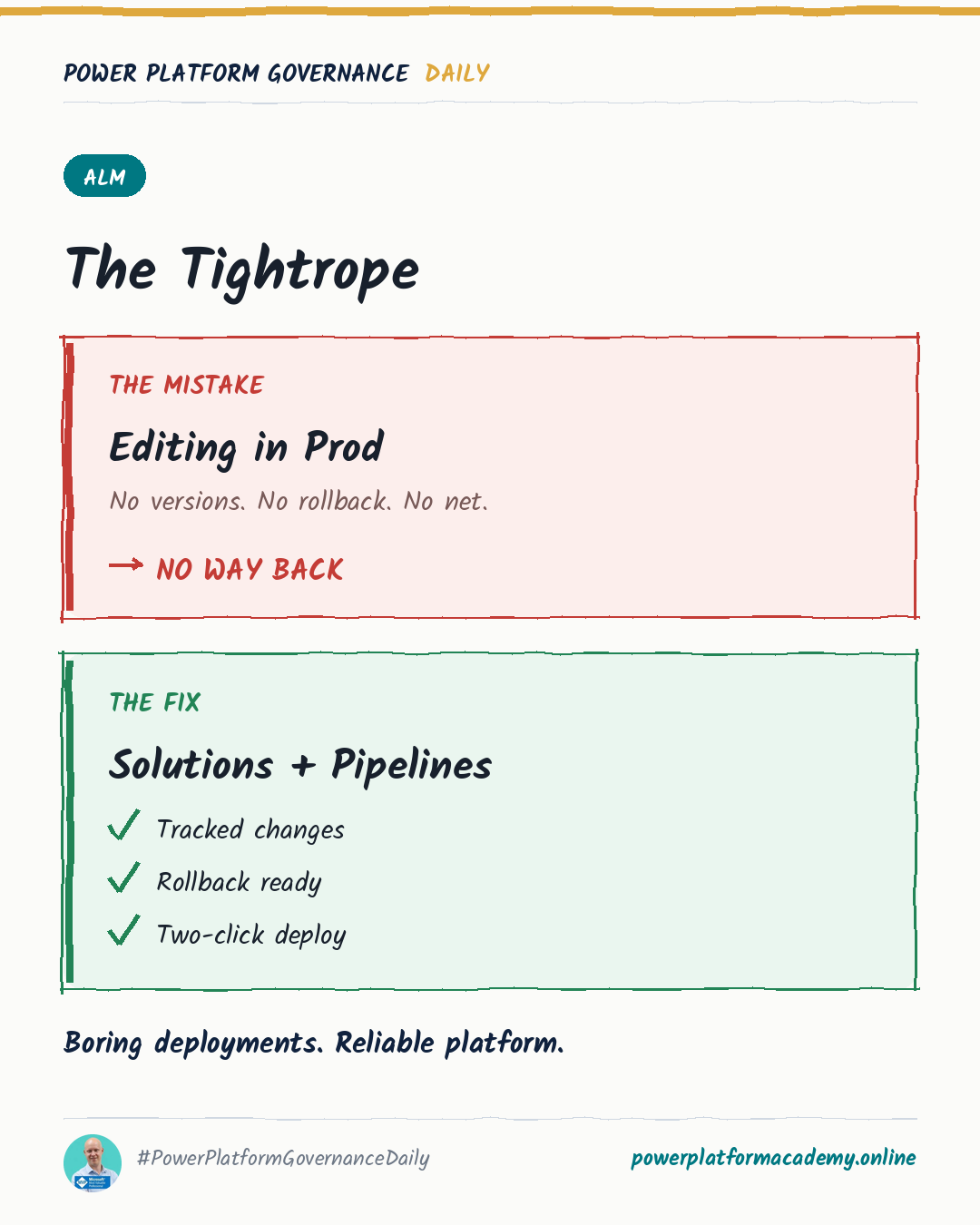
An unmanaged solution is meant for development — it’s editable, and when it’s deleted, only the solution’s container disappears; the customizations inside stay active, now belonging to the environment’s default solution. A managed solution behaves the opposite way on purpose: it can’t be edited directly (only through an unmanaged solution layered on top), and deleting it removes everything it contains. That difference is exactly why Microsoft’s own ALM guidance is unambiguous: except for the development environment, every environment should only ever contain managed solutions — test, UAT, staging and production alike. If a deployment goes wrong, uninstalling a managed solution is a clean, complete rollback. Unwinding an unmanaged one in production is not — its customizations are already merged into the environment with no clean edge to cut along.
Production flows should belong to a service account, not a person
This isn’t a preference — it’s a named ALM best practice: make sure service principals own all flows in production. The reasoning connects directly to something covered elsewhere on this site — a person who owns a flow can leave the company, get their account disabled, or simply lose access, and the flow’s connections start failing without the flow itself ever announcing it. A service principal doesn’t resign, doesn’t get put on leave, and doesn’t have its account disabled as a side effect of an HR process that has nothing to do with the automation depending on it.
Stop re-entering the same values on every deployment
Every solution import that includes connection references or environment variables normally prompts for target-environment-specific values interactively — fine for a one-off, a real problem for anything automated. The fix is a deployment settings file: a JSON file holding the connection IDs and environment variable values for a specific target environment, generated with pac solution create-settings --solution-zip <path> --settings-file <name> and filled in once per environment. Pass it to the Power Platform Build Tools’ Import Solution task, and the values populate automatically — no interactive step, no one has to remember which connection ID belongs to which environment. Keep the file in source control alongside the solution, and treat any sensitive values inside it as pipeline secrets, not plain text.
Who this matters to
- Admins/CoE: audit whether any non-development environment currently holds unmanaged customizations — Microsoft’s own conversion guidance (moving from unmanaged to managed) exists specifically because this is a common finding, not a rare one.
- Makers: build and iterate in development as usual, but stop thinking of “promoting to production” as exporting your working copy — it should always mean importing the managed solution your pipeline produced from it.
- Leadership/Business: a deployment that can’t be undone cleanly isn’t a deployment process, it’s an unmanaged risk every single release — ask whether production actually only contains managed solutions before treating the current release process as reliable.