Automate Export and Import of Flows and PowerApps Solutions
Diesen Beitrag auf Deutsch lesen
Turn solution backup into a scheduled workflow: automate versioned exports and know exactly how to restore from them.
Posted 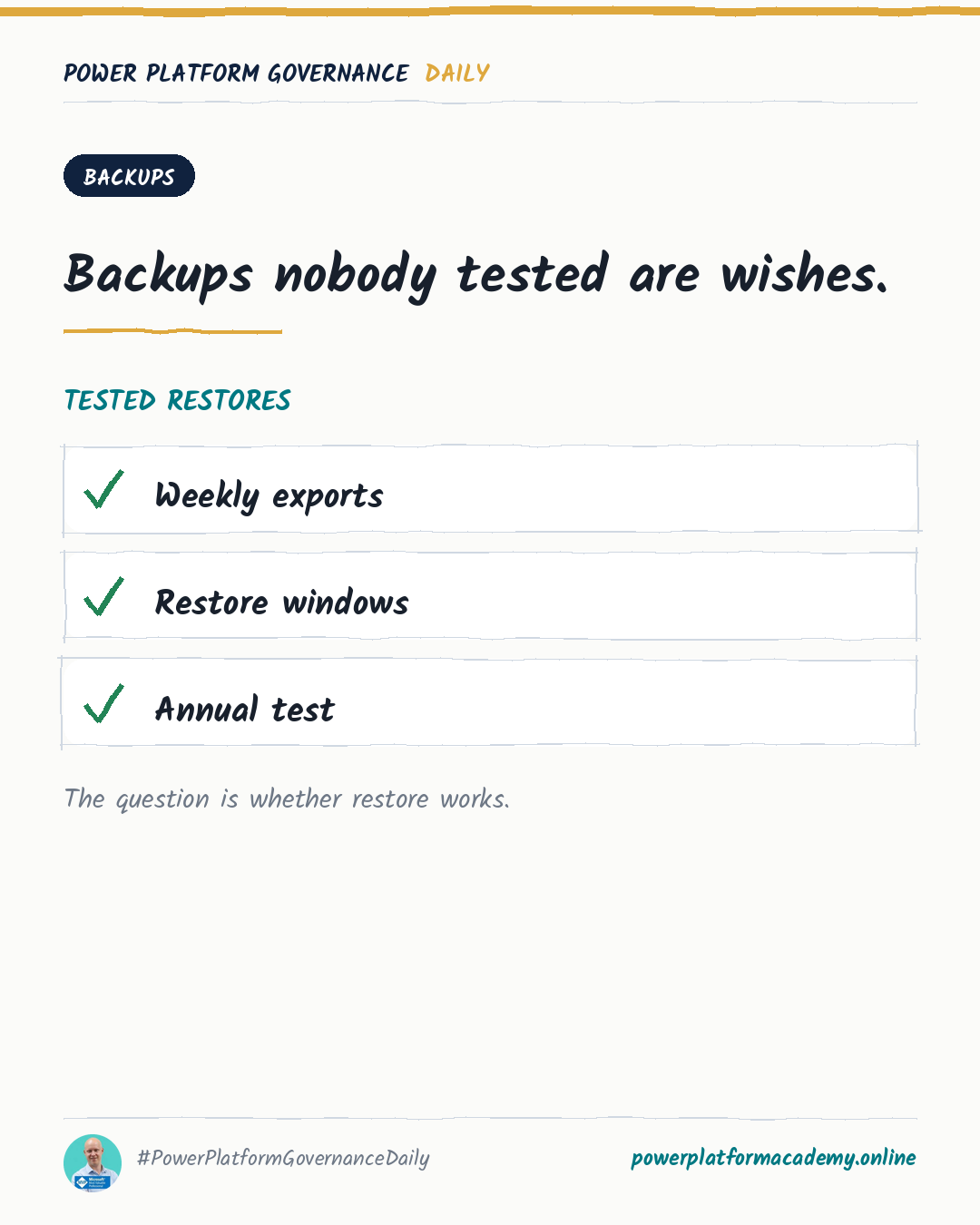
Governance card about automating scheduled solution backups.
By Power Platform Governance
1 min read
TL;DR
Package flows and apps into a solution, then automate its export as a scheduled cloud flow that drops a versioned .zip into SharePoint, OneDrive or Blob Storage daily or weekly — restore by re-importing that .zip into the target environment. Use environment variables or per-environment flows to cover multiple targets from one export process.
Original by Marcel Lehmann, on PowerPlatformTip. Read the original
This is our own summary, not a republication or full translation. Both publications are edited by Marcel Lehmann.
Governance takeaway
- Admins/CoE: build this as a scheduled flow rather than a step someone remembers before a risky change, and keep versioned history so a rollback can reach back further than the last export.
- Makers: get a real safety net out of this — a solution you broke can be restored from a known-good .zip instead of rebuilt from memory.
- Leadership/Business: confirm this backup job actually exists before treating any critical solution as production-ready — “we’ll export before changes” is not a continuity plan.
This post is licensed under CC BY 4.0 by the author.