Use Visual Studio Code for agentic Power Platform development
Diesen Beitrag auf Deutsch lesen
Claude Code, Dataverse skills and PAC tooling can create environments, solutions, data models and sample data from prompts.
Posted 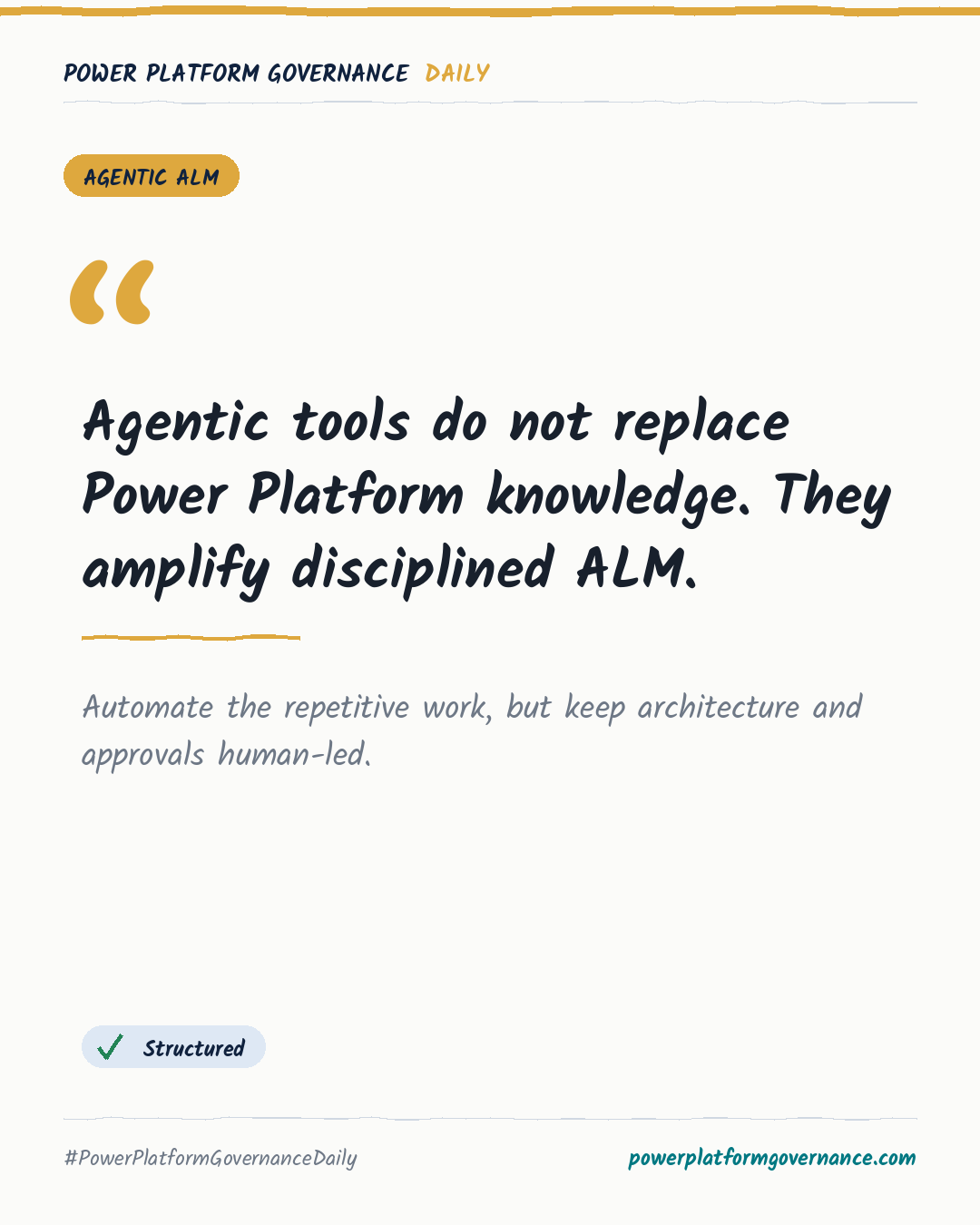
Governance card: Agentic tools do not replace Power Platform knowledge. They amplify disciplined ALM.
By Power Platform Governance
1 min read
TL;DR
Visual Studio Code with Claude Code and Microsoft Dataverse skills can create a Dataverse environment, connect an auth profile and workspace, create a solution and publisher, build an expense data model, and load sample data from prompts. The setup still requires a tenant, an environment, sufficient admin access and Dataverse expertise.
Original by Nick Doelman, on The ReadyXRM Blog. Read the original
This is our own summary, not a republication or full translation.
Governance takeaway
- Makers: Learn Dataverse and solution structure before relying on agentic prompts, because the source says the tool does not replace solution architecture knowledge.
- Admins/CoE: Review environment creation, auth profiles, MCP server approval and unmanaged solution use, because the workflow performs administrative setup from Visual Studio Code.
- Security/Compliance: Check how refresh tokens and the local .env file containing environment and tenant details are handled before adopting the workflow.
This post is licensed under CC BY 4.0 by the author.