Two Names Per Solution, Always: Ownership That Survives Offboarding
Diesen Beitrag auf Deutsch lesen
Why Microsoft ships PowerShell cmdlets specifically for orphaned flows, and why offboarding automation only works when it's triggered by the same event HR already generates.
TL;DR
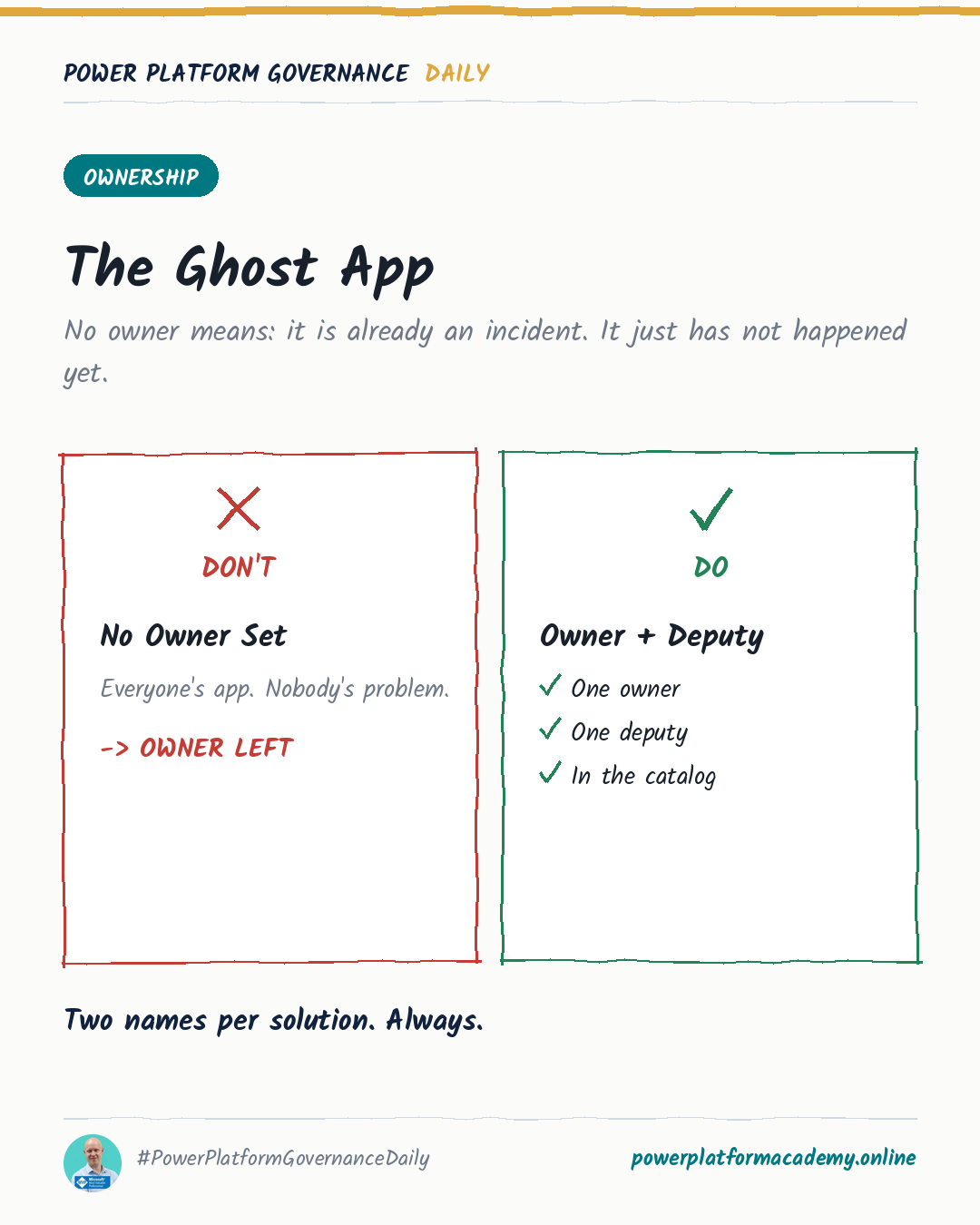
Microsoft maintains an entire support article dedicated to fixing flows that lose their owner — proof that “no valid owner” is a routine, expected failure, not an edge case. The fix isn’t better cleanup after the fact; it’s recording an owner and a deputy at creation time, so reassignment is a lookup instead of a research project, and triggering that reassignment from the same signal HR already generates when someone leaves, instead of a separate governance process that has to remember every departure on its own.
“No valid owner” is common enough to have its own tooling
An orphaned flow — one whose owner account no longer exists or is no longer valid — fails specifically because its connections were tied to that account. Microsoft’s fix for this isn’t a one-off script; it’s a maintained support article with both a UI path (open the flow, select Share, add a new owner) and dedicated PowerShell cmdlets: Get-AdminFlowOwnerRole to see current ownership, Set-AdminFlowOwnerRole to assign a new one, and Get-AdminFlow -CreatedBy <user-object-id> to find every flow a specific departed person created, in bulk. None of this exists as a rare-case afterthought — it exists because this happens often enough to need repeatable tooling, not a one-time manual fix.
The actual fix is naming a deputy before you need one
Every one of those cmdlets still requires a human to decide who the new owner should be — and that decision is exactly what a named deputy already answers. Recording two names on a solution at creation time — owner and deputy — turns “who do we reassign this to” from a question someone has to research after the fact into a field they can just read. This costs nothing to set up and directly shortens the exact remediation process Microsoft had to build tooling for.
The same reassignment need shows up beyond flows — Dataverse’s Reassign Rows feature moves everything a departed user owned to someone else in one action. Worth knowing before you rely on it: it deactivates every activated process (business rules, workflows) tied to the reassigned rows, and the new owner has to reactivate them. A named deputy who already knows the resource exists is in a far better position to notice and fix that than someone encountering it cold.
Trigger reassignment from the departure event itself
The gap in most orgs isn’t a lack of a reassignment mechanism — it’s that nothing tells the mechanism to run. If offboarding a solution’s ownership depends on someone remembering to check a spreadsheet or file a ticket, it depends on a step outside the actual departure process, and steps outside the process are exactly the ones that get skipped under pressure. The fix is structural: trigger the reassignment flow from the same signal that already exists — an Entra ID account being disabled — cross-reference it against the owner and deputy fields, and reassign automatically instead of waiting for someone to notice.
Who this matters to
- Admins/CoE: require both an owner and a named deputy at solution creation, not as an optional field filled in later — it’s the one piece of metadata that turns Microsoft’s own orphaned-flow remediation into something that rarely needs to run.
- Makers: name a deputy who could actually take over the resource, not whoever happened to be free when the form asked — Microsoft ships bulk PowerShell tooling for this specifically because “no valid owner” is common enough to need it.
- Leadership/Business: tie ownership reassignment to the same account-disabled event HR’s offboarding process already triggers, rather than a separate governance review that has to independently remember every departure.