Free Microsoft-managed SSL/TLS certificates for Power Pages
Diesen Beitrag auf Deutsch lesen
Power Pages can provision, configure and renew a free Microsoft-managed certificate for custom domains, while admins retain DNS and outage planning responsibilities.
Posted 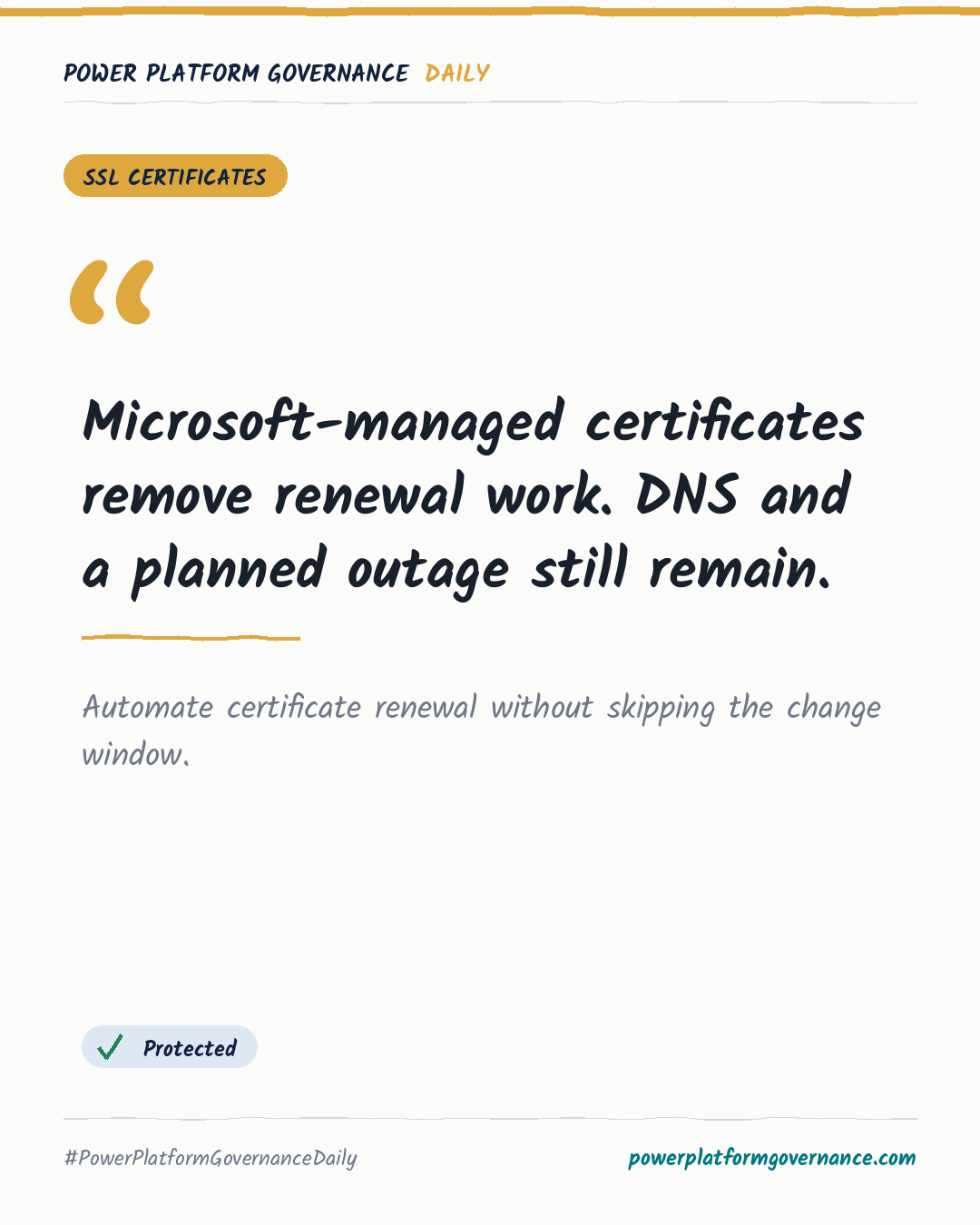
Governance card: Microsoft-managed certificates remove renewal work. DNS and a planned outage still remain.
By Power Platform Governance
1 min read
TL;DR
Power Pages can now provision, configure and renew a Microsoft-managed SSL/TLS certificate for a custom domain at no extra cost. Admins must disable CDN and Web Application Firewall, remove the existing binding, certificate and hostname in that order, then reconnect the domain and retain DNS CNAME management.
Original by Nick Doelman, on The ReadyXRM Blog. Read the original
This is our own summary, not a republication or full translation.
Governance takeaway
- Admins/CoE: Disable CDN and Web Application Firewall, then remove the binding, certificate and hostname in order before selecting the managed certificate.
- Admins/CoE: Schedule the change during a quiet window because the custom domain can be unreachable for several minutes.
- Security/Compliance: Keep using uploaded certificates where policy requires internal certificate management, because the managed option supplements rather than replaces that capability.
This post is licensed under CC BY 4.0 by the author.