A Disabled Owner Does Not Disable the Flow
Diesen Beitrag auf Deutsch lesen
Why a flow keeps existing after its owner leaves the company, what actually breaks first, and why Microsoft recommends service principal ownership for anything critical.
TL;DR
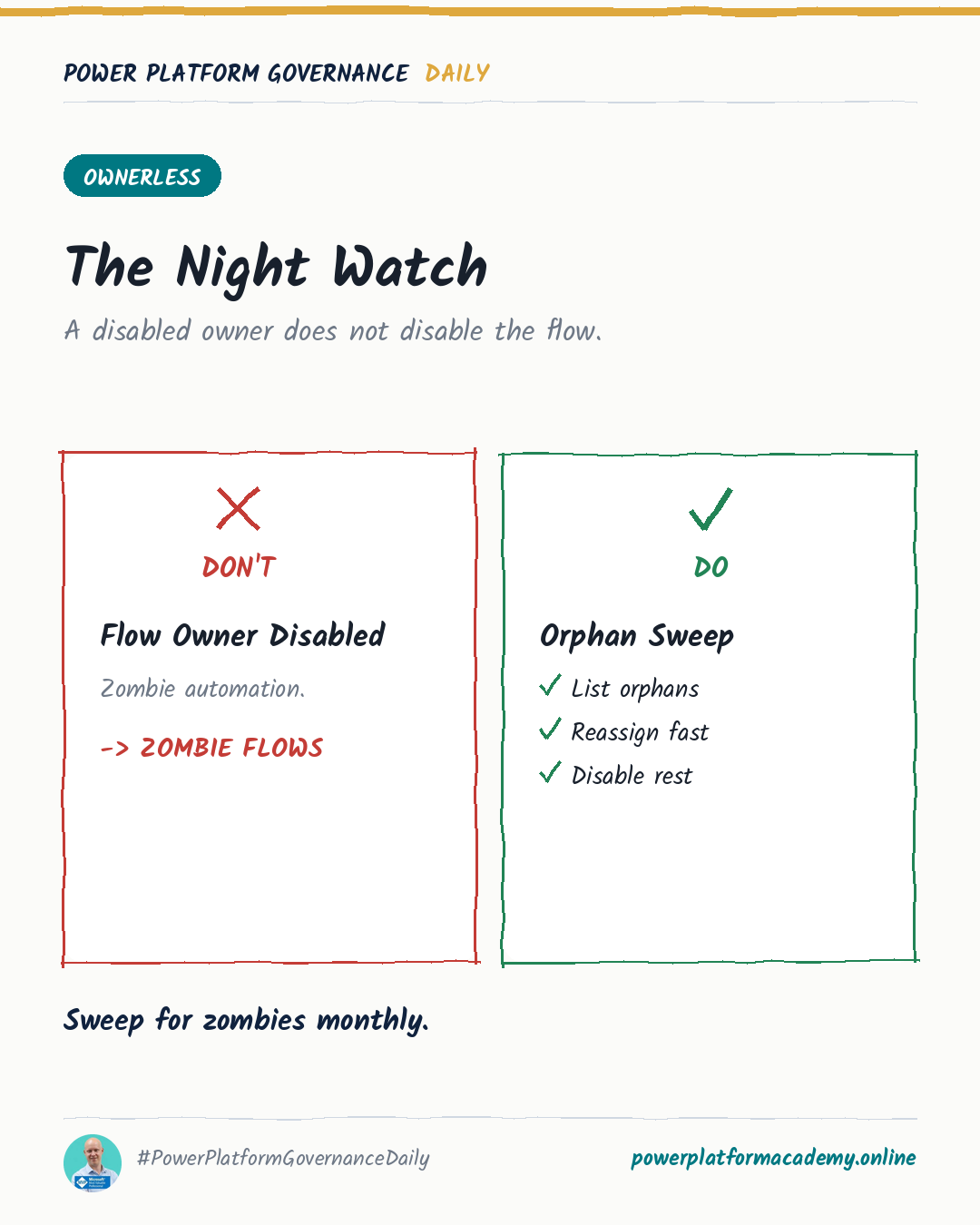
Disabling a departed employee’s account in Entra ID doesn’t turn off their flows. The flow record stays exactly as it was — still “On,” still scheduled, still shared with whoever it was shared with — because the trigger state and the account state are two different things. What breaks is narrower and quieter than a clean shutdown: connections tied to that account start failing, one action at a time, often for weeks before anyone notices the pattern. Microsoft’s own guidance for anything critical is to not let this scenario exist in the first place — own the flow with a service principal, not a person.
Why disabling the account doesn’t disable the flow
A cloud flow’s trigger and schedule live independently of whether its owner can currently sign in. Turning off a user’s account in Entra ID is an identity control; it says nothing to Power Automate about the flow that user happens to own. So the flow keeps trying to run on its normal schedule or trigger, exactly as before — nobody has to remember to separately “turn off their flows” as a step, because the platform never links the two.
What actually fails is more specific: any connection embedded in the flow that was authorized under the disabled account starts rejecting calls. A shared flow with an active owner keeps running, per Microsoft’s own documentation on sharing flows — the risk is specifically the flows where the departed person’s account was the last one holding the connection. A scheduled recurrence flow, for instance, runs under the maker’s own connections; if that maker is gone, those specific steps start failing while the flow itself still shows as “On” in the maker portal.
That combination — flow visibly enabled, results silently wrong — is exactly what makes this a governance problem and not just an IT hygiene item. Nobody’s watching a flow that “looks fine.”
What actually breaks, in order
- Connections first. Any action using a connection created by the disabled account starts erroring immediately or on next run, depending on the connector.
- Licensing next, if it comes up. If someone reassigns the flow’s ownership to a person without the right premium license, Power Automate gives a 30-day grace period before automatically turning the flow off — a real deadline, not an immediate cutoff.
- The flow’s own state, never automatically. Nothing in this chain turns the flow off by itself. It stays “On” until someone actively disables it, reassigns it, or it’s caught in a review.
The fix Microsoft actually recommends
For flows a business genuinely depends on, Microsoft’s guidance on flow ownership doesn’t suggest better offboarding checklists — it suggests removing individual people from the ownership question entirely by using a service principal (SPN) as the owner instead of a user account. The stated advantages are specific: SPN-owned flows aren’t tied to any one employee, so departures don’t disrupt them; permissions can be scoped tighter than a person’s day-to-day access; and the audit trail reflects the automation itself rather than whoever happened to own it that quarter.
SPN ownership does still need a licensing answer, since a non-interactive service principal is never assigned a license directly. Power Automate supports designating a separate, licensed co-owner whose entitlement the flow runs under — the SPN stays the owner of record, a real person just covers the premium license requirement. Skip that step and an SPN-owned flow using premium features gets suspended for non-compliance.
The monthly sweep that catches what SPN ownership doesn’t cover yet
Not every flow will get migrated to service principal ownership immediately, and legacy flows owned by people who’ve since left are exactly the ones a one-time cleanup misses. The practical stopgap: a monthly (or more frequent) sweep of flow owners against active directory status — the Power Platform admin center’s flow inventory plus the tenant’s user list is enough to build this as a scheduled flow of its own, no separate tooling required, flagging any flow whose owner is disabled so someone reassigns it deliberately instead of it quietly degrading further.
Who this matters to
- Admins/CoE: for any flow the business actually depends on, move ownership to a service principal with a licensed co-owner rather than a person — it’s the one change that makes this entire failure mode structurally impossible instead of something to catch after the fact.
- Makers: if you’re inheriting a flow from someone who left, check every connection inside it, not just whether it shows “On” — a flow can look perfectly healthy in the maker portal while individual steps have been silently failing for weeks.
- Security/Compliance: build the disabled-owner sweep as a standing, scheduled check rather than a one-time offboarding task — the risk isn’t the day someone leaves, it’s every day afterward that nobody re-checks the flows they left behind.