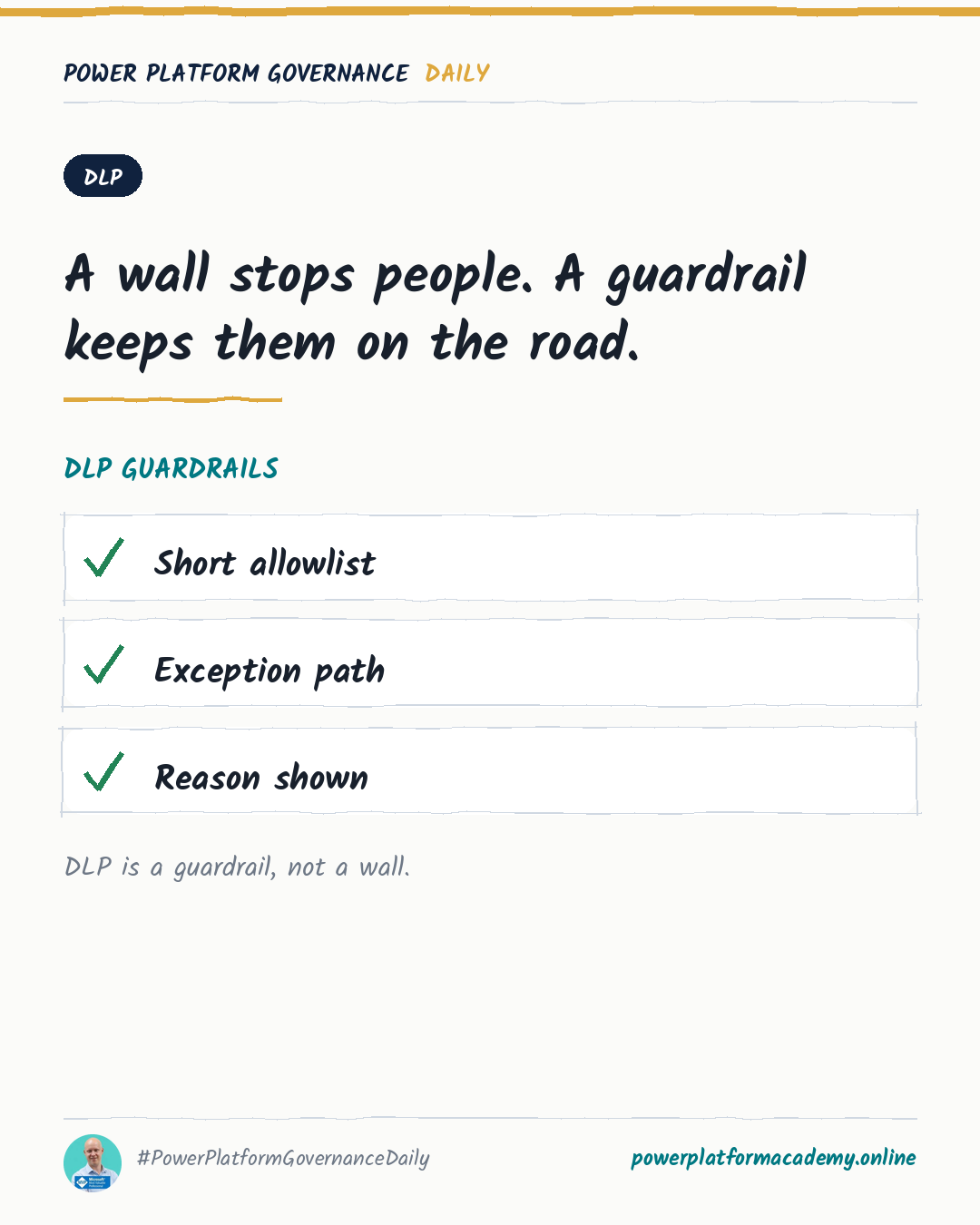
DLP Is a Guardrail, Not a Wall: The Mechanics That Actually Matter
Diesen Beitrag auf Deutsch lesen
Why the default connector group matters more than it looks, how action-level and endpoint-level control go beyond block/allow, and why cross-tenant isolation is a separate control DLP doesn't cover.
TL;DR
Data loss prevention in Power Platform is a classification system — every connector lands in Business, Non-Business, or Blocked, and a resource can only combine connectors from one group. Most of what makes DLP work well in practice isn’t the block/allow decision itself: it’s leaving the default group alone, reaching for action-level and endpoint-level control before reaching for a blanket block, and knowing that cross-tenant isolation is a completely separate control that a connector policy says nothing about. Advanced connector policies are where this is all heading — a default-deny model, replacing the classification system entirely for certified connectors.
Leave the default group as Non-Business
Every new connector Microsoft ships lands in one designated default group, and that group starts as Non-Business. It’s tempting to set the default to Blocked instead, reasoning that new connectors should be locked down until reviewed — but Microsoft’s own guidance says not to, for a specific reason: Microsoft 365 Enterprise license connectors and a few core Power Platform connectors are exempt from being blocked at all. If your default group is Blocked, those exempt connectors don’t get blocked — they silently land in Non-Business instead, which means your “secure by default” setting quietly has exceptions you didn’t choose. Keep Non-Business as the default and move connectors to Business or Blocked deliberately, once you’ve actually evaluated the risk.
Block/allow isn’t the only lever
A flat block is a blunt instrument, and two more precise controls exist for when it’s too blunt:
- Connector action control lets you allow a connector but restrict which of its actions can be used — the standard example is allowing the “read” actions on a connector while blocking anything that modifies data. New actions a connector gains after an update can be set to auto-allow or auto-block, so this doesn’t silently loosen over time.
- Connector endpoint filtering governs which specific endpoints a maker can connect to, but only for six connectors: HTTP, HTTP with Microsoft Entra ID, HTTP Webhook, SQL Server, Azure Blob Storage, and SMTP. It only applies when a maker hardcodes a static endpoint value — dynamic values aren’t covered.
Both exist specifically because “Business,” “Non-Business,” and “Blocked” are coarse — a connector is either fully usable or not, tenant- or environment-wide. These two controls are how you narrow that without resorting to a custom connector or a flat block that blocks legitimate use along with the risky part.
Where this is heading: default-deny
Advanced connector policies (ACP) replace the entire Business/Non-Business/Blocked model with a strict allowlist: every connector and action is blocked by default, and new connectors added to the platform are automatically blocked too, not automatically usable. ACP runs in Mixed mode alongside classic DLP by default (the most restrictive of the two wins), or in ACP-only mode once you’ve fully migrated a given environment or environment group. Enforcement happens at design time — a maker is blocked from using a restricted connector while building, not just flagged after the fact. The current limitation: ACP covers certified connectors only, not custom connectors or HTTP, so classic DLP policies still carry that part of the job for now.
Cross-tenant isolation is a different control entirely
None of the above touches a separate question: can a connection using Microsoft Entra ID authentication reach another tenant’s data at all? That’s tenant isolation, and it’s off by default — meaning cross-tenant connections work seamlessly today unless you explicitly turn isolation on. Once it’s on, you choose one-way (block inbound only) or two-way (block both directions), and allow-list specific partner tenants by ID or domain to keep working collaborations intact. A DLP policy that blocks SharePoint in Non-Business says nothing about whether a different tenant’s SharePoint is reachable — that’s tenant isolation’s job, configured separately under Security → Identity and access in the admin center.
Who this matters to
- Admins/CoE: leave Non-Business as the default group and use connector action control or endpoint filtering before reaching for a flat block — reserve Blocked for connectors you genuinely never want used, not for ones that just need narrower use.
- Security/Compliance: treat DLP classification and tenant isolation as two separate checklist items, not one — a fully locked-down connector policy still leaves cross-tenant data movement wide open until isolation is explicitly turned on.
- Makers: expect design-time blocks to get stricter as tenants adopt advanced connector policies — an unlisted connector in ACP-only mode isn’t a warning to work around, it’s blocked before you can even use it.