Monitoring That Nobody Reads Is Just Decoration
Diesen Beitrag auf Deutsch lesen
Why a working alert and a heard alert are two different things, why stopping a bad flow needs to be a rehearsed five-minute action instead of an improvised one, and why audit logging has to be switched on before the incident it's meant to explain.
TL;DR
Three governance controls fail in the same way: they exist on paper but weren’t ready when they were actually needed. A failure alert that emails an unmonitored shared mailbox is technically working and practically useless. A kill switch for a runaway flow that nobody has ever located or tested turns “stop it now” into 45 minutes of searching. And an audit log turned on after an incident can’t tell you anything about the incident, because Dataverse only records changes made while auditing was already active. All three share the same fix: readiness has to be built and rehearsed before the day it matters, not assembled during the emergency itself.
An alert that fires into silence isn’t monitoring
Power Automate’s per-run failure alerts have real limits worth knowing before you rely on them: they only cover failures with a known fix, they’re subject to a 28-day cooldown per flow so repeated failures don’t spam the same alert twice, and they have to be explicitly turned on in the flow’s settings — they aren’t universal by default. None of that matters if the email lands in an inbox nobody opens. Microsoft’s own guidance for catching what per-run alerts miss points to two things that don’t depend on anyone reading an email at all: the Monitor experience in the Power Platform admin center, which shows every failed run with no exclusions at the environment level, and the weekly failure digest, which summarizes all failures including the general ones that don’t trigger a per-run email. Between these, an admin has a complete picture without needing a working mailbox — but only if someone is actually assigned to look. A distribution list with a rotation and a named reader turns a technically-functioning alert into one that’s actually heard.
Stopping a bad flow needs to be a drill, not an improvisation
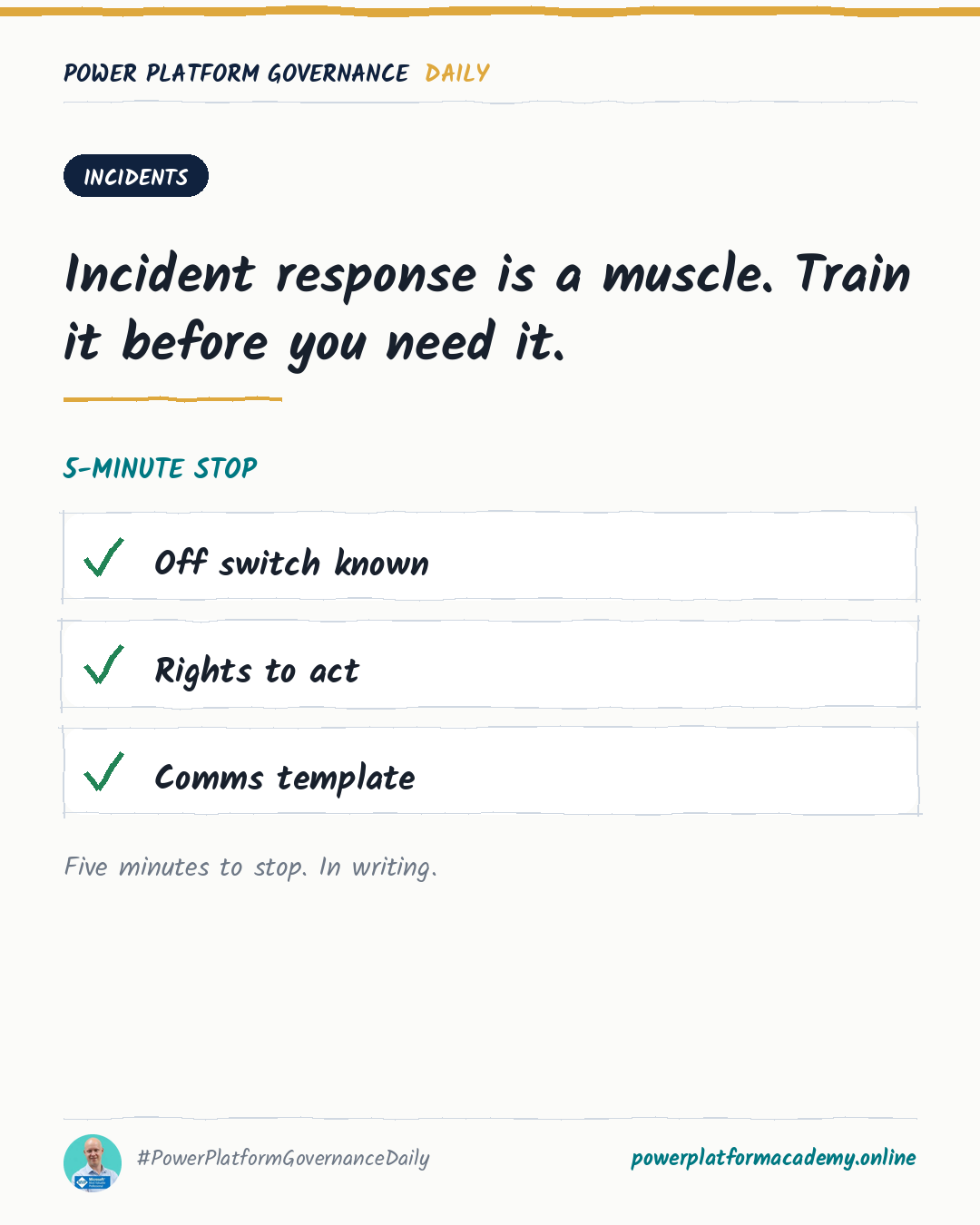
Every cloud flow has a functioning on/off switch, and admins have three separate ways to reach it: the Disable action in the Power Platform admin center’s flow management view, the mobile app’s flow details screen, or the Disable-AdminFlow PowerShell cmdlet for scripted or bulk action. The mechanism isn’t the gap — knowing where it is, having the rights to use it, and having tried it once before an incident is. “We’d figure it out somehow” describes a team that has never located this switch under pressure, and pressure is exactly the wrong time to discover that the person who noticed the problem doesn’t have the Environment Admin role needed to act on it. A rehearsed response has three concrete pieces in place beforehand: someone knows where the switch is, that person’s role actually grants the right to flip it, and a short communication template exists so the stop itself doesn’t consume the response time meant for containment.
An audit log has no memory of before it existed
Dataverse auditing has a property that’s easy to underestimate: it only captures changes made after the environment- and table-level auditing settings were turned on — it has no retroactive view into what already happened. “We’ll enable audit logs if we need them” is a sequencing error, not a delay, because by the time a need is identified, the log that would have explained it simply doesn’t exist for that period. Turning it on takes a few minutes: auditing has to be enabled at the environment level first, then for the specific tables and columns that matter, with a retention period set at the same time. None of this is expensive to leave running — it’s expensive to have needed and not had. The tables most worth prioritizing are exactly the ones tied to admin actions and access changes, since those are the questions that actually get asked after something goes wrong: who changed this connection, and when.
Who this matters to
- Admins/CoE: assign a named reader and a rotation to whatever mailbox failure alerts land in, and separately check the Monitor experience and weekly digest, which show failures a per-run email will miss entirely.
- Leadership/Business: fund a rehearsed incident stop before an incident forces one — the cost is a single practice run and confirming the right people already hold the Environment Admin role, not a new tool.
- Security/Compliance: turn on Dataverse auditing and set its retention period now, on the tables tied to admin and access changes — logging enabled after an incident can’t describe anything that happened before it was turned on.