Power Pages form agents need deliberate security configuration
Diesen Beitrag auf Deutsch lesen
A preview feature converts a Power Pages basic form into an agent, with web roles, authentication and Web API field exposure requiring careful review.
Posted 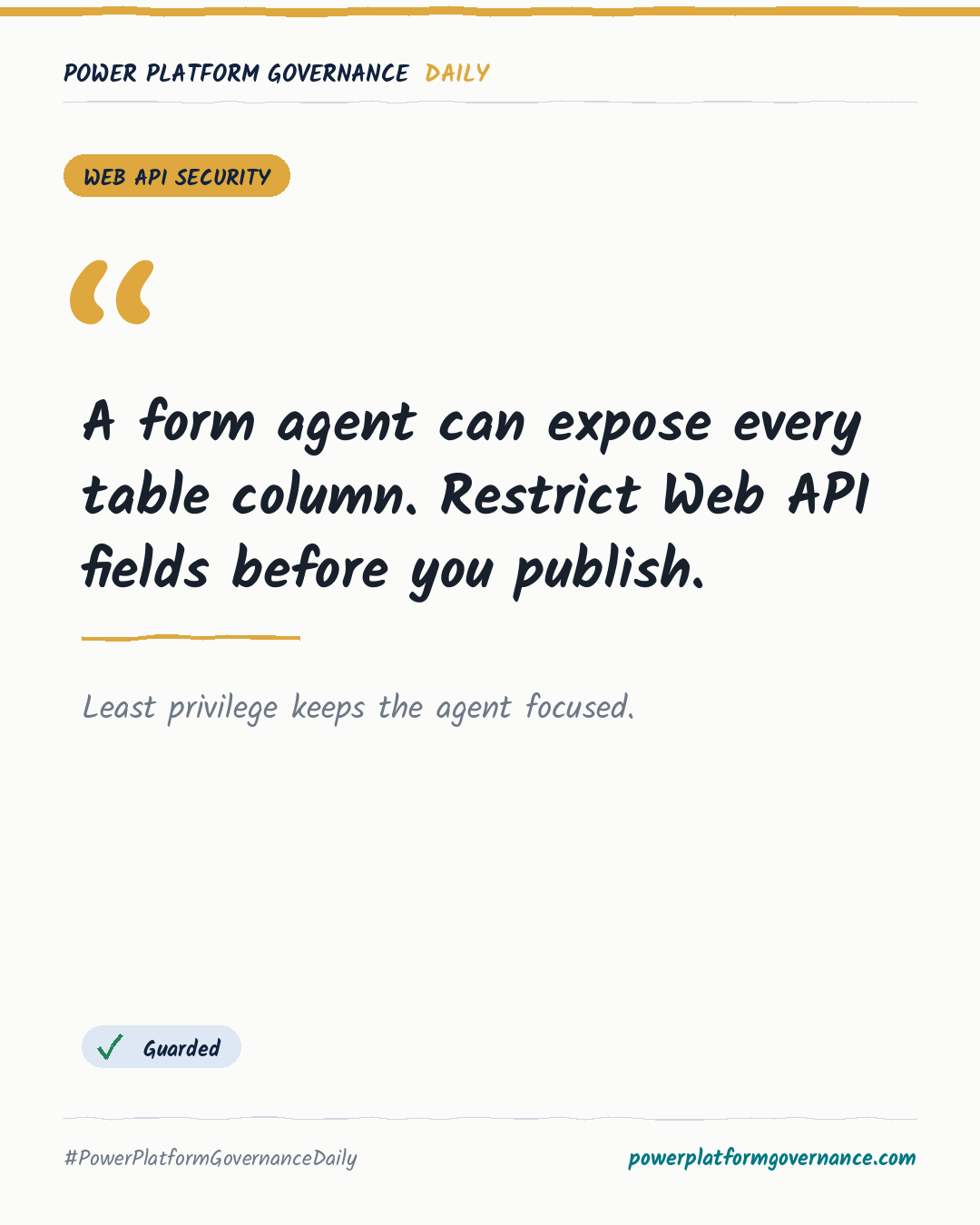
Governance card: A form agent can expose every table column. Restrict Web API fields before you publish.
By Power Platform Governance
1 min read
TL;DR
Power Pages can convert a basic form into a Copilot Studio agent, but the preview setup enables all table columns for the Power Pages Web API. Assign permitted web roles, review authentication, and replace the WebAPI fields site setting wildcard with a comma-separated list of only the form columns before publishing.
Original by Nick Doelman, on ReadyXRM Blog. Read the original
This is our own summary, not a republication or full translation.
Governance takeaway
- Makers: Treat the form agent as a data-entry surface, test the preview behavior, and confirm only required fields are exposed so the agent does not collect or update unintended data.
- Admins/CoE: Enable the site copilot and native-control setting, assign web roles, review authentication, and replace the WebAPI fields wildcard with a comma-separated allowlist before publishing; developer environments cannot use public mode.
- Security/Compliance: Be cautious with unauthenticated access and verify table permissions, web roles, authentication, and exposed columns because the conversion process initially enables every table column.
This post is licensed under CC BY 4.0 by the author.