Move Power Platform deployments from unmanaged to managed solutions
Diesen Beitrag auf Deutsch lesen
Instructions for converting downstream Power Platform solutions to managed mode through the UI, PAC, Azure DevOps or GitHub Actions.
TL;DR
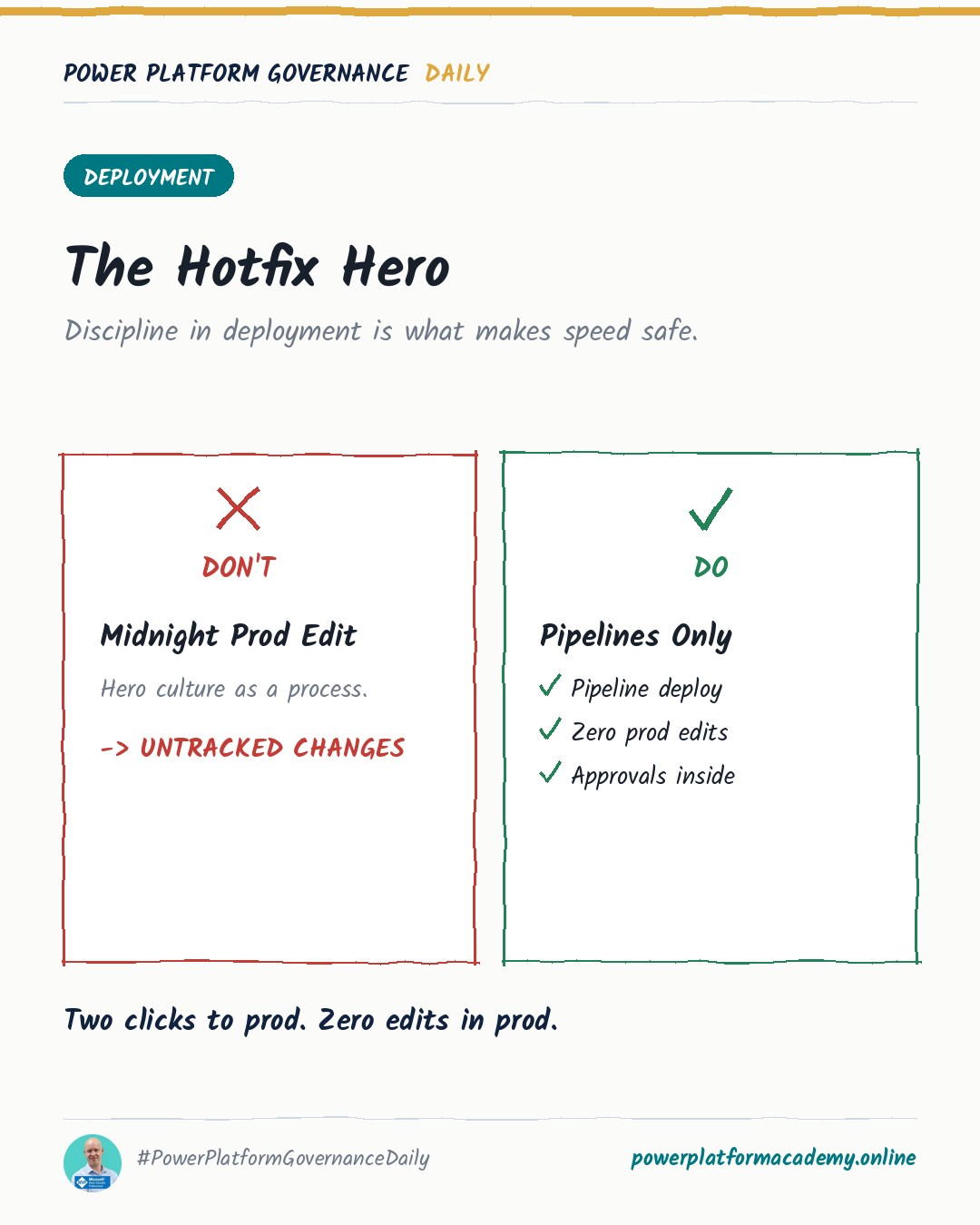
Use managed solutions in every Power Platform environment except development. To convert an existing unmanaged deployment, uninstall the same solution first and reimport it as managed, or import equivalent components as managed. The UI converts automatically; PAC uses –convert-to-managed, while GitHub Actions and Azure DevOps use convert-to-managed and ConvertToManaged. Solution layering and publisher consistency affect the result.
Original by Benedikt Bergmann, on Benedikt's Power Platform Blog. Read the original
This is our own summary, not a republication or full translation.
Governance takeaway
- Admins/CoE: standardize managed solutions across every downstream environment, verify publisher consistency, and test component layering before trusting any conversion tool. If you run GitHub Actions or Azure DevOps pipelines, confirm whether convert-to-managed is already the default in your current tool version, since relying on a flag that’s now redundant, or missing one that’s now required, can silently change what a pipeline does.
- Makers: keep your unmanaged development environment exactly as is — this conversion never touches where active customization happens.