Expensive Isn't Building. Expensive Is Not Knowing.
Diesen Beitrag auf Deutsch lesen
Why Microsoft 365-included rights don't cover as much as people assume, how pay-as-you-go trades procurement friction for a live Azure bill, and why the licensing model itself is a moving target worth reviewing yearly.
TL;DR
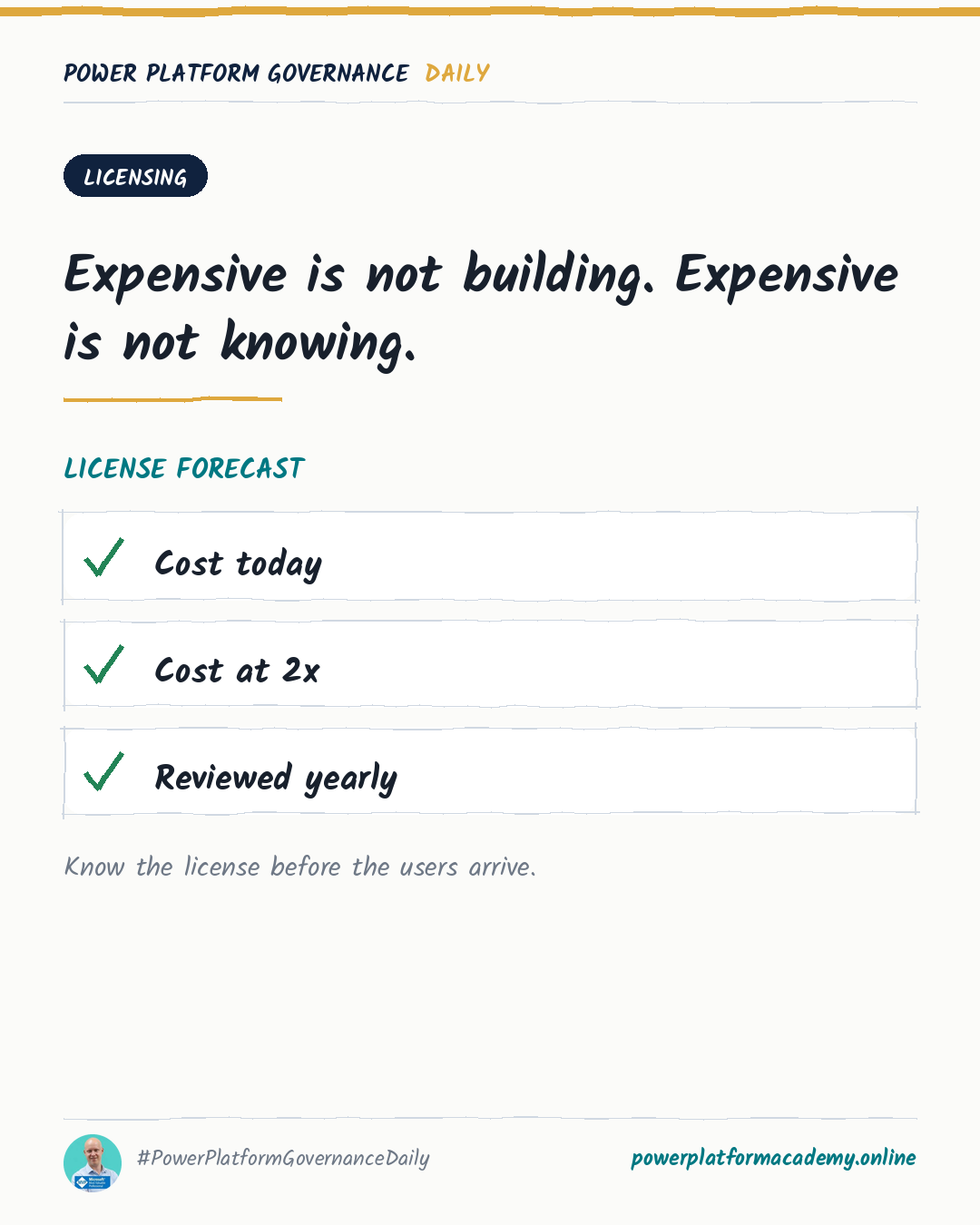
Licensing surprises tend to come from the same three gaps: assuming a Microsoft 365 license covers more than it actually does, treating pay-as-you-go’s flexibility as a reason to stop watching costs instead of a different way of watching them, and treating the licensing model as a one-time decision when Microsoft actively changes what’s available over time. None of these need a finance background to catch — they need someone checking before rollout instead of after the first surprising invoice.
Microsoft 365 rights cover less than the name suggests
Some Microsoft 365 licenses include limited Power Apps, Power Automate and Dataverse use rights — but that inclusion is explicitly scoped to specific scenarios: it’s meant for working with Microsoft 365 data through standard connectors, and it does not entitle a user to run standalone custom apps, premium flows, or Copilot Studio agents. The Microsoft 365 admin center can even show a “Dataverse” service plan against a license that includes these limited rights, which looks like broader access than it actually grants. The gap this creates is specific and common: a solution gets built and works fine for its maker, then a wider rollout hits users whose Microsoft 365 license simply doesn’t cover what the solution needs — discovered at rollout, not before it.
Pay-as-you-go doesn’t remove oversight, it relocates it
Pay-as-you-go links an environment to an Azure subscription so usage above included amounts bills through Azure meters instead of requiring capacity purchased upfront — genuinely useful for widely distributed apps with unpredictable use, or for establishing real adoption numbers before committing to prepaid licenses. The trade-off: this is live consumption billing, not a capped subscription, so “we don’t need to think about it” is exactly the wrong read. Microsoft’s own guidance points to two concrete guardrails: Azure Cost Management alerting, set up before rollout, and the downloadable usage report on the billing plan page in the Power Platform admin center, which breaks down which environments, apps and users actually drove the meters — detail Azure Cost Management alone doesn’t show. It’s also fully reversible at any time: removing an environment from the billing policy, or deleting the policy outright, stops further charges immediately.
The model itself is a moving target
“Review the license model yearly” isn’t caution for its own sake — Microsoft genuinely changes what’s on offer. As one live example: the Power Apps per-app plan, a capacity-based license for running a single app in an environment, stopped being available to new customers through some purchasing channels as of January 2026, with existing-customer and partner availability varying by channel. A licensing decision made two years ago can simply no longer be the current best option, or may not even be purchasable the same way anymore — the only way to catch that is to actually look again, on a schedule, rather than assuming the original decision still holds.
Who this matters to
- Admins/CoE: verify what a user’s existing Microsoft 365 license actually entitles them to before assuming it covers a new solution — the limits are explicit and specific (no standalone apps, no premium flows, no Copilot Studio agents), not a grey area to guess at.
- Leadership/Business: set up Azure Cost Management alerts before a pay-as-you-go rollout, not after the first surprising invoice — the flexibility is real, but it’s flexibility in exchange for active monitoring, not instead of it.
- Makers: don’t assume your own Microsoft 365 license generalizes to what a new teammate or wider audience will need — the connector or feature that works for you today may need a license the next person simply doesn’t have.