Govern Copilot Studio agents that build Power Platform resources
Diesen Beitrag auf Deutsch lesen
A walkthrough for connecting a community Power Platform MCP server to Copilot Studio so an agent can inspect environments and create Power Automate flows or Power Apps after approval.
Posted 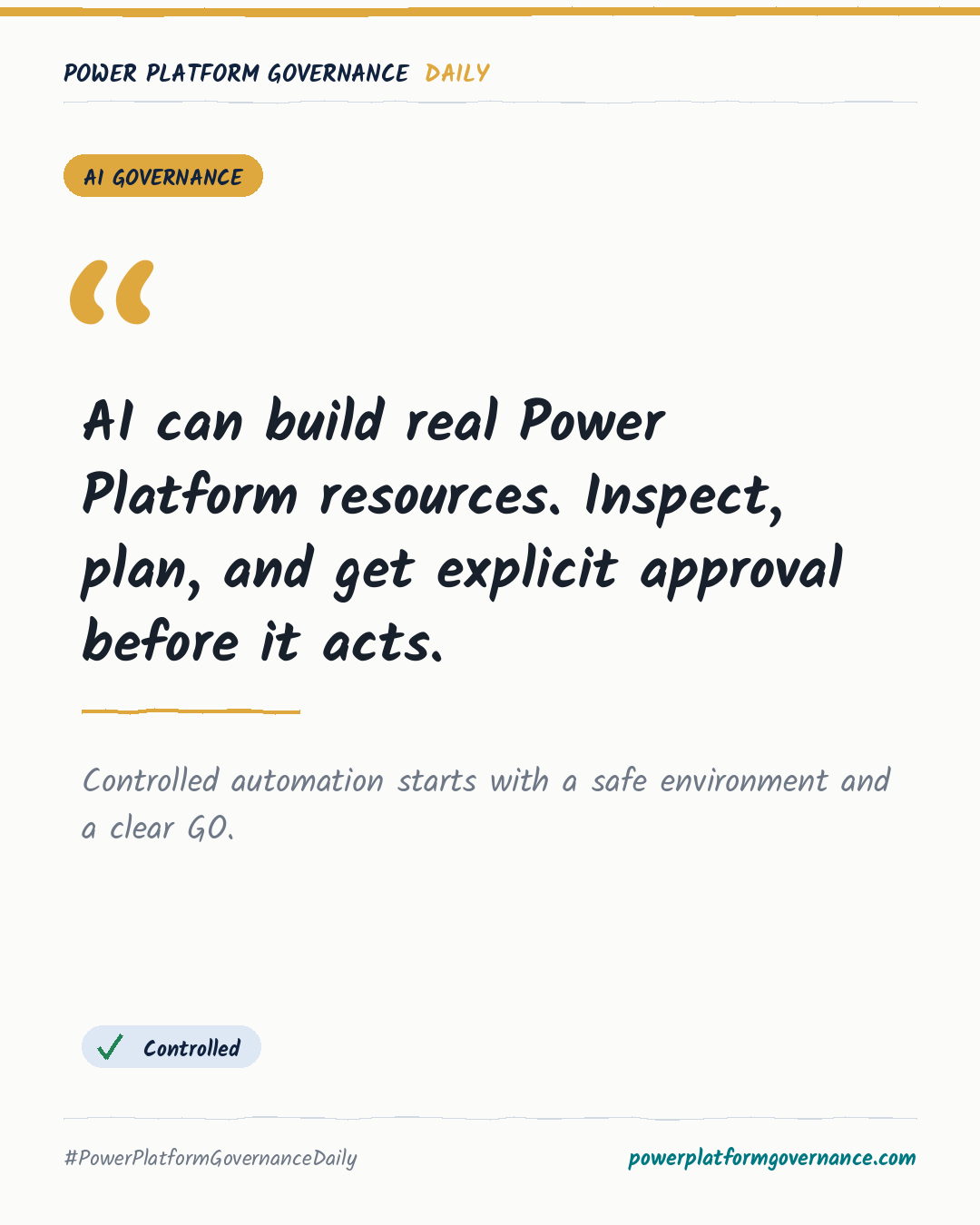
Governance card: AI can build real Power Platform resources. Inspect, plan, and get explicit approval before it acts.
By Power Platform Governance
1 min read
TL;DR
Power Platform MCP connects Copilot Studio to Power Automate, Power Apps, Dataverse and other resources through Streamable HTTP. The walkthrough sets a token-protected endpoint, recommends a non-production environment, limits the agent to needed tools, and instructs it to inspect first, propose a plan, wait for an explicit GO, then verify what it created.
Original by Ranjith D, on Microsoft 365 and Power Platform Community Blog. Read the original
This is our own summary, not a republication or full translation.
Governance takeaway
- Makers: Test agents in a Developer or sandbox environment and require an explicit GO before creating, editing or deleting resources to reduce accidental production impact.
- Admins/CoE: Choose only necessary permissions and tools; Copilot Studio supports up to 128 tools, while the guidance recommends about 25-30 for better results.
- Security/Compliance: Protect the HTTP endpoint with a long token and review the permissions granted through the Entra app consent process.
This post is licensed under CC BY 4.0 by the author.