Three Self-Service Controls Most Tenants Never Turn On
Diesen Beitrag auf Deutsch lesen
Blocking impulse license purchases per product, quarantining a problem app without deleting it, and greeting new makers with your actual rules instead of Microsoft's defaults.
TL;DR
Three controls exist today, cost nothing extra, and go untouched in most tenants: blocking self-service license purchases per product via PowerShell, quarantining a specific problem app without deleting or breaking it for makers, and replacing Power Apps’ generic first-run help with your own rules the moment a maker signs in. None of these require Managed Environments licensing math or a big rollout — they’re settings and cmdlets that exist right now.
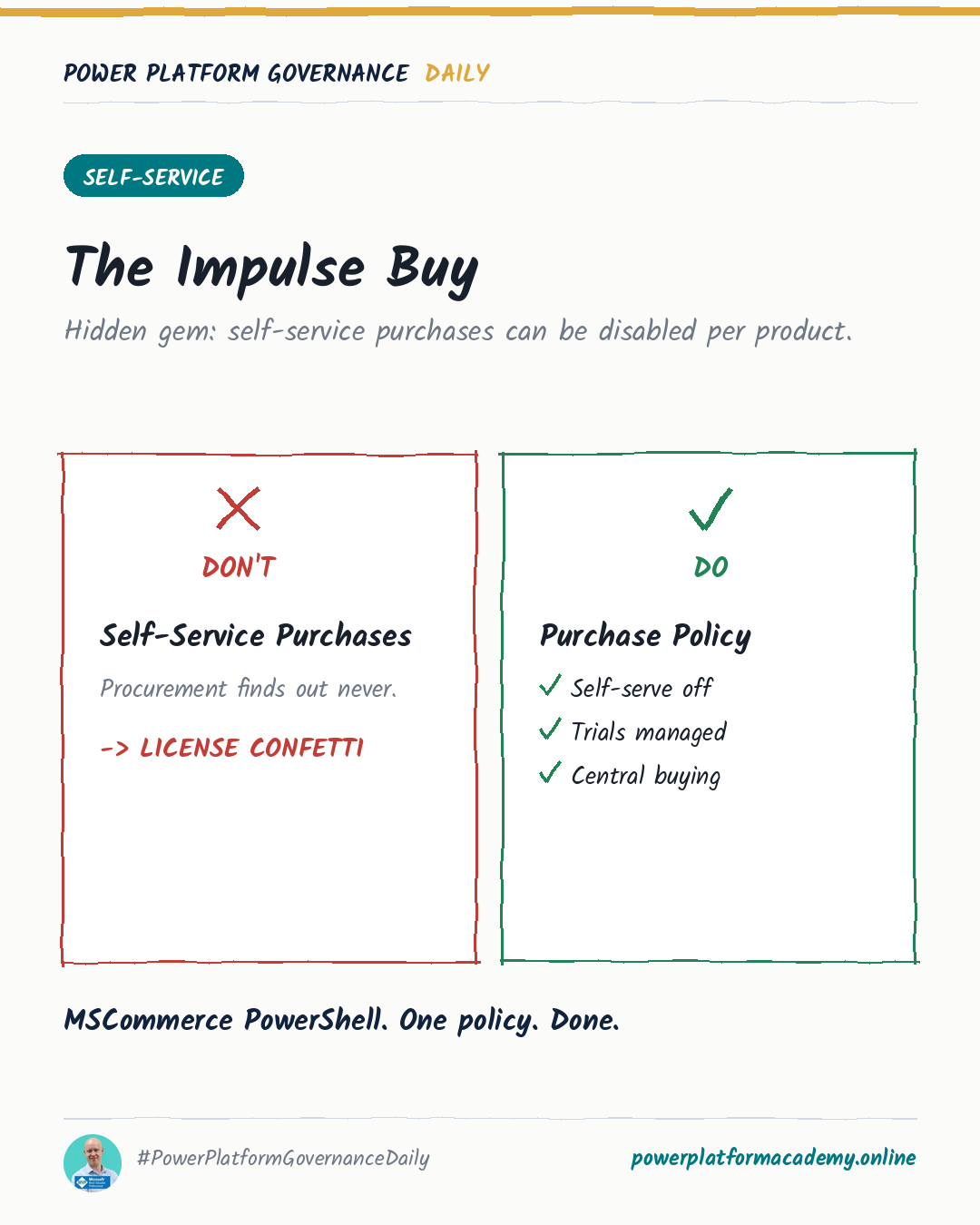
Self-service purchases: on by default, per-product to turn off
New Microsoft 365 and Power Platform products ship with self-service purchase enabled by default — anyone in the tenant can buy a subscription with a credit card, no admin involved, the moment they hit an upgrade prompt. There’s no single tenant-wide switch to turn this off; it’s controlled per product through the MSCommerce PowerShell module.
1
2
3
4
5
# See which products currently allow self-service purchase
Get-MSCommerceProductPolicies -PolicyId AllowSelfServicePurchase

# Turn it off for a specific product
Update-MSCommerceProductPolicy -PolicyId AllowSelfServicePurchase -ProductId <ProductId> -Enabled $False
Two things worth knowing before you run this tenant-wide: disabling the policy blocks both purchases and trials for that product, and turning off the prompt doesn’t remove in-product “Get Premium” nudges — those still surface, they just stop being able to start a trial. And if a self-service purchaser eventually leaves the company, their subscription doesn’t cancel itself; it keeps running until someone actively cancels it or an admin requests it through support. Reviewing existing self-service purchases (Microsoft 365 admin center → Billing → Your products) is worth doing before you start blocking new ones.
Quarantine: pull one app without deleting anything
Deleting a problem app is permanent and loses the maker’s work. Quarantine is the middle option: it makes the app instantly unavailable to end users while leaving it completely intact for the maker to keep editing and for admins to keep inspecting.
1
2
3
4
5
6
7
8
# Quarantine
Set-AppAsQuarantined -EnvironmentName <EnvironmentName> -AppName <AppName>

# Reverse it
Set-AppAsUnquarantined -EnvironmentName <EnvironmentName> -AppName <AppName>

# Check current state
Get-AppQuarantineState -EnvironmentName <EnvironmentName> -AppName <AppName>
The experience is precisely scoped: admins still see the app in the admin center and PowerShell regardless of state, makers can still open and edit it in Power Apps Studio, and only end users launching it get blocked — with one caveat, a user who already has the app open can keep using it for a few seconds before the quarantine takes effect. Quarantine currently covers canvas apps and code apps; model-driven apps aren’t supported yet.
Maker welcome content: replace the blank slate with your actual rules
The first time a maker opens Power Apps or Copilot Studio in a Managed Environment, they hit Microsoft’s generic first-run help by default — which says nothing about your DLP policy, your naming convention, or which environment they’re actually supposed to be building in. Maker welcome content replaces that screen with Markdown you write yourself, per environment or per environment group.
Setup: Power Platform admin center → Manage → Environments → select a managed environment → Edit Managed Environment → enter your text under Maker Welcome content, optionally add a Learn more URL pointing to your internal wiki, and optionally require makers to actively acknowledge a terms-of-use link before continuing — that acknowledgment gets logged and is auditable in Microsoft Purview.
Microsoft’s own adoption guidance suggests writing different content per environment type rather than one generic message: warn about restrictions in the Default environment, point to who to contact for support in Production, and explain the sandbox’s purpose in Developer environments. If the environment is part of an environment group, the group’s welcome content overrides whatever was set at the environment level — so decide where this actually gets authored before you configure it twice.
Who this matters to
- Admins/CoE: none of these three need a project — run the MSCommerce audit this week, keep quarantine in your back pocket as the response to a flagged app instead of jumping straight to deletion, and write real welcome content once instead of letting every new maker start from Microsoft’s blank default.
- Security/Compliance: self-service purchases create licensed products and data footprints admins didn’t approve — audit what’s already been bought before deciding which products to lock down, since blocking the policy going forward doesn’t touch what’s already active.
- Makers: a quarantined app isn’t a punishment you can’t see — it’s still fully open in Studio for you to keep working on; the only thing that changed is that end users can’t launch it until it’s lifted.