Connect Copilot Studio to SMS with Dynamics 365 Contact Center
Diesen Beitrag auf Deutsch lesen
A practical setup for SMS agents using a Power Platform environment, Dynamics 365 Contact Center, Twilio and explicit privacy guardrails.
Posted 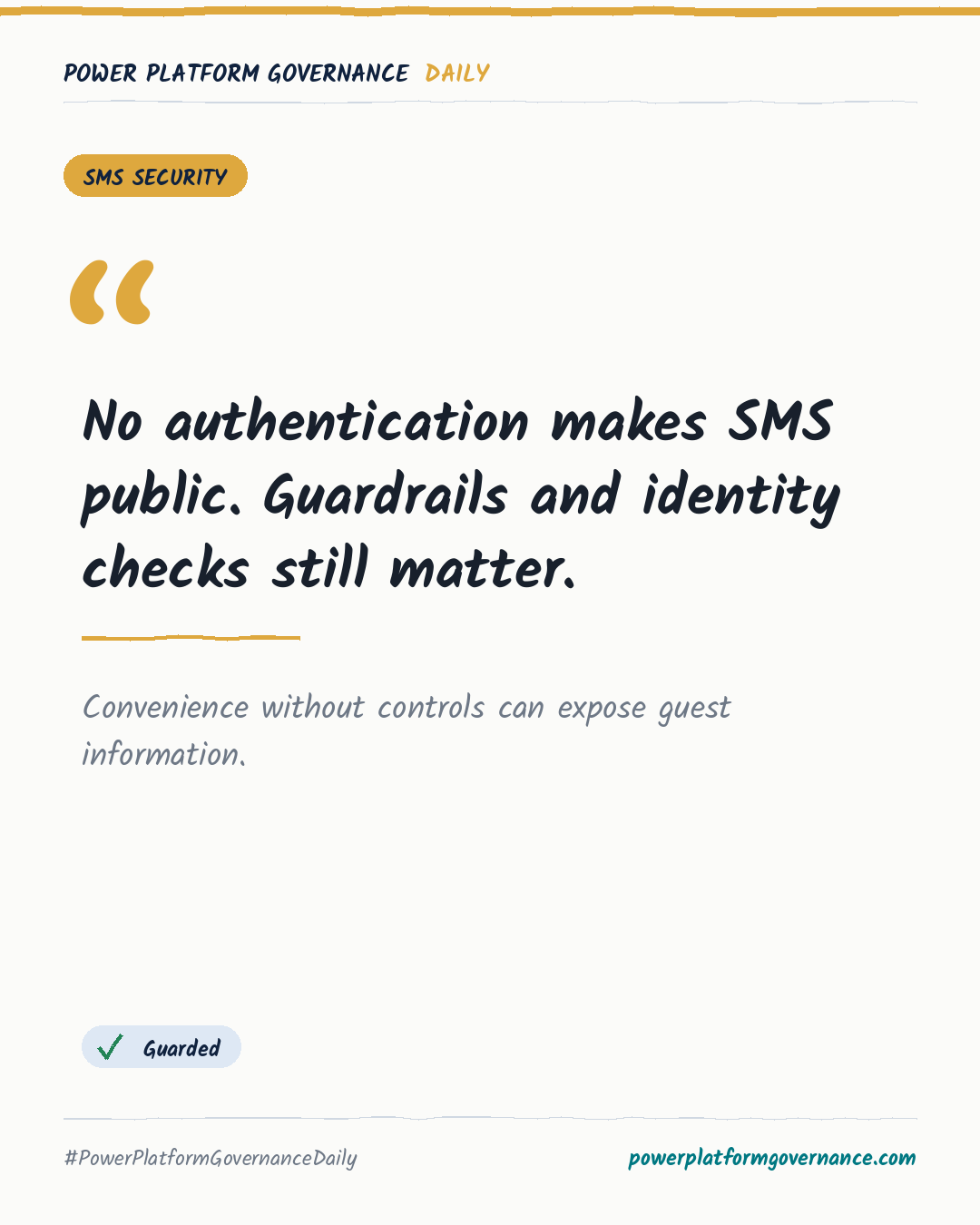
Governance card: No authentication makes SMS public. Guardrails and identity checks still matter.
By Power Platform Governance
1 min read
TL;DR
Copilot Studio can send and receive SMS through Dynamics 365 Contact Center and a paid Twilio account. The setup uses a Dataverse-enabled sandbox or production environment, the SMS channel, a messaging account, a webhook, an inbound workstream and an AI agent. The tutorial selects no authentication, so privacy rules and escalation guardrails are essential.
Original by Matthew Devaney, on Matthew Devaney. Read the original
This is our own summary, not a republication or full translation.
Governance takeaway
- Makers: Define knowledge boundaries, escalation rules and privacy instructions before connecting the agent to SMS, because the tutorial makes the agent publicly available through no authentication.
- Admins/CoE: Create a dedicated sandbox or production environment with Dataverse and Contact Center, then configure the SMS channel, messaging account and workstream.
- Security/Compliance: Review the public access model, identity verification, prohibited data handling and webhook credentials before launch.
- Leadership/Business: Fund a paid Twilio account and human escalation path, since SMS delivery and sensitive requests require operational support.
This post is licensed under CC BY 4.0 by the author.