Configure Once, Govern Many: The Environment Features You're Already Paying For
Diesen Beitrag auf Deutsch lesen
Environment routing, environment groups, and the seven-day recovery window — three Managed Environments features that replace manual per-environment work with a setting configured once.
TL;DR
Managed Environments bundle over twenty governance capabilities into one licensing switch, and most tenants use maybe three of them. Three worth turning on specifically because they replace ongoing manual work with a one-time configuration: environment routing (every new maker gets their own governed developer environment automatically, instead of piling into Default), environment groups (apply sharing limits, welcome content, and solution checker rules to dozens of environments as one policy instead of one at a time), and the built-in seven-day recovery window for accidentally deleted environments (a real safety net that most admins don’t know exists until they need it).
Environment routing: nobody has to be told where to build
Left alone, every new maker’s first Power Apps or Copilot Studio session drops them into the Default environment — the one environment nobody scoped for governance because it was never meant to hold anything important. Environment routing intercepts that: when enabled, a maker signing in gets automatically directed to their own personal developer environment instead, provisioned on the spot if they don’t have one yet.
The environments routing creates are managed by default, and — critically — can be pointed at a specific environment group, so a maker’s brand-new developer environment inherits your governance rules from the moment it exists rather than starting ungoverned and getting cleaned up later. Turn it on in Power Platform admin center → Manage → Tenant settings → Environment routing, choose which portals it applies to (Power Apps, Power Automate, Copilot Studio, Power Automate for desktop), and pick Everyone or a specific security group as the target.
One rule worth knowing before you flip the switch: only one routing rule can target “Everyone,” and if you already have multiple rules, that one must sit last in priority order — the system evaluates rules top to bottom and applies the first match.
Environment groups: the difference between one policy and forty repeated clicks
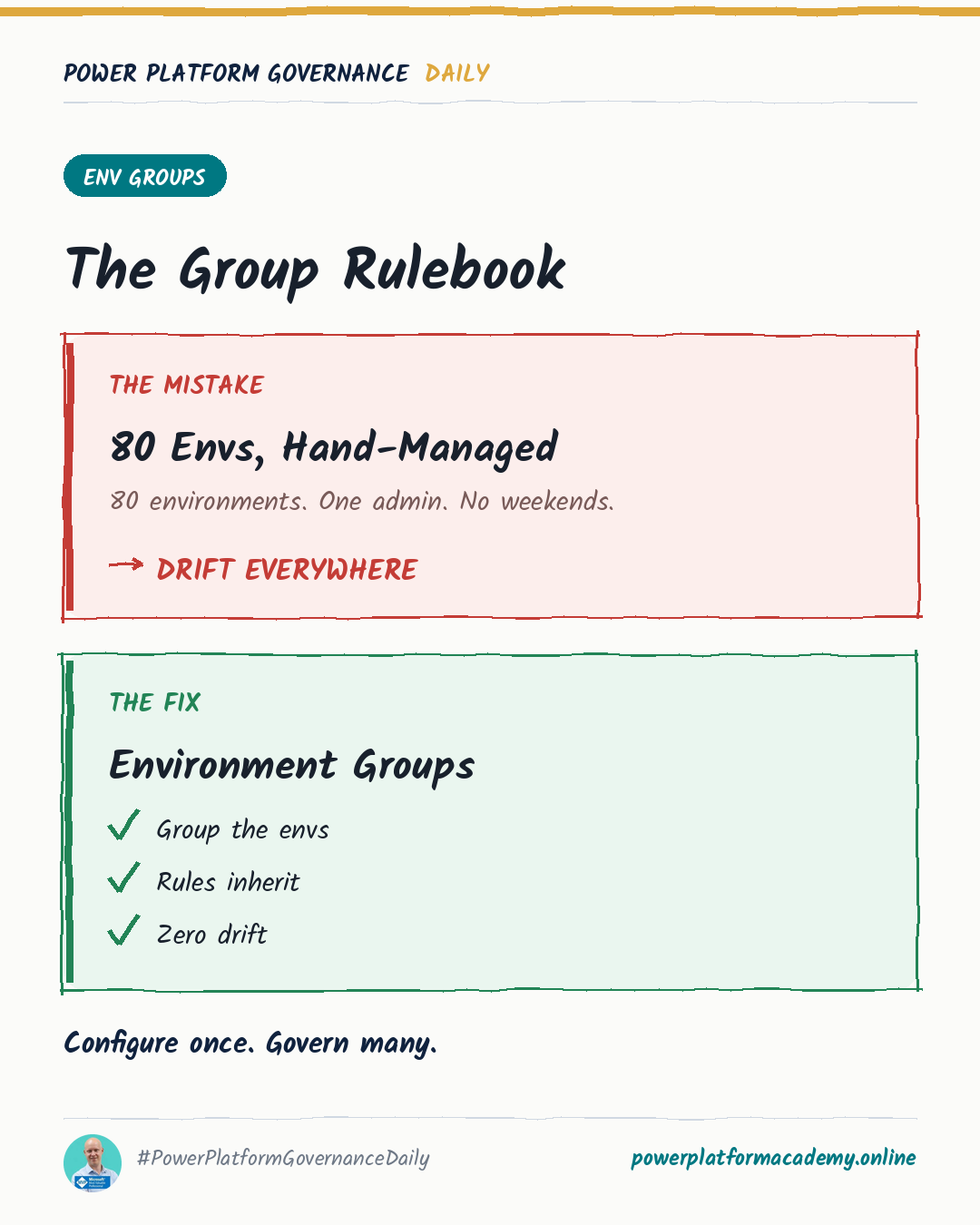
Environment groups let you apply a rule once — sharing limits, maker welcome content, solution checker enforcement level, backup retention, generative AI settings, and more — to every environment in the group at once. Add a new environment to the group later, and it inherits the group’s current rules immediately, no separate configuration pass required.
The one behavior worth knowing in advance: if an environment already has its own settings for something the group also controls (welcome content, sharing limits, and a handful of others), adding it to the group overrides those individual settings with the group’s — it’s not a merge. Plan the group’s rules before you add existing, already-configured environments to it, not after.
The recovery window nobody remembers exists
A deleted Power Platform environment isn’t gone for seven days — the Power Platform admin center keeps a Recently deleted environments list, and recovery is one click (or one PowerShell cmdlet) away during that window:
1
2
3
4
5
# List soft-deleted environments
Get-AdminPowerAppSoftDeletedEnvironment

# Recover one
Recover-AdminPowerAppEnvironment -EnvironmentName $environmentName -WaitUntilFinished $true
Production environments running Dynamics 365 applications get a longer window — up to 28 days. Recovery itself can take several hours, and it’s not a full undo: solution-aware cloud flows come back disabled and need to be manually re-enabled in dependency order, connections tied to changed credentials or owners may need reauthorizing, and application users and their service principal credentials are worth re-checking before you call anything back to normal. The safety net is real, but “recovered” still means “needs a validation pass,” not “exactly as it was an hour ago.”
Who this matters to
- Admins/CoE: turn on environment routing paired with a governed environment group as the default target — it’s the single change that stops the Default environment from accumulating new makers’ work by default, and it costs one tenant setting, not an ongoing process.
- Leadership/Business: Managed Environments is licensed once and unlocks over twenty features most tenants never configure — before buying anything new, check whether the capability you’re looking for is already sitting unused in what you already pay for.
- Security/Compliance: know the seven-day recovery window exists and what “recovered” actually restores — an accidental deletion is recoverable, but only if someone acts inside the window, and only with a validation pass afterward, not as an automatic full rollback.