Reduce Microsoft 365 audit preparation with five governance steps
Diesen Beitrag auf Deutsch lesen
Named owners, recurring access reviews, decision logs and scheduled reports keep Microsoft 365 audit evidence current and exportable.
TL;DR
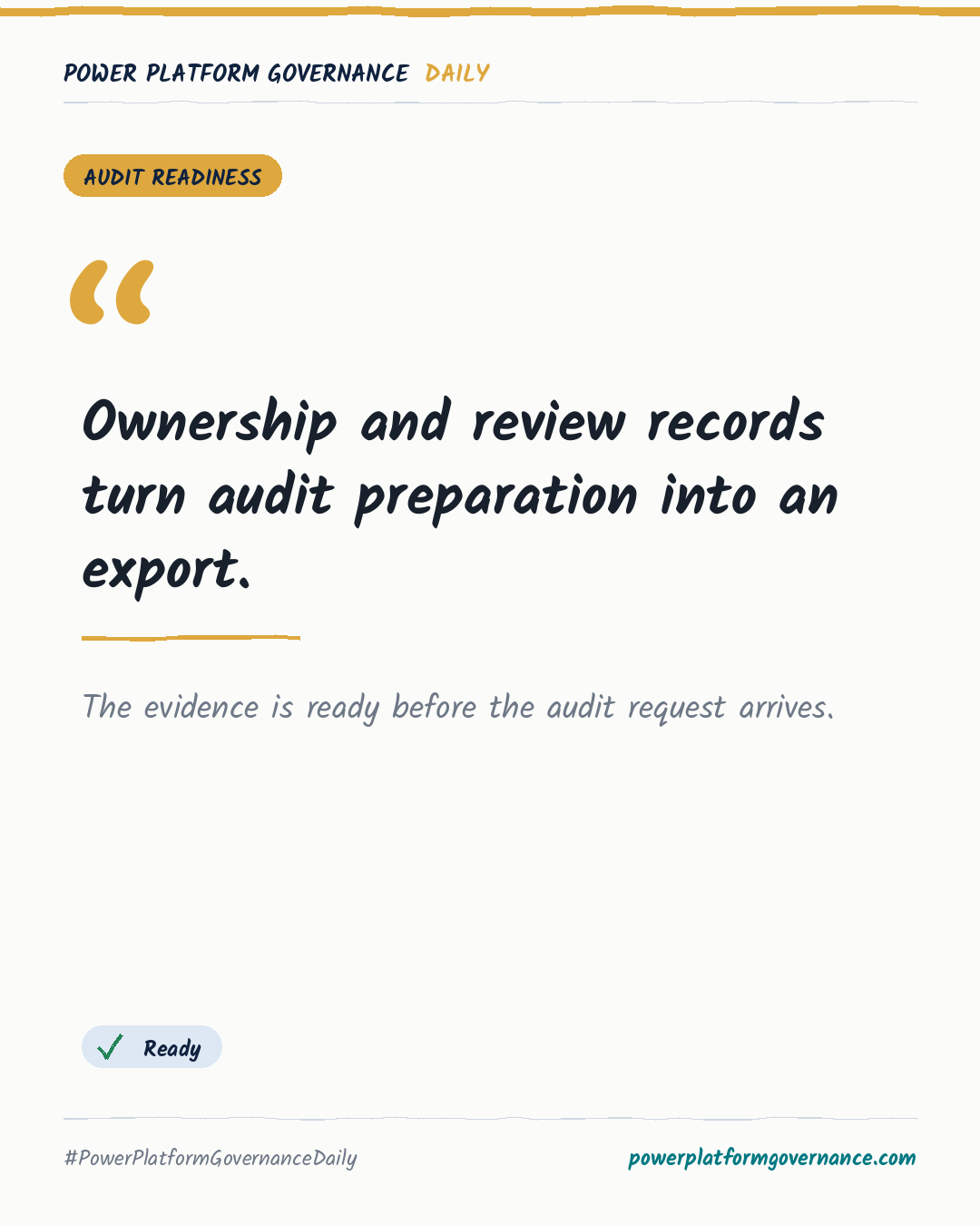
Microsoft 365 audit readiness requires a named owner for every workspace, recurring reviews of access and activity, a central record of decisions, and scheduled reports on inventory, violations and review results. These five steps replace last-minute evidence gathering with current records that can be exported when auditors ask.
Original by Torsten Mandelkow, on Rencore. Read the original
This is our own summary, not a republication or full translation.
Governance takeaway
- Admins/CoE: Require an owner when each team, site or group is created, with a fallback owner, so ownership questions need no later research.
- Security/Compliance: Group audit requests around ownership, access, review and removal, then retain dated decisions as evidence that controls ran.
- Leadership/Business: Prioritize sensitive or externally shared workspaces and treat ongoing evidence collection as routine operations, because unmanaged spaces create avoidable audit work.
Frequently asked questions
How should Microsoft 365 workspace ownership be assigned for audit readiness?
Assign a named owner when every team, site or group is created, and set a fallback if that owner leaves. This answers ownership questions directly.
How do recurring Microsoft 365 access reviews support audit evidence?
Owners should confirm access and purpose at a set interval, while inactive workspaces are archived. Each grant confirmation or removal becomes a dated record.
What Microsoft 365 reports should be scheduled before an audit?
Schedule recurring reports covering inventory, violations and review results. Reports can be delivered daily, weekly or monthly and exported when requested.