Prevent orphaned Power Automate approvals when managers change
Diesen Beitrag auf Deutsch lesen
Manager updates may not change active approvals. Validate approvers, record requests, monitor pending work and document safe reassignment or restart procedures.
TL;DR
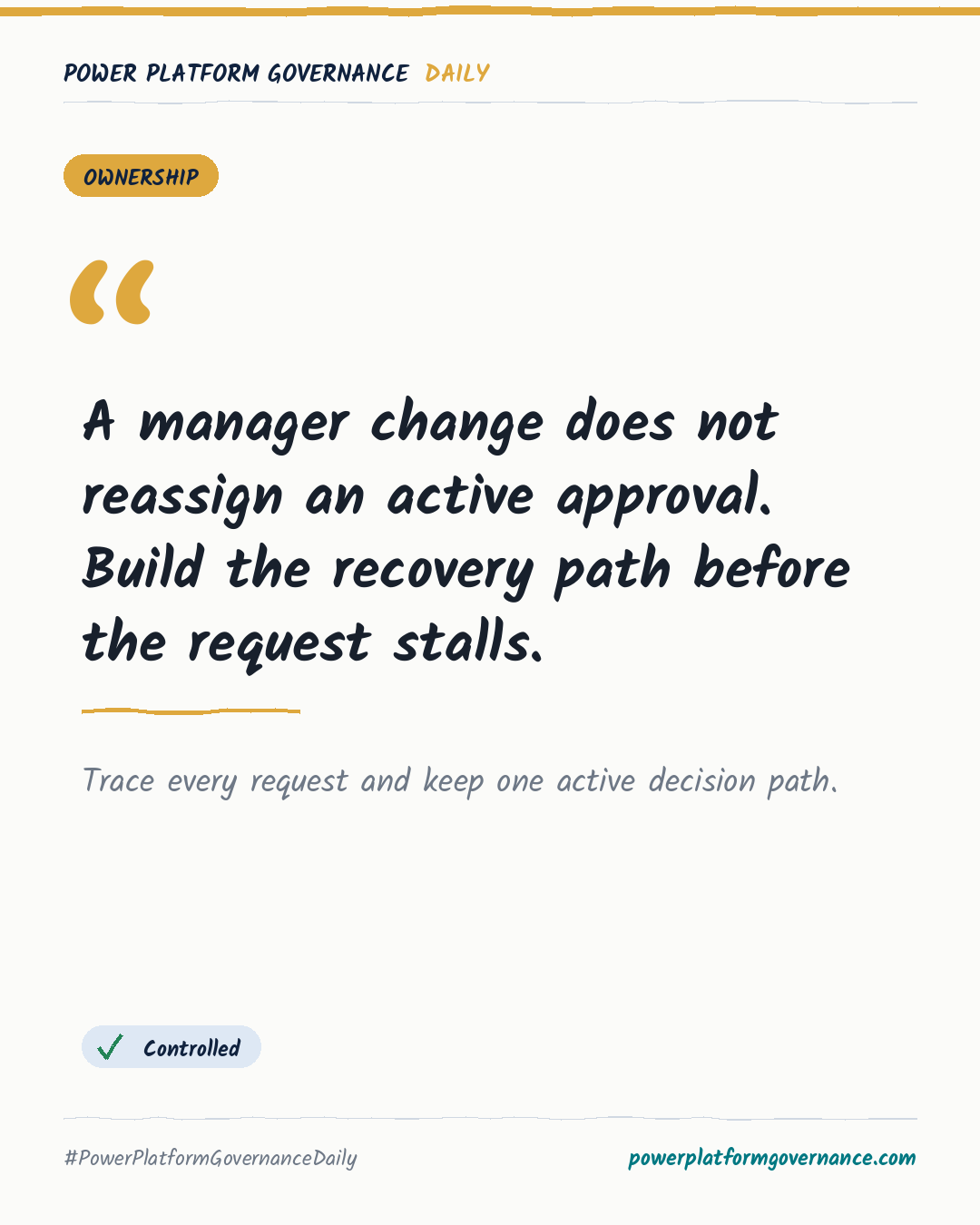
Power Automate does not necessarily reassign an active approval when a manager changes. Use Get manager (V2), validate the returned email, UPN or Entra ID, provide a named fallback, store request and approval references separately, and monitor pending work alongside flow history.
Original on Softchief Technologies. Read the original
This is our own summary, not a republication or full translation.
Governance takeaway
- Makers: Resolve and validate the current manager before creating an approval, then include fallback logic for missing or invalid recipients.
- Admins/CoE: Keep request records with approvers, approval references, statuses and routing changes, then monitor approval age alongside flow run history.
- Security/Compliance: Restrict access to approval records and document who may reassign, cancel or restart requests so decisions remain traceable.
Frequently asked questions
What does Get manager (V2) return when a Power Automate user has no manager?
Get manager (V2) can return No manager found when Microsoft Entra ID has no configured manager. The flow needs fallback handling.
How should a pending Power Automate approval be handled after a manager changes roles?
Compare pending requests with current manager data, then reassign where supported or cancel and replace the approval while preserving the original audit trail.
Why can Create an approval and Wait for an approval leave a Power Automate flow stuck?
A quick response can arrive before the wait action starts, leaving the flow stuck. Keep the actions close together or test this pattern carefully.