Power Platform Skills need guardrails before makers get unrestricted agent access
Diesen Beitrag auf Deutsch lesen
Power Platform Skills can remove approval prompts, giving agents the signed-in user's access across environments and connected services.
TL;DR
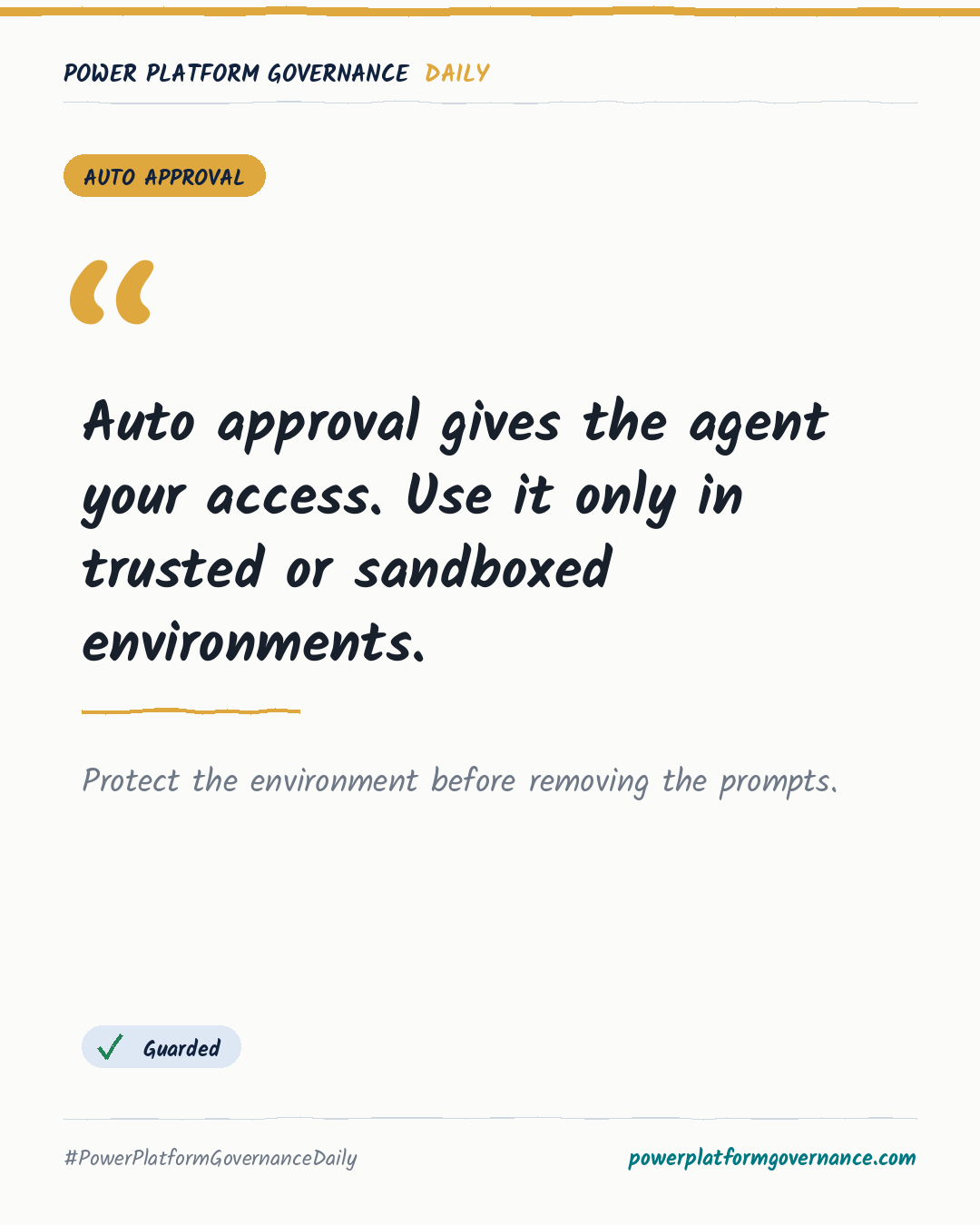
Power Platform Skills can reduce or remove approval prompts through the README's Running Without Interruption options. Auto approval gives the agent the user's machine access, potentially reaching every environment, connected SharePoint site, or mailbox. Use trusted or sandboxed environments before extending these capabilities beyond professional developers.
Original by Sadie Pepperrell, on Bright Ideas Agency. Read the original
This is our own summary, not a republication or full translation.
Governance takeaway
- Makers: Keep approval prompts unless the agent runs in a trusted or sandboxed environment, because auto approval uses your access.
- Admins/CoE: Build protections before rolling Power Platform Skills beyond professional developers, since signed-in makers can expose reachable environments and connected services.
- Security/Compliance: Treat every removed approval as a lost review point and assess the disruption possible through the user's permissions.
Frequently asked questions
What does the Power Platform Skills Running Without Interruption setting change?
The README offers two ways to reduce or remove approval prompts, and the second option removes them entirely.
What access does auto approval give a Power Platform Skills agent?
Auto approval gives the agent the same access as the signed-in user on that machine.
Why are maker accounts risky when Power Platform Skills commands are auto approved?
A maker signed in as themselves may let the agent reach every environment and connected SharePoint site or mailbox available to their account.